Added to Chrome

Aripsy is in your browser
Three quick steps, then turn a lecture, an article or a PDF into notes, flashcards and practice questions.
Then click the Aripsy icon and press Log in in the panel that opens. You only do this once.
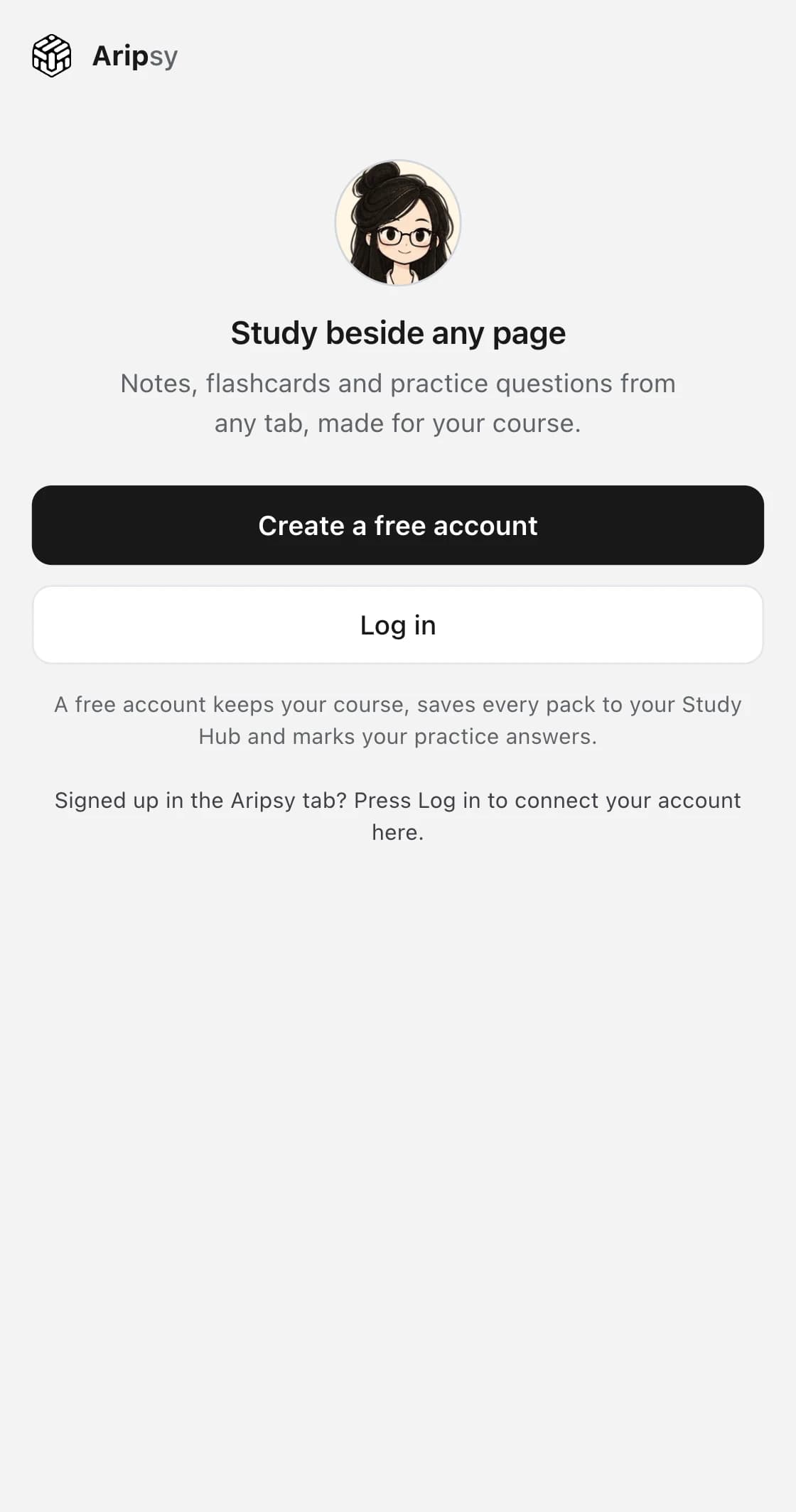
Step 2 · Log in once in the panel
Try it now
Open one of these, then click the Aripsy icon
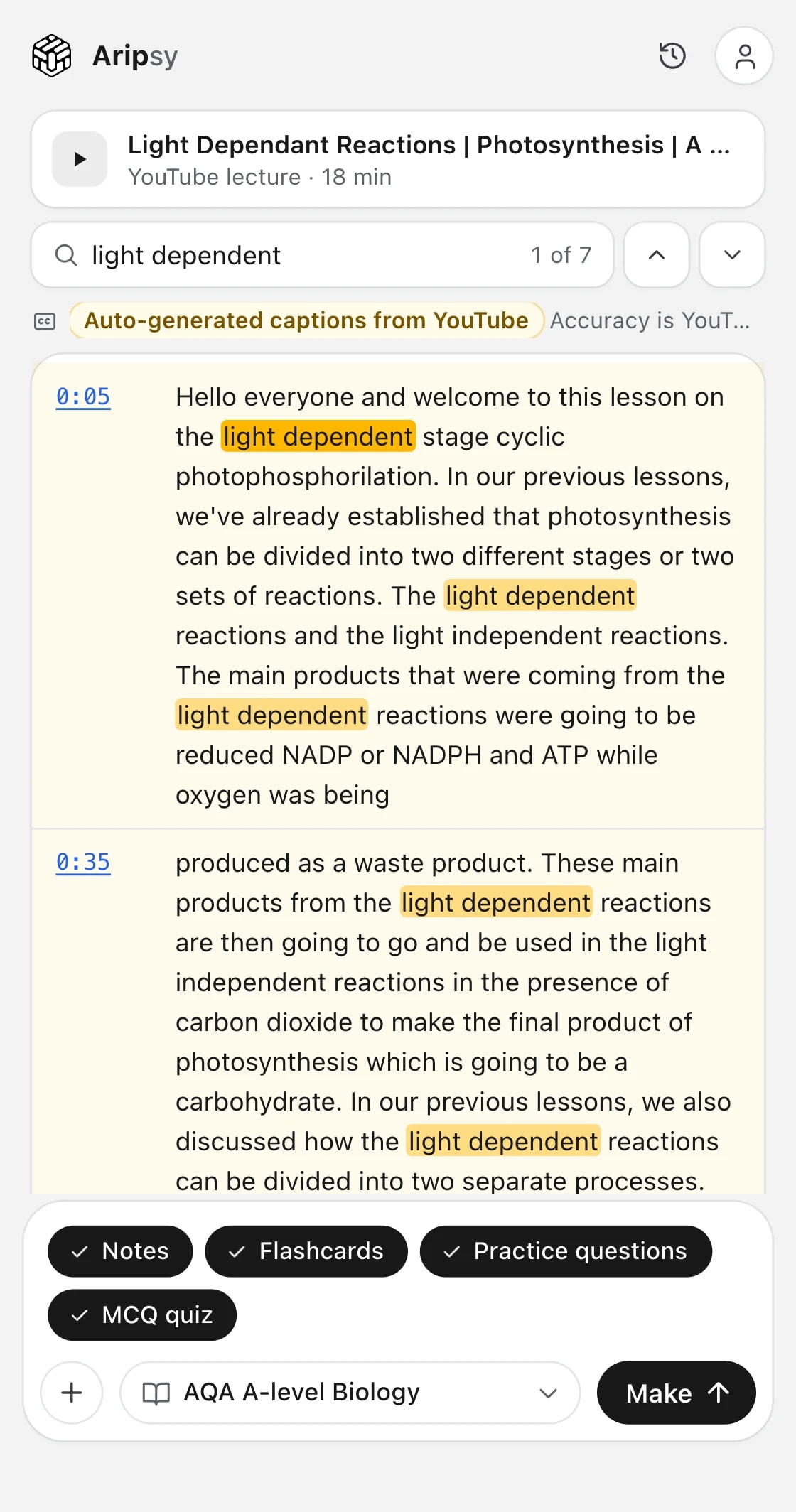
A YouTube lecture
An A-level lecture on light-dependent reactions, by Alt Academy (CC BY). Read its transcript beside the video, then make notes and flashcards from it.
Open the lecture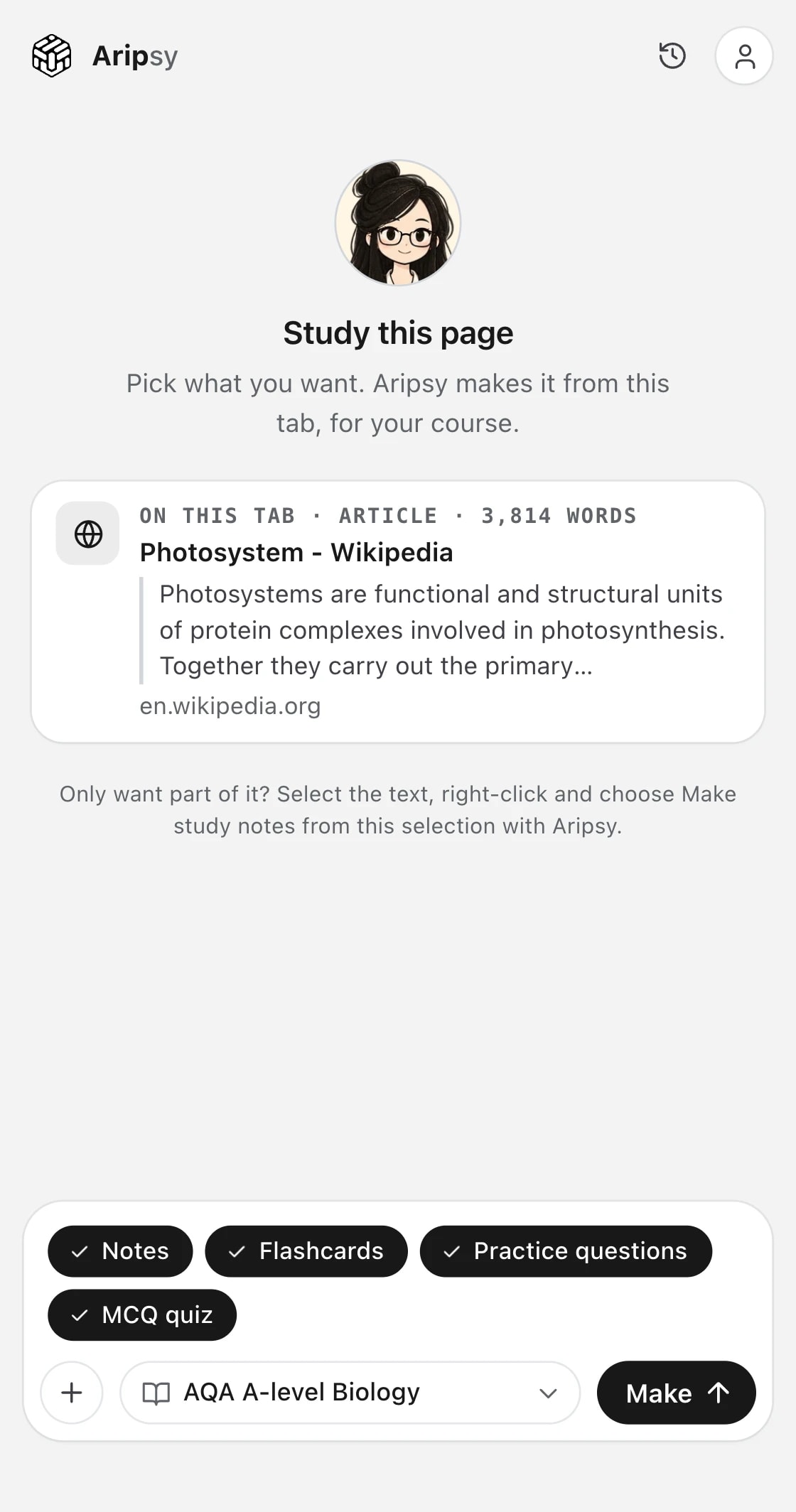
An article
Photosystem on Wikipedia. Aripsy reads it and makes the pack right in the panel.
Open the article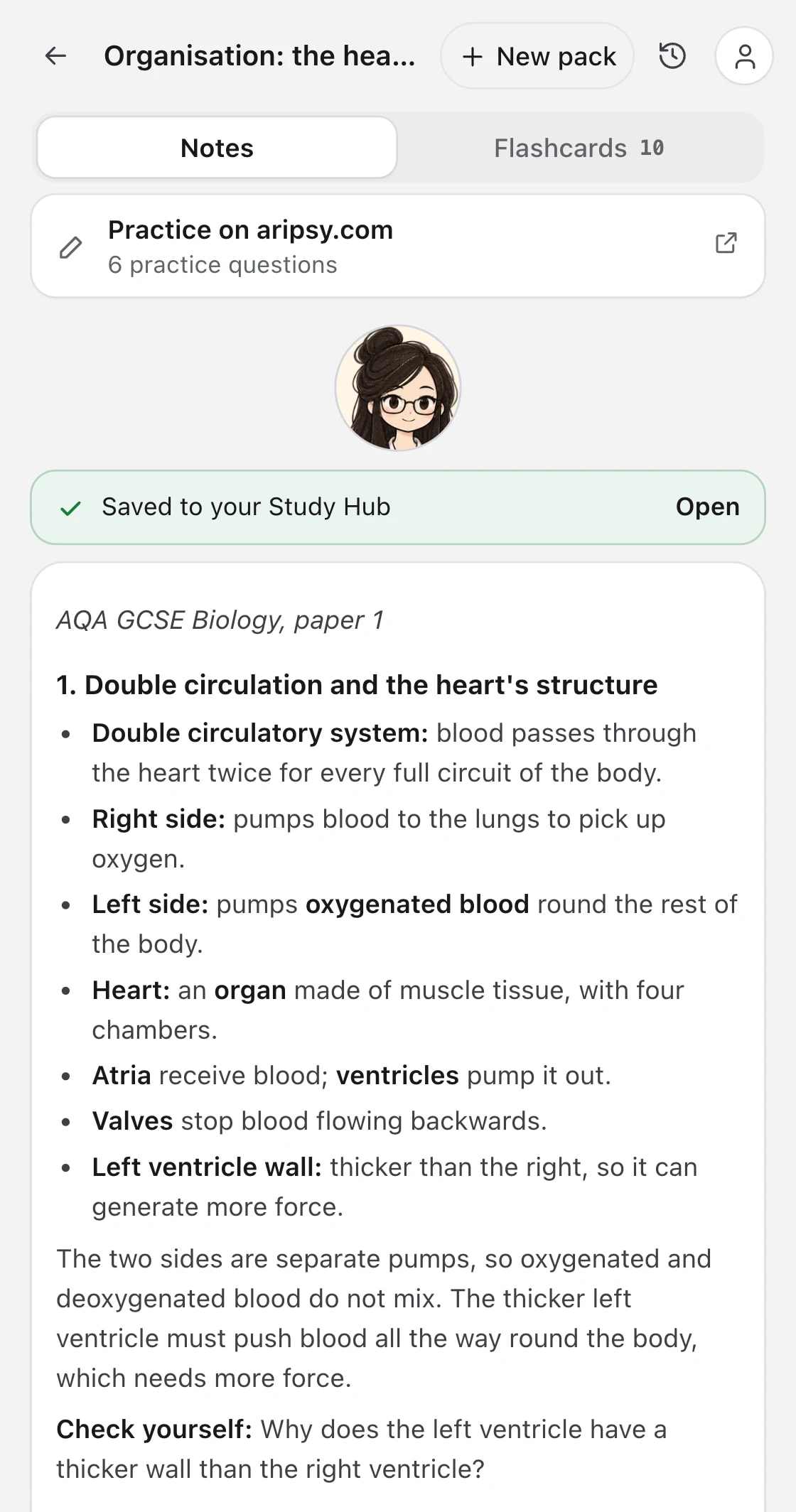
Your notes
Paste your notes into the panel, or press + to add a PDF, PowerPoint or Word file.
Don't see the Aripsy icon? Click the puzzle piece in Chrome's toolbar and choose Aripsy. If the panel hasn't read your page, click the Aripsy icon again on that tab.