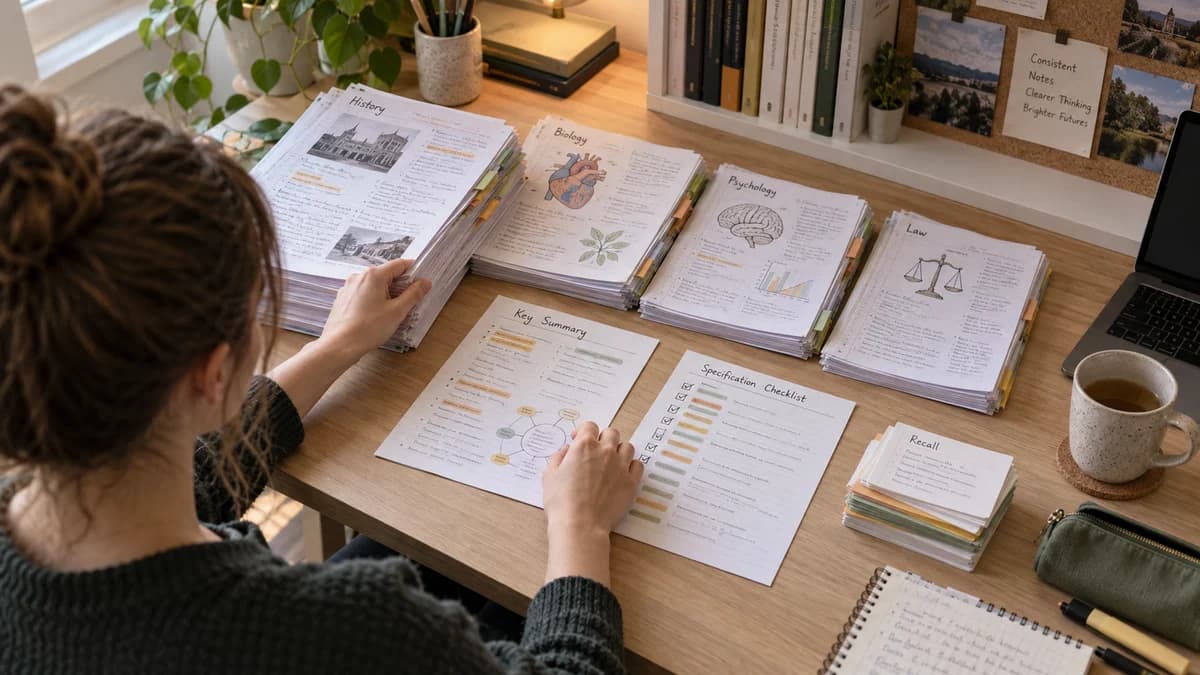
Lecture Notes to Flashcards: A Better Active Recall Workflow
A practical way to turn messy lecture notes into flashcards that test memory, understanding, and exam application.
 Aripsy Study Team
In this article13
Lecture notes are often messy because lectures move quickly. You write down examples, half-finished explanations, slides, and things the teacher says out loud. That is normal. The problem starts when those notes stay messy until exam week.
Turning lecture notes into flashcards gives you a cleaner revision loop: understand the topic, test it, fix the weak cards, and review again later.
Quick answer: how do you turn lecture notes into flashcards?
First clean the notes into short sections. Then create flashcards that test one idea at a time: definitions, steps, examples, comparisons, formulas, and common mistakes. Review the cards using active recall, not rereading.
Step 1: Separate facts from explanations
Before making cards, split your lecture notes into two groups:
- Must-remember facts: terms, formulas, dates, cases, structures, methods.
- Understanding notes: why something happens, how ideas connect, examples from class.
Flashcards work best for the first group, but the second group helps you write better questions.
For example, in psychology, a fact card might ask for the definition of working memory. An understanding card might ask how the working memory model differs from the multi-store model.
Step 2: Make one card per idea
The biggest flashcard mistake is putting too much on one card.
Weak:
Explain photosynthesis, limiting factors, and the required practical.
Better:
What are the reactants in photosynthesis?
What happens to the rate of photosynthesis when light intensity increases?
Which variable should be controlled in a photosynthesis practical?
Short cards are easier to review honestly. If you get one small point wrong, you know exactly what to fix.
Step 3: Use different card formats
Not every card should be a definition.
| Card type | Example prompt |
|---|---|
| Definition | What does this term mean? |
| Difference | How is X different from Y? |
| Cause | Why does this happen? |
| Sequence | What are the steps in order? |
| Application | What would happen in this scenario? |
| Mistake | What is wrong with this answer? |
This mix helps you move beyond memorising phrases.
Step 4: Add the lecture context
If your teacher repeated a point, gave a warning, or linked a topic to an exam question, include that context.
Useful notes to keep:
- “Teacher said this often appears as a graph question.”
- “Need units in final answer.”
- “Do not confuse validity with reliability.”
- “Case name must be spelled correctly.”
- “Use the specification wording here.”
These details make your cards more exam-relevant.
Step 5: Review and edit
Generated flashcards are not finished revision material. Check them before you rely on them.
Remove:
- Duplicate cards.
- Cards with two correct answers.
- Vague questions.
- Answers copied as long paragraphs.
- Facts not covered in your course.
Add:
- Missing examples.
- Diagrams or labels where useful.
- Cards from mistakes in homework or past papers.
How Aripsy helps
You can paste lecture notes into Aripsy and generate cleaner notes or flashcards. Pro users can also create MCQs and fill-in-the-blank practice from the same material.
Use the output as a draft. The strongest decks still need your edits and source checking.
Source to check
Example: one lecture becomes a useful deck
Imagine a 50-minute university biology lecture on cell membranes. Your notes include a diagram, a definition of diffusion, a class example about osmosis, and a warning that students confuse active transport with facilitated diffusion.
Turn that into a deck like this:
| Lecture note | Flashcard prompt | Why it helps |
|---|---|---|
| Diffusion definition | What is diffusion? | Tests exact vocabulary |
| Osmosis example | Why does water move into the cell in this example? | Tests application |
| Membrane diagram | Which structure controls movement in and out of the cell? | Uses visual context |
| Teacher warning | How is active transport different from facilitated diffusion? | Targets a common mistake |
This deck is better than cards copied directly from slides because each card has a job.
Flashcard formats compared
| Format | Best use | Risk |
|---|---|---|
| Basic question-answer | Definitions, short facts | Can become too easy |
| Cloze deletion | Key terms inside a sentence | Can test random words if overused |
| Compare cards | Similar concepts | Needs precise wording |
| Scenario cards | Application and exam reasoning | Can become too long |
| Mistake cards | Fixing past-paper errors | Requires honest review |
If your notes come from a PDF, start with the PDF-to-study-guide workflow. If your notes are already clean, move straight into flashcards. If your exam uses multiple-choice questions, follow with quiz and MCQ practice from notes.
How to avoid a bloated flashcard deck
A bloated deck feels productive but slows revision. Avoid cards for:
- Tiny details you already know.
- Sentences copied from slides.
- Examples that are not examinable.
- Multiple ideas in one answer.
- Cards that only make sense with the page open.
Instead, prioritise:
- Definitions and command-word phrases.
- Formula meanings and units.
- Steps in a process.
- Comparisons between similar terms.
- Mistakes from homework, quizzes, or past papers.
For GCSE, the best cards often come from required practicals and formulas. For A-Level and university, cards should also test explanations and links between topics.
Internal revision loop
Use this loop after each lecture:
- Convert notes into a short structure.
- Generate 10 to 25 flashcards.
- Delete weak or duplicated cards.
- Add cards from mistakes.
- Use one or two MCQs to test application.
- Return to the cards after a delay.
That loop connects notes, flashcards, MCQs, and practice instead of treating them as separate tasks.
FAQ
Should I make flashcards during the lecture?
Usually no. Capture the lecture first. Turn the notes into flashcards later when you can check what the lecturer meant.
How many flashcards should one lecture become?
For a normal lecture, start with 10 to 25 cards. If you need more, split the lecture into smaller topics.
Are AI-generated flashcards reliable?
They are useful first drafts, but they can miss nuance or create vague questions. Review them against your lecture slides, textbook, and source material.
Keep exploring
Learning Science
Use active recall, spaced practice, flashcards, and mistake review as parts of a realistic revision routine.
Explore Learning Science guides
Written by
Aripsy Study Team
The Aripsy Study Team creates practical revision guides designed to support learning, source checking, and active practice.