Top Anki Alternatives for Students in 2026: AI Flashcards, Notes & Spaced Repetition
The best Anki alternative in 2026 depends on what Anki is not doing for you: Aripsy generates exam-board-aware flashcards, MCQs and marked short answers from your own notes and files; Quizlet gives the cheapest yearly plan and familiar study modes; NotebookLM makes free, cited cards and quizzes from a pack of documents; Knowt adds board-organised hubs and mock exams; RemNote keeps cards inside your notes with FSRS or SM-2 scheduling; Brainscape offers a generous free card tier; and StudyFetch builds a workspace around lecture recordings. Prices and limits were checked on 15 October 2026.
 Aripsy Study Team
In this article11
Anki is free and precise, but it makes you write every card. The alternatives below trade some of that control for generation from your own notes, course settings or easier modes. We scored seven on five criteria.
Aripsy publishes this guide and is one of the tools listed. Each price, limit and feature below links to the vendor page it was read from, with the date, so you can verify it yourself.
Student comparing digital flashcard and note-taking tools for revision
Key takeaways
- Aripsy replaces the card-writing step: paste notes or upload a PDF, slides, Word file or recording and get board-aware flashcards, MCQs, fill-in-the-blank and marked short answers. Pro is $7.99 a month or $49.99 a year.
- Quizlet has the lowest yearly price of the paid tools here, $35.99 for Plus, and five study modes on a free tier with unlimited own sets.
- NotebookLM generates flashcards and quizzes from up to 50 sources per notebook on its free tier, every answer cited to your documents.
- RemNote is the closest to Anki in spirit: cards written inside your notes, scheduled with FSRS or Anki SM-2, free for unlimited cards.
- Knowt and Brainscape both give unlimited free cards; Knowt adds board-organised hubs and mock exams, Brainscape adds AI creation from uploads on the free plan.
What an Anki alternative actually is (and what it is not)
Anki does one thing: it schedules cards. You decide what goes on each card, type it or import it, and the program shows it again at an interval based on how well you remembered. Its deck options offer FSRS as an alternative to the legacy SM-2 algorithm (Anki manual, read 16 October 2026), and it imports text files, packaged decks and Mnemosyne files (importing). It has no library, no AI, no course setting and no idea what a PDF is.
An alternative, then, is a tool that takes over one of the jobs Anki leaves to you. Most of the tools in this guide generate the cards from material you give them, which is the step students find slowest. Some add a saved exam-board setting so the wording matches your specification. Some offer practice types Anki cannot produce: multiple-choice questions, fill-in-the-blank and written answers with feedback. A few keep a spaced-repetition scheduler close to Anki’s; most simplify it.
What an alternative is not: a better scheduler. None of the tools here claims to out-schedule Anki, and our five criteria deliberately do not score scheduling precision, because there is no published comparison we could cite. If reviews over many months are your whole problem, keep Anki and use one of these tools to draft cards into it. If your problem is getting from a lecture to a checked deck in one evening, or practising the question types your exam actually uses, an alternative can earn its place. Either way, generated cards are drafts: read each against the source before a scheduler starts repeating it.
How we ranked these tools
Every comparison on Aripsy scores the same five criteria, so you can read results across posts. We read each vendor’s pricing and help pages on the dates shown. There was no controlled test of card accuracy or retention, so the order reflects published prices and features rather than measured learning.
- Price for a year of paid access. The cheapest paid plan billed yearly where offered, in the currency the vendor displayed.
- Works from your own material. Pasted text and uploads of PDF, PowerPoint, Word and audio.
- Exam-board and curriculum context. A saved setting that shapes generated output, or at least content organised by board.
- Practice types generated. Flashcards alone, or also notes, MCQs, fill-in-the-blank and written answers with feedback.
- What the free tier allows. Published limits on the free plan.
Prices and limits were checked on 15 October 2026 unless an entry says otherwise. Plans change; confirm on the vendor’s page before paying.
Anki on the same five criteria
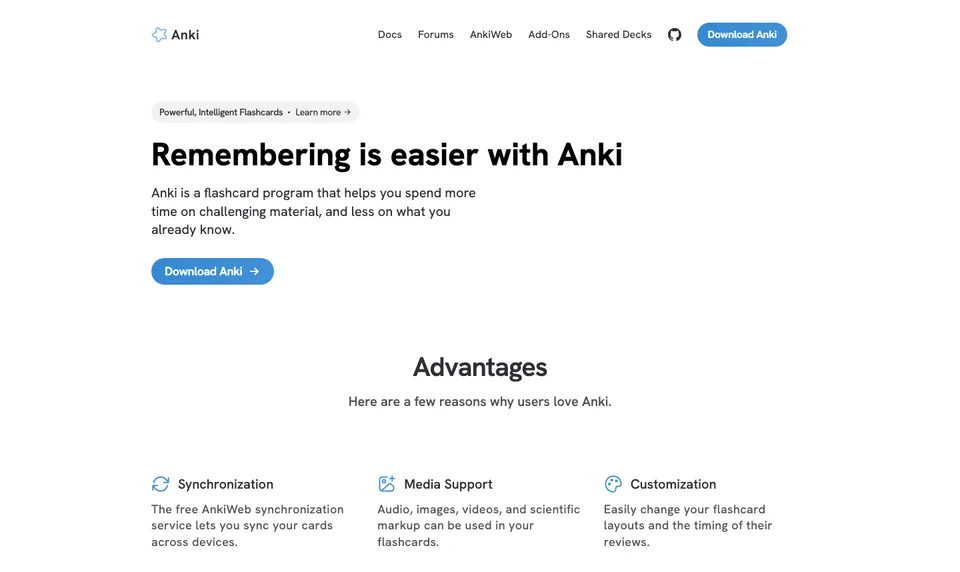
To make the ranking fair, here is Anki scored the same way as the alternatives.
- Company: Community project; Anki is a registered trademark of Ankitects Pty Ltd (Anki)
- Platforms: Windows, macOS, Linux, Android (AnkiDroid), iOS (AnkiMobile)
- Price: Free on desktop, AnkiWeb and Android; AnkiMobile is a one-off $24.99 on the US App Store (App Store)
- Free tier: The full program with no limits, except the iOS app
- Own material: Cards you write or import; no document upload or AI generation
- Exam-board context: None
- Practice types: Flashcards and cloze cards with spaced repetition
On price and free tier nothing beats it. On the other three criteria it scores lowest of any tool in this guide, which is exactly why students look for an alternative. For a workflow that keeps Anki’s scheduler and drafts cards elsewhere, see Anki vs AI flashcards.
The best Anki alternatives for students in 2026
1. Aripsy: best for generating board-aware cards and practice from your own notes
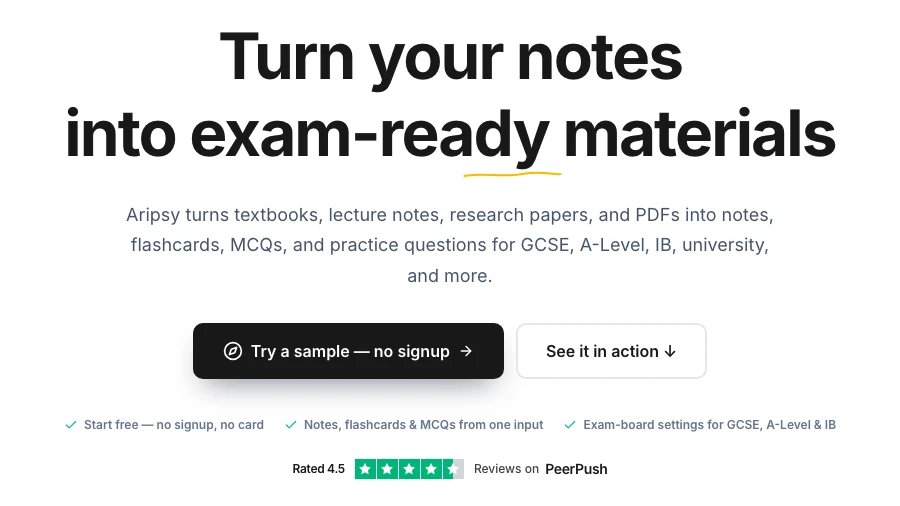
Aripsy removes the step Anki leaves to you. Paste a section of notes or upload a file, set your subject, level and exam board, and it produces a study pack: notes, flashcards, MCQs, fill-in-the-blank practice and short-answer questions. Short answers worth one to four marks are checked against marking points generated from your own source, with an estimated mark. Those marking points are not an official mark scheme, and uncertain results are flagged.
- Company: Aripsy, founded by Amin Mudassir (LinkedIn)
- Platforms: Web
- Price: Pro $7.99 a month or $49.99 a year (pricing)
- Free tier: 15 AI study packs a month, up to 5 a day, and one successful document upload a month after sign-in; notes can be tried without an account
- Own material: Pasted text, PDF, PowerPoint, Word and audio up to 15 minutes
- Exam-board context: Saved settings for AQA, Edexcel, OCR, IB, AP, SAT and more shape every output
- Practice types: Notes, flashcards, MCQs, fill-in-the-blank and marked short answers (MCQs and fill-in-the-blank on Pro)
Where it is weaker: the scheduler is far simpler than Anki’s, with no FSRS or interval settings to tune, so a multi-year medical deck is not what it is built for. There is no desktop app and no import of Anki decks. The free tier’s one document upload a month is the main limit before Pro, and generated cards need checking like any AI output.
Best suited for: students who spend more time writing cards than reviewing them and want practice that matches their exam board. Try one topic, check it, then decide whether to keep reviewing in Aripsy or move the checked cards into Anki.
2. Quizlet: best cheapest yearly plan with familiar study modes
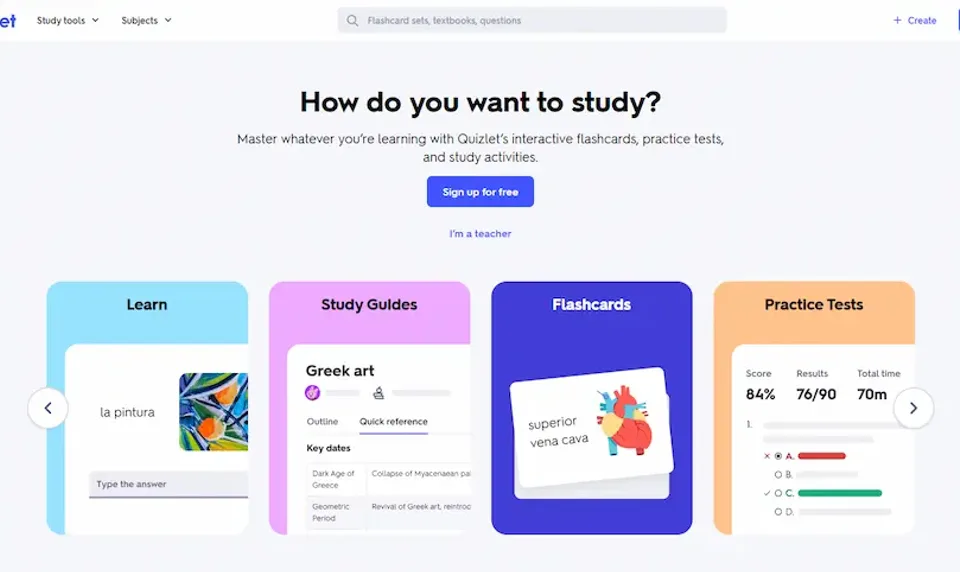
Quizlet is the opposite of Anki in feel: no settings to learn, five study modes from the first set, and a large library of sets made by other students and teachers. AI study tools work on your own notes and documents, with access varying by plan.
- Company: Quizlet Inc, San Francisco, founded 2005 (Wikipedia)
- Platforms: Web, iOS, Android
- Price: Quizlet Plus $7.99 a month or $35.99 a year; Plus Unlimited $9.99 a month or $44.99 a year, US offer reviewed 28 September 2026 (upgrade page). The US App Store showed Plus at $9.99 a month or $44.99 a year on 15 October 2026
- Free tier: Unlimited own sets and the core study modes, with ads (help centre)
- Own material: Own sets, notes and documents; AI tools on uploads vary by plan
- Exam-board context: None applied to own material; shared sets are searched by topic
- Practice types: Flashcards, Learn, Test, written and fill-in-the-blank questions. Q-Chat was retired after 30 June 2025 (Quizlet blog)
Where it is weaker: an Anki user will notice the scheduling first. Quizlet’s listed modes are study sessions, and none of the pages we reviewed describes an adjustable long-term scheduler. There is no course or board setting, so a shared set can follow a different syllabus without warning. Ads on the free plan and AI limits that vary by plan are the other common complaints.
Best suited for: students who want the lowest-cost paid plan and familiar modes over scheduler control. See Aripsy vs Quizlet, or the Quizlet alternatives guide if you are weighing both.
3. NotebookLM: best free cards and quizzes from a pack of documents
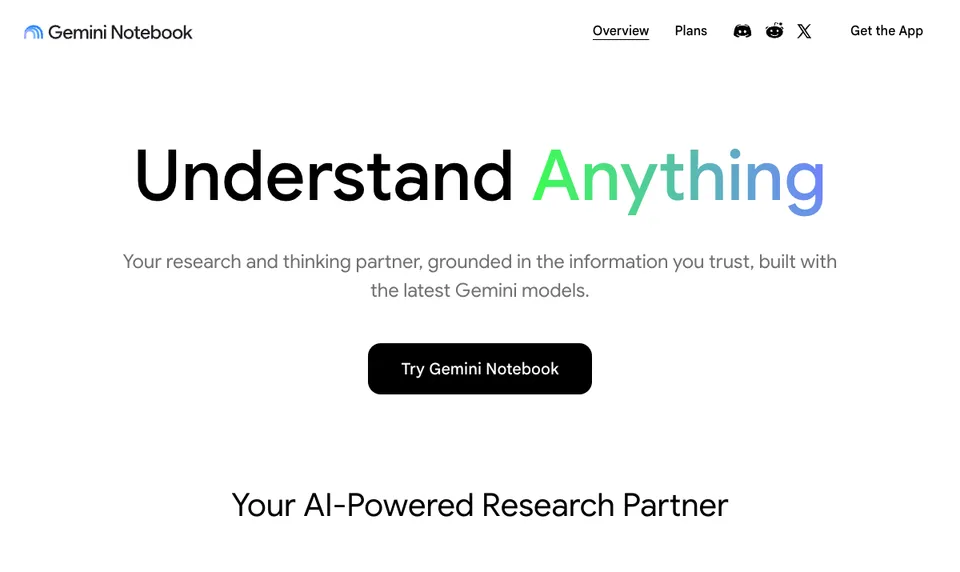
NotebookLM, which Google is renaming Gemini Notebook (announcement), answers questions only from the sources you add to a notebook, with citations, and generates flashcards, quizzes, study guides and Audio Overviews from them. Where Anki holds cards, NotebookLM holds the documents the cards came from.
- Company: Google LLC; launched 12 July 2023 (Google blog)
- Platforms: Web, iOS, Android
- Price: Google AI Plus $4.99 a month or Google AI Pro $19.99 a month on Google’s US subscriptions page on 16 October 2026 (subscriptions); no yearly price shown. Eligible students outside the US can claim a free year of AI Plus, and US college students a free year of AI Pro (Google blog)
- Free tier: Standard: 100 notebooks, 50 sources each (help)
- Own material: PDFs, websites, YouTube links, audio, Google Docs and Slides
- Exam-board context: None
- Practice types: Flashcards, quizzes, study guides, Audio Overviews
Where it is weaker: there is no spaced-repetition scheduler to speak of, no exam-board setting, no marked written answers and no fill-in-the-blank mode in the help page we reviewed. It cannot import an Anki deck. If a required formula is absent from your sources, the cards will be too.
Best suited for: students with a complete pack of lecture slides and readings who want free, cited cards and quizzes to draft from. See Aripsy vs NotebookLM.
4. Knowt: best for board-organised hubs and mock exams on a free tier
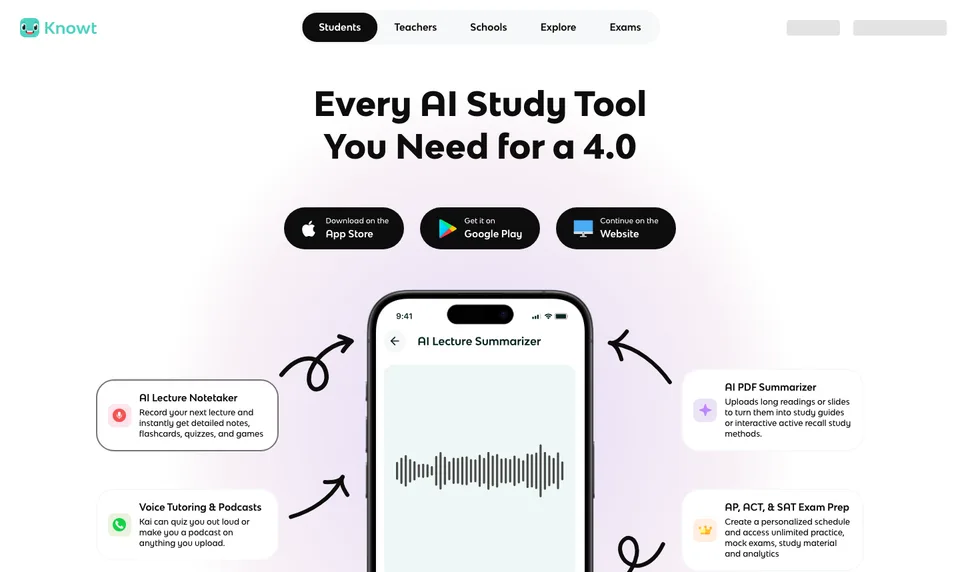
Knowt pairs a Quizlet-style set workflow with AI generation from notes, PDFs and lecture videos, a spaced-repetition mode and ready-made hubs organised by exam board (Knowt flashcards, read 16 October 2026). It also imports Quizlet sets in one click, which matters if your old cards live there rather than in Anki.
- Company: Knowt Inc., United States, founded 2019 (LinkedIn)
- Platforms: Web, iOS, Android
- Price: Ultra $24.99 a month or $149.99 a year billed upfront (plans)
- Free tier: Basic: unlimited sets, notes and study modes on own sets; defined AI and exam-prep limits; ads
- Own material: Own sets, notes, lecture and document uploads
- Exam-board context: Hubs for AQA, Edexcel, OCR, WJEC, Eduqas and CCEA plus AP, IB and SAT/ACT (GCSE Biology AQA hub); no board setting applied to own uploads
- Practice types: Flashcards, Learn mode, practice tests, mock exams, spaced repetition
Where it is weaker: Ultra is the highest entry in our yearly-price column, three times Aripsy Pro and four times Quizlet Plus. The board hubs are something you browse, not a setting that shapes cards made from your own file, and the free tier’s AI limits are defined by Knowt rather than unlimited.
Best suited for: students who want free unlimited sets, mock exams and GCSE or AP hubs by board, and can live within the AI limits. See Aripsy vs Knowt.
5. RemNote: best for cards inside your notes with Anki-style scheduling
RemNote homepage showing a Coronary and Conduction notes page with question-and-answer flashcards and a mobile review screen
RemNote is the alternative Anki users most often land on, because it keeps what they liked. Cards are lines in your notes, so the context stays attached, and the help centre documents both FSRS and Anki SM-2 scheduling with adjustable desired retention (RemNote help, read 16 October 2026). An AI Tutor works over your notes and PDFs.
- Company: RemNote Inc., remote-first, founded 2020 at MIT (about)
- Platforms: Web, iOS, Android and desktop apps
- Price: Pro $8 a month billed as $96 a year, or $10 month to month; Pro with AI $18 a month billed as $216 a year, or $20 month to month (pricing)
- Free tier: Unlimited notes, flashcards and devices; 3 annotated PDFs; 250 AI credits a month; 8 MB files and 20 uploads a day
- Own material: Notes and PDFs built up over time
- Exam-board context: None
- Practice types: Flashcards, cloze cards and quizzes with spaced repetition; AI Tutor for notes and PDFs
Where it is weaker: on the five criteria it sits mid-table. There is no exam-board setting, AI generation on the free plan is limited to 250 credits a month, and Pro with AI at $216 a year is the highest yearly figure in this guide, although the cheapest RemNote plan is $96. The outliner takes time to learn, and students who want a handout turned into cards tonight will find it heavier than the tools above.
Best suited for: students who take their own notes and want the scheduler they know without Anki’s blank-card workflow. See Aripsy vs RemNote and the RemNote vs Anki vs Aripsy workflow comparison.
6. Brainscape: best free card tier with uploads and spaced repetition
Brainscape is a flashcard app whose scheduler runs on confidence: rate each card after answering and the rating decides when it returns. Its free plan includes AI card creation from PowerPoint, Word and PDF (AI flashcards) and import of existing flashcards, and the library has categories for GCSE, IGCSE, A-Level, AP and IB (subjects).
- Company: Bold Learning Solutions, New York (about)
- Platforms: Web, iOS, Android
- Price: Pro $19.99 a month, or $95.88 billed yearly (shown as $7.99 a month); Semester $59.94 for 6 months; Lifetime $199.99, on 16 October 2026 (pricing)
- Free tier: Basic, free forever: unlimited own flashcards, import, AI flashcard creation, 2,500 pre-loaded cards, spaced repetition, reminders
- Own material: PowerPoint, Word and PDF uploads; import of existing flashcards
- Exam-board context: No setting; library categories by exam
- Practice types: Question-and-answer flashcards with spaced repetition
Where it is weaker: flashcards are the only practice type; we found no MCQ, fill-in-the-blank or marked-answer mode. The scheduler is a confidence rating rather than Anki’s tunable intervals, and self-ratings can be generous. No launch year is stated on the official pages, so we do not give one.
Best suited for: students who want a free, simple card app that accepts uploads and will not ask them to configure anything.
7. StudyFetch: best for a workspace built around lecture recordings
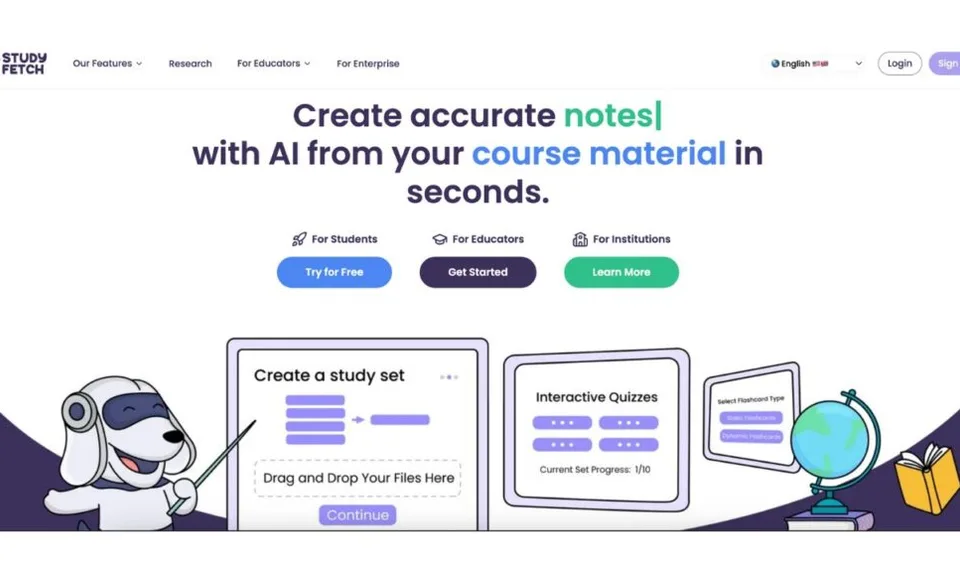
StudyFetch turns uploaded documents, slides, recordings and videos into notes, flashcards, cloze cards and practice tests, with a tutor chat called Sparky. It is aimed more at US university and professional exams than at school boards.
- Company: StudyFetch, Inc., Beverly Hills, California, founded 2023 (about)
- Platforms: Web, iOS, Android
- Price: Premium $19.99 a month, $29 a quarter or $96 a year as US App Store in-app purchases reviewed on 28 September 2026 (App Store); the official pricing page was not reachable on 15 October 2026
- Free tier: Free to try; paid plans unlock more generations and longer files; no published quota table
- Own material: Uploaded documents, slides, recordings, videos
- Exam-board context: Exam-specific features name USMLE, NCLEX, AP, LSAT, CFA, MCAT and GMAT; no AQA, Edexcel, OCR, IB or GCSE selector found (exam-specific)
- Practice types: Flashcards, practice tests, cloze cards, Sparky tutor chat
Where it is weaker: it ranks last because the free tier has no published limits and the only price we could verify was in-app. There is no board setting for UK or IB courses and no Anki import. The file support is strong, so for a student whose course is recorded lectures it may still be the right pick.
Best suited for: university students with hours of recordings and slide decks who want everything generated in one place. See Aripsy vs StudyFetch.
Side-by-side comparison
One column per criterion, taken from the pages linked in each entry. “Yearly” is the cheapest paid plan billed for a year where one exists.
| Tool | Yearly price | Your own material | Exam-board context | Practice types | Free tier |
|---|---|---|---|---|---|
| Anki (baseline) | Free; $24.99 one-off on iOS | Cards you write or import | None | Flashcards, cloze | Everything, except the iOS app |
| Aripsy | $49.99 | Text, PDF, PowerPoint, Word, audio | Saved board and level settings shape output | Notes, flashcards, MCQs, fill-in-the-blank, marked short answers | 15 packs a month, 1 document upload |
| Quizlet | $35.99 | Own sets, notes, documents | None for own material | Flashcards, Learn, Test, written, fill-in-the-blank | Unlimited own sets, with ads |
| NotebookLM | $4.99 a month, no yearly plan shown | PDFs, web, YouTube, audio, Docs, Slides | None | Flashcards, quizzes, study guides, Audio Overviews | 100 notebooks, 50 sources each |
| Knowt | $149.99 | Own sets, notes, uploads, Quizlet import | Hubs by board; none for own uploads | Flashcards, Learn, practice tests, mocks, spaced repetition | Unlimited own sets, AI limits, ads |
| RemNote | $96 | Notes and PDFs | None | Flashcards, cloze, quizzes, spaced repetition (FSRS or SM-2) | Unlimited notes and cards, 250 AI credits a month |
| Brainscape | $95.88 | PowerPoint, Word, PDF, card import | Library categories only | Flashcards with spaced repetition | Unlimited own cards, AI creation |
| StudyFetch | $96 (in-app) | Documents, slides, recordings, videos | US professional exams only | Flashcards, practice tests, cloze, tutor chat | Free to try; limits not published |
Which tool fits your situation
| Your situation | Start with | Why |
|---|---|---|
| Writing cards takes longer than reviewing them | Aripsy | Generates a checked draft from notes or files in minutes |
| Your exam has a board and you want the wording to match | Aripsy | Saved AQA, Edexcel, OCR, IB and AP settings shape output |
| You have typed notes and want a deck tonight | The AI flashcard generator from notes | Paste one topic, get cards to check, then review wherever you like |
| You want the cheapest paid plan and simple modes | Quizlet | $35.99 a year for Plus with Learn, Test and written modes |
| You have a folder of slides and readings and no budget | NotebookLM | Free cards and quizzes from 50 sources per notebook, cited |
| You want mock exams and GCSE or AP hubs by board | Knowt | Free unlimited sets plus board-organised hubs |
| You liked Anki’s scheduler but hate blank cards | RemNote | FSRS or SM-2 scheduling on cards written inside notes |
| You want a free card app that accepts PowerPoint and PDF | Brainscape | Free plan includes AI creation from uploads |
| Your course is recorded lectures | StudyFetch | Notes, cards and tests from recordings and video |
| Your deck already works and spans years | Keep Anki | No tool here claims a better scheduler; draft new cards elsewhere and import |
When to keep Anki and add a generator instead
Anki’s weakness is the blank card, not the review. If your deck is accurate and your routine is established, switching apps risks the routine for no gain in scheduling. The lower-risk move is to generate drafts elsewhere, check them and import the text into Anki, whose importer accepts text files with fields mapped to front and back. Aripsy, NotebookLM and Brainscape all produce cards from files you already have, and only Aripsy applies an exam-board setting while doing so. Check the import on one small deck before trusting it with a term’s work, and never import cards you have not read against the source.
FAQ
What is the best Anki alternative for students?
On our five criteria Aripsy ranks first, because it accepts text, PDF, PowerPoint, Word and audio, applies an exam-board setting and generates MCQs and marked short answers as well as flashcards. For a student who mainly wants Anki’s scheduling with less card-writing, RemNote is the closest match, with FSRS and SM-2 options documented in its help centre.
What is the best free Anki alternative?
Brainscape’s free plan allows unlimited own cards with AI creation from uploads. NotebookLM’s free tier allows 100 notebooks of 50 sources each. Knowt and RemNote give unlimited free sets or cards with AI limits, Quizlet unlimited sets with ads, and Aripsy Free 15 study packs a month. Anki itself remains free everywhere except iOS.
How much do Anki alternatives cost for a year?
In the offers reviewed: Quizlet Plus $35.99, Aripsy Pro $49.99, Brainscape Pro $95.88, RemNote Pro $96, StudyFetch Premium $96 in-app, Knowt Ultra $149.99, and NotebookLM’s Google AI Plus $4.99 a month with no yearly plan shown. Prices depend on country and change often.
How do I move my Anki deck to another app?
None of the tools here advertises an importer for Anki’s .apkg packages, so the practical route is Anki’s “Notes in Plain Text” export, which writes tab-separated fields to a text file (exporting, read 16 October 2026), then an app with a flashcard importer such as Brainscape. Move one deck first and check cloze cards, images and card direction, which are the fields most likely to break.
What practice types do Anki alternatives add beyond flashcards?
Aripsy adds notes, MCQs, fill-in-the-blank and short answers marked against points drawn from your source. Quizlet adds Learn, Test, written and fill-in-the-blank modes. Knowt and StudyFetch add practice tests; Knowt also has mock exams. NotebookLM adds quizzes and study guides. Brainscape and RemNote stay close to cards and cloze.
How do I know whether an alternative understands my exam board?
Look for a setting you choose before generating. Aripsy has one for AQA, Edexcel, OCR, IB, AP, SAT and more. Knowt and Brainscape organise ready-made content by board or exam but do not apply it to your uploads. Quizlet, NotebookLM, RemNote and StudyFetch have no board setting at all.
What should I check before trusting generated cards?
Read every card against the page it came from: definitions, formulae, units, dates, quotations and exceptions. Delete anything you cannot confirm, split cards that test two things, and only then let a scheduler repeat them. A wrong card reviewed for a term becomes a confident wrong answer in the exam.
Final recommendation
Decide which of Anki’s gaps hurts most. If it is the card-writing, start one topic in Aripsy, check the cards and short answers against your notes, and either keep reviewing there or import the checked text into Anki. If it is the price of a paid plan, Quizlet Plus is the cheapest yearly option. If it is a pile of readings and no budget, NotebookLM. If you want Anki’s scheduler without the blank page, RemNote. Knowt for mock exams and board hubs, Brainscape for a free card app with uploads, StudyFetch for recorded lectures. And if your deck already works, keep it and feed it better cards.
Sources
- Aripsy pricing
- Anki, deck options and FSRS, importing, exporting and AnkiMobile on the App Store
- Quizlet upgrade page, subscription help, Q-Chat retirement and Wikipedia
- NotebookLM launch, Gemini Notebook rename, Google subscriptions, student offers and plan limits
- Knowt flashcards, plans, GCSE Biology AQA hub and LinkedIn
- RemNote about, pricing and spaced repetition help
- Brainscape about, pricing, AI flashcards and subjects
- StudyFetch about, exam-specific features and App Store listing
Keep exploring
AI Study Tools
Compare AI study apps by the job they do, the material they accept, and how easily students can check the output.
Explore AI Study Tools guides
Written by
Aripsy Study Team
The Aripsy Study Team creates practical revision guides designed to support learning, source checking, and active practice.