Best AI-Powered Study Apps for Students in 2026
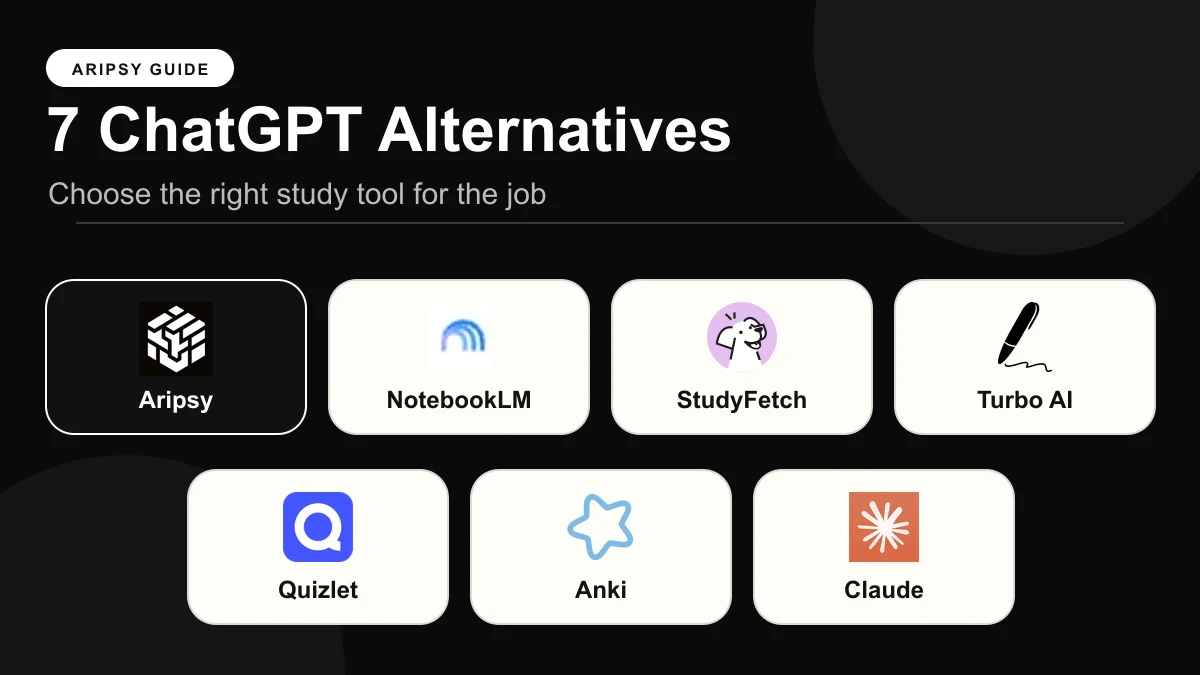
The best AI-powered study app in 2026 depends on what you start with: Aripsy for turning your own notes, documents or audio into exam-board-aware notes, flashcards, MCQs and marked short answers; NotebookLM for questioning a pack of sources with citations on a generous free tier; Quizlet for the cheapest yearly plan and familiar card modes; RemNote for long-term notes with spaced repetition; Knowt for unlimited free sets and exam hubs; ChatGPT for flexible explanation without a saved study pack; and StudyFetch for a broad multimedia workspace. Prices and limits were checked on 15 October 2026.
 Aripsy Study Team
In this article11
Seven AI-powered study apps, scored on the same five criteria, with every price and limit linked to its source. This is for students at school or university who want to know which app fits their material, their exam and their budget.
Aripsy publishes this guide and is one of the apps listed. We scored it on the same criteria as the others and say where it falls short, so you can check each claim against the linked page.

Key takeaways
- Aripsy is the best fit when your revision starts from your own notes, slides, a PDF or a recording and you want notes, flashcards, MCQs, fill-in-the-blank and marked short answers that follow a saved exam-board setting. Pro is $7.99 a month or $49.99 a year.
- NotebookLM has the most generous free tier for working from documents, with 100 notebooks and 50 sources each, but it has no exam-board setting and showed no yearly price.
- Quizlet has the cheapest yearly plan in this list, $35.99 for Plus, and unlimited free sets with ads, but it applies no exam-board context to your material.
- RemNote suits students building one connected knowledge base over years, with flashcards, cloze cards and spaced repetition on an unlimited free tier; its AI plan is the most expensive here.
- Knowt gives unlimited free sets plus exam hubs organised by board, while ChatGPT and StudyFetch are flexible general workspaces that do not keep a board-aware study pack.
What an AI-powered study app actually is (and what it is not)
An AI-powered study app takes material you already have, such as lecture slides, a textbook chapter, class notes or a recording, and generates something you can practise from: structured notes, flashcards, multiple-choice questions, fill-in-the-blank items or short-answer questions with feedback. The better ones also keep a saved context, such as your subject, level and exam board, so you do not retype it before every generation, and they store the output as a study pack you can return to.
Three neighbouring categories often get mixed in. A general assistant such as ChatGPT can produce any of these outputs if you write the prompt, but each conversation starts from scratch and nothing is stored as a structured pack. A flashcard app such as Quizlet or Knowt is mainly a place to build and review cards, with AI generation layered on top. A source notebook such as NotebookLM is strongest at answering questions from a pack of documents with citations, which is a research task before it is a revision task.
The distinction that matters most for students is what happens after generation. A page of tidy AI notes feels like progress but tests nothing. The apps that earn a place in your routine are the ones that get you to a question you must answer without looking, then let you check the answer against the source you uploaded. For the wider evidence on how students use these tools, see our source-linked AI study tool statistics for 2026.
How we ranked these apps
Each comparison on Aripsy uses the same five criteria, so results line up across posts. We read the pricing and help pages for each app on the date shown and did not run a controlled accuracy or learning-outcome study.
- Price for a year of paid access. The cheapest paid plan billed yearly where the vendor offers one, in the currency and region the vendor showed us.
- Works from your own material. Which inputs the app accepts: pasted text, PDF, PowerPoint, Word, audio, video or web links.
- Exam-board and curriculum context. Whether a saved setting for a board or curriculum such as AQA, Edexcel, OCR, IB or AP shapes the output, or whether only a browsable library is organised by board.
- Practice types generated. Notes, flashcards, MCQs, fill-in-the-blank, and short answers with marking feedback, as documented by the vendor.
- What the free tier allows. The published monthly or daily limits on the free plan.
Prices and limits were checked on 15 October 2026 unless another date is given. Plans change often, so confirm on the vendor’s pricing page before paying.
The best AI-powered study apps in 2026
1. Aripsy: best for exam-board-aware practice from your own material
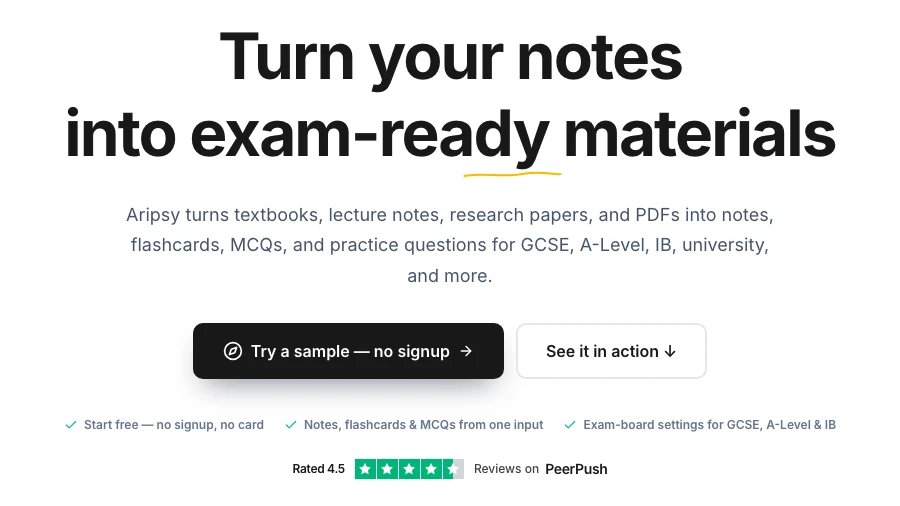
Aripsy is a web app with one job: take the material you already trust, apply your subject, level and exam board, and generate notes, flashcards, MCQs, fill-in-the-blank practice and short-answer questions from it. Short answers worth one to four marks are checked against marking points generated from your own source, with an estimated mark. Those marking points are not an official mark scheme, and uncertain results are flagged rather than hidden.
- Company: Aripsy, founded by Amin Mudassir (LinkedIn)
- Platforms: Web
- Price: Pro at $7.99 a month or $49.99 a year (pricing)
- Free tier: 15 AI study packs a month, up to 5 a day, and one successful document upload a month after sign-in; notes can be tried without an account
- Own material: Pasted text, PDF, PowerPoint, Word and audio up to 15 minutes
- Exam-board context: Saved settings for AQA, Edexcel, OCR, IB, AP, SAT and more
- Practice types: Notes, flashcards, MCQs, fill-in-the-blank and marked short answers; MCQs and fill-in-the-blank are on Pro
Where it is weaker: there is no mobile app and no library of ready-made content, so a topic you have no notes for needs another source first. The free tier is tighter than NotebookLM’s or Quizlet’s, and MCQs and fill-in-the-blank need Pro. As with every generator, the output is a draft: check definitions, formulae and quotations against your source before you drill them.
Best suited for: students who already have notes, slides or a PDF for the topic and want board-aware practice generated from it without rebuilding the context each time.
2. NotebookLM: best free workspace for questioning a pack of sources
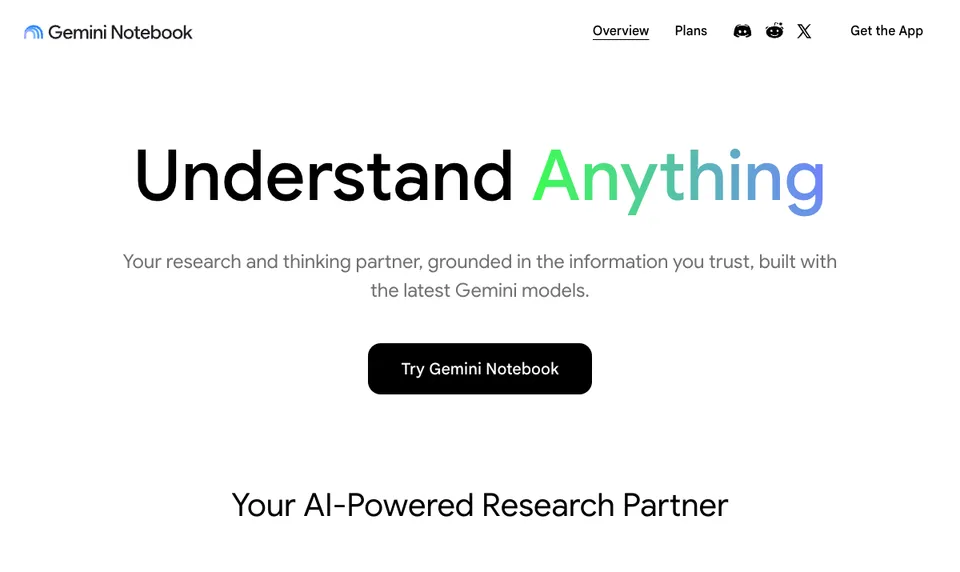
NotebookLM, which Google said in July 2026 it is renaming Gemini Notebook, is built around a notebook of sources. You add PDFs, web pages, YouTube links, audio and Google Docs or Slides, then ask questions answered only from those sources, with citations back to the passage. It can also turn the notebook into study guides, flashcards, quizzes and Audio Overviews.
- Company: Google LLC; NotebookLM launched 12 July 2023 (announcement, rename)
- Platforms: Web, iOS, Android
- Price: Google AI Plus $4.99 a month or Google AI Pro $19.99 a month on Google’s US Gemini subscriptions page on 16 October 2026 (plans); no yearly price shown. Eligible students outside the US can claim a free year of AI Plus, then $4.99 a month, and US college students a free year of AI Pro (Google blog)
- Free tier: Standard access with 100 notebooks and 50 sources per notebook (help)
- Own material: PDFs, websites, YouTube, audio, Google Docs and Slides
- Exam-board context: None
- Practice types: Flashcards, quizzes, study guides and Audio Overviews
Where it is weaker: no exam-board setting, no standalone fill-in-the-blank mode in the help page we reviewed, and no marking of written answers. Because it answers only from your sources, a gap in the notebook becomes a gap in the quiz. Availability can depend on account age and whether a school manages your account.
Best suited for: university students with a reading pack to interrogate, and anyone who wants the broadest free document workspace before paying for anything. See Aripsy vs NotebookLM.
3. Quizlet: best cheap yearly plan with familiar study modes
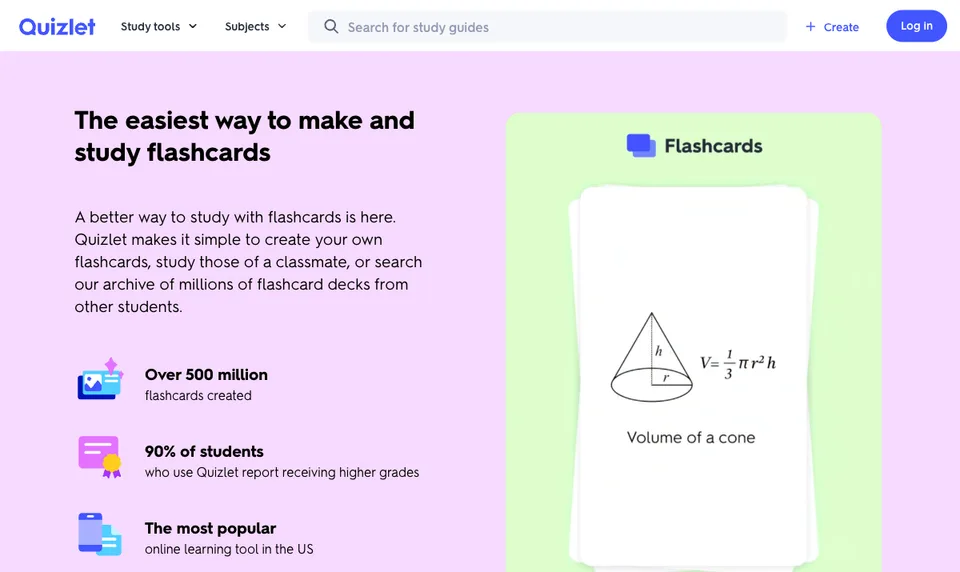
Quizlet is the flashcard app most students have already met. Its study modes, Flashcards, Learn, Test, written and fill-in-the-blank questions, work on sets you build yourself or sets shared by teachers and classmates, and AI tools can generate material from your notes and documents depending on plan.
- Company: Quizlet Inc, San Francisco, founded 2005 (Wikipedia)
- Platforms: Web, iOS, Android
- Price: Quizlet Plus $7.99 a month or $35.99 a year, Plus Unlimited $9.99 a month or $44.99 a year, in the US offer reviewed on 28 September 2026 (plans). The US App Store listed Plus at $9.99 a month or $44.99 a year on 15 October 2026, so the channel you buy through matters.
- Free tier: Unlimited sets of your own and the core study modes, with ads (subscriptions)
- Own material: Your own sets, notes and documents; AI tools on uploads vary by plan
- Exam-board context: None applied to your material; shared sets are found by topic
- Practice types: Flashcards, Learn, Test, written and fill-in-the-blank questions
Where it is weaker: a shared set can follow a different syllabus, older terminology or someone else’s mistakes, so treat each one as a draft to check. The Q-Chat tutor was retired after 30 June 2025 (Quizlet blog), so older guides that recommend it are out of date.
Best suited for: students who want the lowest yearly price here and already study with shared sets. See Aripsy vs Quizlet or, if you are thinking of leaving, the Quizlet alternatives for AI flashcards.
4. RemNote: best for notes and spaced repetition in one long-term system
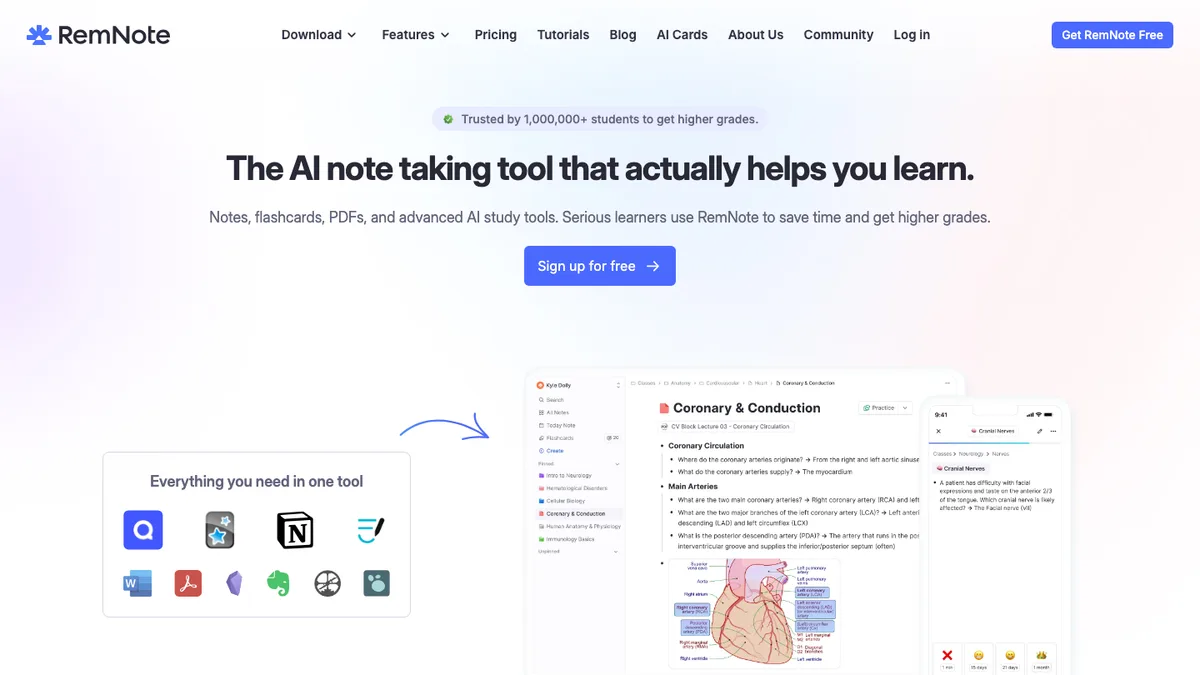
RemNote keeps flashcards inside a linked note system. You write notes, mark lines as question-and-answer, cloze or concept-descriptor cards, and RemNote schedules them with spaced repetition. You can select any text and generate cards with AI, run practice quizzes section by section, and ask an AI tutor while reviewing (feature page, seen 15 October 2026).
- Company: RemNote Inc., remote-first, founded 2020 at MIT (about)
- Platforms: Web, iOS, Android and desktop apps
- Price: Pro at $8 a month billed as $96 a year, or $10 month to month; Pro with AI at $18 a month billed as $216 a year, or $20 month to month (pricing)
- Free tier: Unlimited notes, flashcards and devices, 3 annotated PDFs, 250 AI credits a month, 8 MB files and 20 uploads a day
- Own material: Your own notes and PDFs, built up over time
- Exam-board context: None
- Practice types: Flashcards, cloze cards and quizzes with spaced repetition, plus the AI tutor
Where it is weaker: the AI plan costs more than any other yearly price in this list, the free AI credits run out quickly if you generate rather than write, and the structure takes time to learn. A student who needs twenty cards tonight will find it heavier than a flashcard app.
Best suited for: medicine, law, language and engineering students maintaining thousands of connected cards over a degree. See Aripsy vs RemNote and the three-way RemNote vs Anki vs Aripsy comparison.
5. Knowt: best for unlimited free sets and exam hubs by board
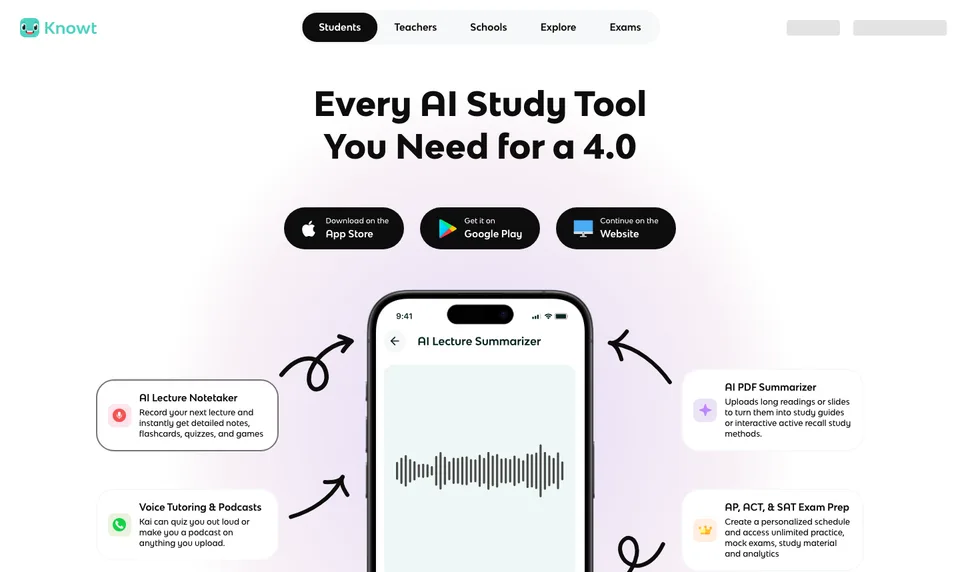
Knowt combines flashcards, notes, Learn mode, practice tests and mock exams with an AI assistant called Kai that reads PDFs, PowerPoints and lecture videos to make notes and cards. Its flashcard page says you can “Import Quizlet sets into Knowt with a single click” (Knowt flashcards, seen 15 October 2026), which makes it the usual first stop for students moving a Quizlet library.
- Company: Knowt Inc., United States, founded 2019 (LinkedIn)
- Platforms: Web, iOS, Android
- Price: Ultra at $24.99 a month or $149.99 a year billed upfront (plans)
- Free tier: Basic, with unlimited sets, notes and study modes on your own sets, defined AI and exam-prep limits, and ads
- Own material: Your own sets, notes, lecture and document uploads
- Exam-board context: Ready-made hubs by board for GCSE (example) plus AP, IB and SAT/ACT hubs; no board setting applied to your own uploads
- Practice types: Flashcards, Learn mode, practice tests and mock exams
Where it is weaker: Ultra is the most expensive non-AI yearly plan in this list, and the board hubs do not carry over to what Kai generates from your own files. A public deck can look polished and still use another syllabus or jurisdiction, so test one import before moving everything.
Best suited for: students who want unlimited free sets, a Quizlet import path and browsable hubs for their board. See Aripsy vs Knowt.
6. ChatGPT: best for explanation and problem-solving on demand
ChatGPT is a general assistant, and its Study Mode turns a conversation into a guided session: it asks what you know, offers hints before answers and quizzes you one question at a time (Study Mode help). Paste your notes or upload a file within your plan’s limits and it will produce notes, cards or questions in whatever format you ask for.
- Company: OpenAI, San Francisco; ChatGPT released 30 November 2022 (Wikipedia)
- Platforms: Web, iOS, Android and desktop apps
- Price: Go at $8 a month in the US, Plus at $20 a month, reviewed on 28 September 2026 (ChatGPT Go); no yearly plan shown
- Free tier: Free chat and Study Mode, with message and upload limits
- Own material: Pasted text and file uploads within plan limits
- Exam-board context: Only what you type into the prompt; nothing is saved between chats
- Practice types: Any format on request, but not a structured, saved study pack
Where it is weaker: every session starts blank, so the exam board, level and format have to be restated, and the output lives in a chat thread rather than a pack you can reopen and re-test. There is no yearly discount, and a fluent explanation is not evidence that it is correct.
Best suited for: students who want a tutor-style conversation about a sticking point, alongside a dedicated app for structured practice. See Aripsy vs ChatGPT and how to use ChatGPT for studying.
7. StudyFetch: best broad multimedia workspace for lectures and recordings
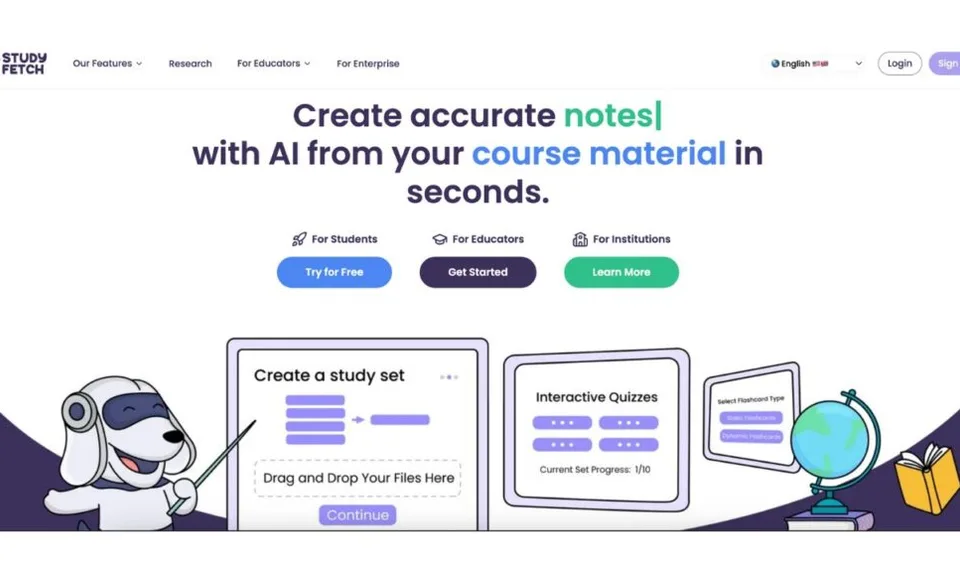
StudyFetch bundles many study formats around one upload. Its homepage, reviewed on 15 October 2026, describes uploading “PDFs, PowerPoints, videos, or slides”, lecture recordings, images of notes and YouTube links, then producing notes, flashcards, quizzes, practice tests, audio recaps, explainer videos, a study plan and game-style challenges, with an AI tutor it calls Sparky.
- Company: StudyFetch, Inc., Beverly Hills, California, founded 2023 (about)
- Platforms: Web, iOS, Android
- Price: Premium at $19.99 a month, $29 a quarter or $96 a year as US App Store in-app purchases reviewed on 28 September 2026 (App Store); the official pricing page was not reachable on 15 October 2026
- Free tier: Free to try; paid plans unlock more generations and longer files, with no published quota table
- Own material: Uploaded documents, slides, recordings and videos
- Exam-board context: Exam-specific features name USMLE, NCLEX, AP, LSAT, CFA, MCAT and GMAT (exam features); no AQA, Edexcel, OCR, IB or GCSE selector found
- Practice types: Flashcards, practice tests and cloze cards, plus tutor chat
Where it is weaker: the free limits are not published, the pricing page was unavailable when we checked, and the exam context is aimed at US professional and college exams rather than school boards. The breadth is more than a student with one PDF and one exam needs.
Best suited for: students who record lectures and want one workspace that turns a recording into several formats. See Aripsy vs StudyFetch or the StudyFetch alternatives for exam revision.
Side-by-side comparison
“Yearly” is the cheapest paid plan billed for a year where the vendor offers one, on the dates stated above.
| App | Yearly price | Your own material | Exam-board context | Practice types | Free tier |
|---|---|---|---|---|---|
| Aripsy | $49.99 | Text, PDF, PowerPoint, Word, audio | Saved board and level settings | Notes, flashcards, MCQs, fill-in-the-blank, marked short answers | 15 packs a month, 1 document upload |
| NotebookLM | $9.99 a month, no yearly shown | PDFs, web, YouTube, audio, Docs, Slides | None | Flashcards, quizzes, study guides, Audio Overviews | 100 notebooks, 50 sources each |
| Quizlet | $35.99 | Own sets, notes, documents | None | Flashcards, Learn, Test, written, fill-in-the-blank | Unlimited own sets, with ads |
| RemNote | $96 (Pro); $216 with AI | Own notes and PDFs | None | Flashcards, cloze, quizzes, spaced repetition | Unlimited cards, 3 PDFs, 250 AI credits |
| Knowt | $149.99 | Own sets, notes, uploads | Hubs by board; none for own uploads | Flashcards, Learn, practice tests, mocks | Unlimited own sets, AI limits, ads |
| ChatGPT | $8 a month (Go), no yearly shown | Pasted text, uploads within limits | Prompt only | Any format on request, unsaved | Chat and Study Mode with limits |
| StudyFetch | $96 (App Store) | Documents, slides, recordings, videos | US professional exams only | Flashcards, practice tests, cloze | Free to try, limits unpublished |
Which app fits your situation
| Your situation | Start with | Why |
|---|---|---|
| You have slides or a PDF and an exam with a named board | Aripsy | Saved board setting, five practice types, marked short answers |
| You have a reading pack and want cited answers | NotebookLM | Answers only from your sources, 50 sources per notebook, free |
| Your teacher shares sets and you want the cheapest paid plan | Quizlet | $35.99 a year, familiar modes, unlimited free sets |
| You are building one knowledge base over a degree | RemNote | Linked notes with spaced repetition, unlimited free cards |
| You are leaving Quizlet or want board hubs to browse | Knowt | One-click Quizlet import and hubs by board |
| You are stuck on one derivation or argument | ChatGPT | Hints and one question at a time in Study Mode |
| You record lectures and want every format from one upload | StudyFetch | Recordings, video and slides into notes, cards and tests |
| You have a dense PDF and want cards tonight | The free PDF to flashcards tool | Upload one chapter, check the cards, then decide on an app |
A fair 30-minute test for any study app
Demos use clean material; your notes are not clean. Before paying for anything, run the same short test on each shortlisted app with the messiest input you actually face, such as a diagram-heavy PDF, slides with no speaker notes or a scanned handout.
- Pick one topic you already understand well, so you can judge the output.
- Give each app the same source and the same instruction.
- Generate no more than fifteen notes, cards or questions.
- Check every item against the source and count errors, omissions and duplicates.
- Edit five items and notice how much friction that takes.
- Complete one study round without looking at the answers.
- Check export, deletion, privacy settings and the current plan limits before uploading more.
The winner is not the app with the most output. It is the one whose output you could verify, correct and re-test fastest.
How to use these apps without outsourcing the learning
AI can shorten preparation and still leave you unprepared if you let it do the recalling. Attempt a problem before asking for the solution, ask for a hint before a full answer, and say a flashcard answer aloud before flipping it. Check quotations, formulae, units, dates and definitions against your source, and use official specifications and mark schemes for what the exam actually requires. Keep a mistake log and retest the errors after a delay. Follow your school or university’s rules on AI, and strip personal, patient, client or confidential details before uploading any file.
FAQ
What is the best AI-powered study app for students in 2026?
There is no single answer. On the five criteria above, Aripsy scores highest on exam-board context and practice types, NotebookLM on free tier and breadth of inputs, and Quizlet on yearly price. Pick the app that matches your starting material and your exam rather than the longest feature list.
What is the best free AI study app?
NotebookLM’s standard tier, with 100 notebooks and 50 sources each, is the most generous free option for working from documents. Quizlet and Knowt give unlimited free sets with ads. RemNote’s free plan has unlimited cards but only 250 AI credits a month. Aripsy Free allows 15 study packs a month and one document upload.
How much do AI study apps cost for a year?
In the offers reviewed: Quizlet Plus $35.99, Aripsy Pro $49.99, StudyFetch Premium $96, RemNote Pro $96 or $216 with AI, Knowt Ultra $149.99. NotebookLM and ChatGPT showed no yearly plan, at $9.99 and $8 a month respectively. Prices vary by country and sales channel.
How do I check whether a study app knows my exam board?
Look for a setting you choose before generating, not a hub you browse afterwards. Aripsy saves a board and level setting. Knowt has hubs by board but applies none to your uploads. StudyFetch names US professional exams only. NotebookLM, Quizlet, RemNote and ChatGPT have no board setting, so the right material has to come from you.
What should I verify in AI-generated study material?
Definitions, formulae and units, quotations word for word, dates, named cases or studies, and anything the app may have filled in from outside your source. A card that is wrong and reviewed ten times is a well-learned mistake, so check before you drill.
How is a study app different from asking ChatGPT?
ChatGPT can produce the same outputs, but each chat starts without your board, level or previous packs, and the result stays in a thread. A dedicated app keeps the context, stores the pack, and in some cases checks your answers. Many students use ChatGPT for explanation and an app for structured practice.
How can an AI app mark my written answers?
Aripsy checks short answers of one to four marks against marking points generated from your own source, gives an estimated mark and flags uncertain results; it is not an official mark scheme. RemNote offers AI feedback on typed or spoken answers. For exam technique, official past papers and mark schemes remain the reference.
Final recommendation
Choose by bottleneck. If you have your own material and a named exam board, Aripsy turns it into board-aware notes and practice with marked short answers; test it on one topic and check the output. If you have a stack of readings to question, NotebookLM is free and cites its sources. If price decides and you already live in shared sets, Quizlet is the cheapest yearly plan here. RemNote rewards students who will maintain one system for years, Knowt suits a Quizlet migration, ChatGPT handles the sticking points, and StudyFetch suits lecture recordings. Whichever you pick, the specification, past papers and your own checking stay in the loop. UK students sitting GCSEs should read the narrower best AI study tools for GCSE in 2026.
Sources
- Aripsy pricing
- NotebookLM launch, Gemini Notebook rename, Google One plans, student offers and plan limits
- Quizlet plans, subscription types, Q-Chat retirement and Wikipedia
- RemNote about, pricing and AI flashcards
- Knowt plans, flashcards and Quizlet import, GCSE hub and LinkedIn
- ChatGPT Go, Study Mode help and Wikipedia
- StudyFetch about, homepage, exam-specific features and App Store listing
Keep exploring
AI Study Tools
Compare AI study apps by the job they do, the material they accept, and how easily students can check the output.
Explore AI Study Tools guides
Written by
Aripsy Study Team
The Aripsy Study Team creates practical revision guides designed to support learning, source checking, and active practice.