7 Best ChatGPT Alternatives for Studying
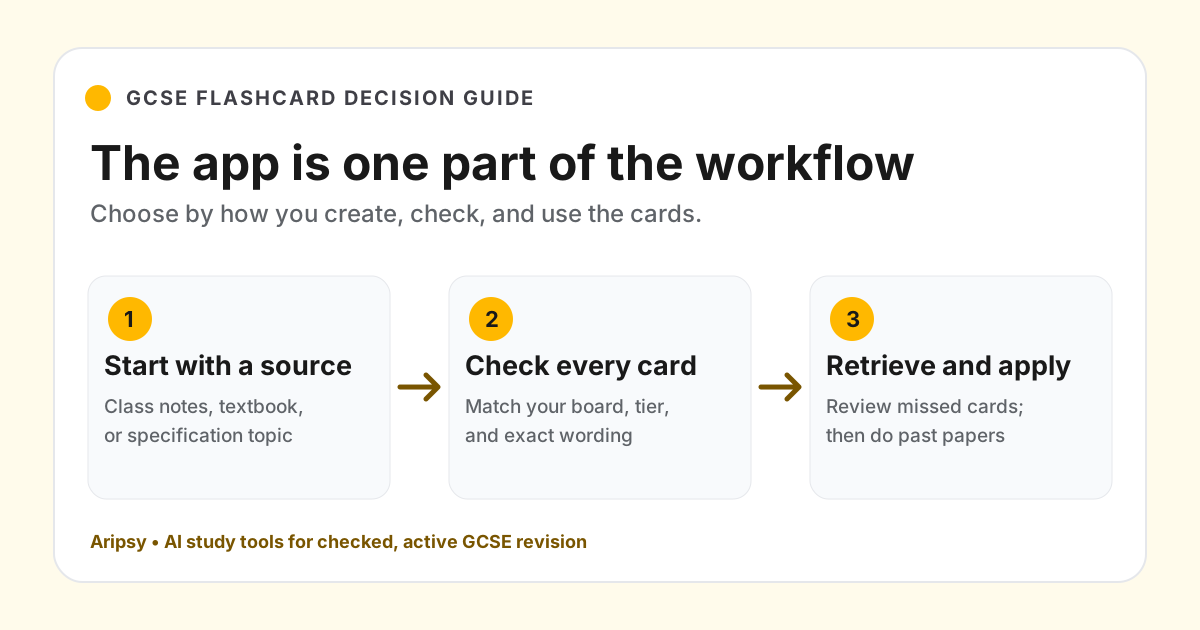
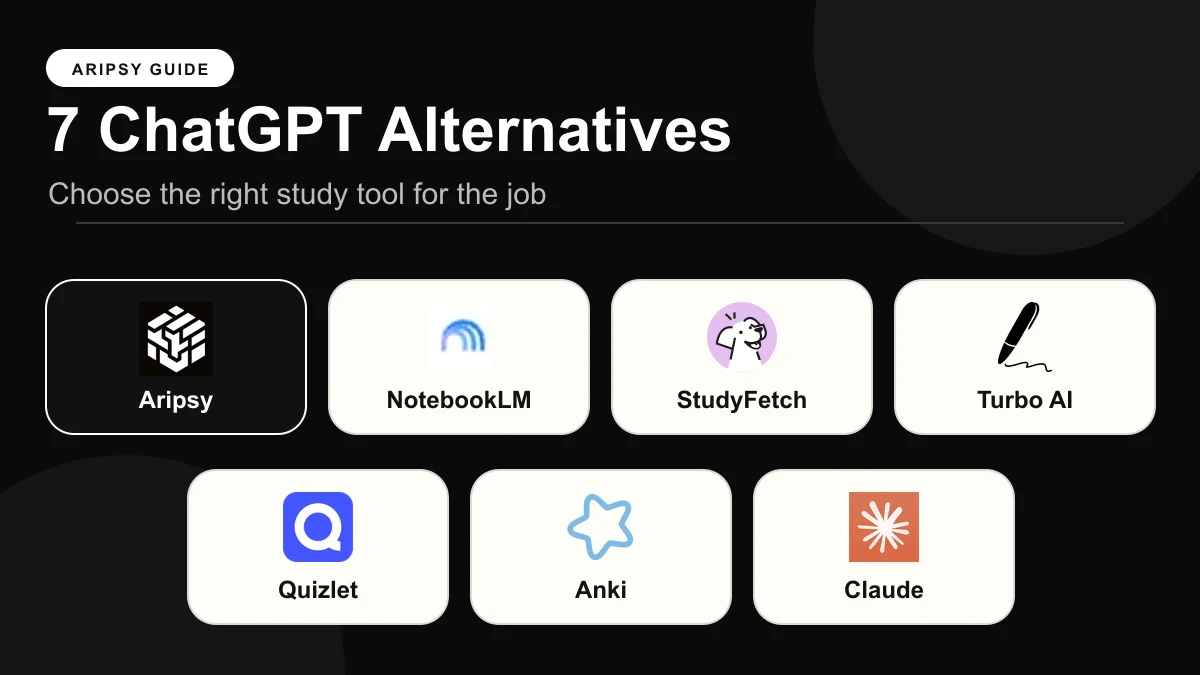
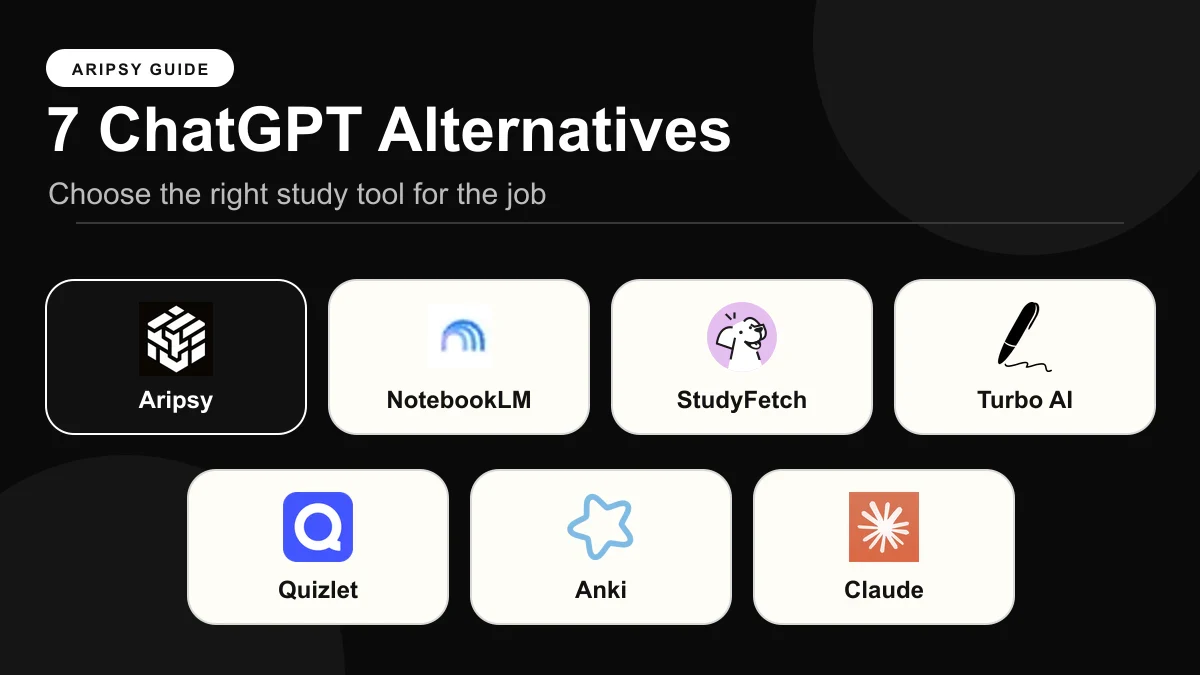
The best ChatGPT alternatives for studying in 2026 are Aripsy for exam-board-aware notes and practice generated from your own material, NotebookLM for cited answers from a pack of documents, Quizlet for shared sets and familiar study modes, Turbo AI and StudyFetch when lectures or videos are the raw material, and Gemini or Claude only if you want a different general assistant. No general assistant, ChatGPT included, has a saved exam-board setting. Prices and limits were checked on 15 and 16 October 2026.

Published Updated 22 min read
In this article12
The best ChatGPT alternative for studying depends on which job the chat is failing at. We scored seven tools on five criteria, with ChatGPT itself as the baseline, for students who keep rebuilding the same prompt.
Aripsy publishes this guide and is one of the seven tools ranked. Each price, limit and feature claim links to the vendor page we read and the date we read it, so nothing here has to be taken on trust.
Key takeaways
- Aripsy is the pick when the thing ChatGPT lacks is a saved exam board: it generates notes, flashcards, MCQs, fill-in-the-blank and marked short answers from your own file under AQA, Edexcel, OCR, IB, AP or SAT settings, for $7.99 a month or $49.99 a year.
- NotebookLM is the pick when you need answers that stay inside a pack of documents and cite the passage, with a free tier of 100 notebooks.
- Quizlet is the pick when your class already shares sets and you want Learn, Test and fill-in-the-blank modes at the lowest yearly price here, $35.99.
- Turbo AI and StudyFetch are the picks when lectures, recordings or videos are the raw material rather than text.
- Gemini and Claude are the picks only if you want a different general assistant; like ChatGPT, neither has an exam-board setting or a dedicated flashcard or quiz feature.
What a ChatGPT alternative for studying actually is (and what it is not)
A ChatGPT alternative for studying is any tool that does a study job better than a blank chat window. There are two very different kinds. The first is another general assistant, such as Claude or Gemini: the same shape as ChatGPT, a different model, different prices, and the same need to write the prompt every time. The second is a study tool that keeps settings and output between sessions: you load your notes once, choose a level and board, and come back tomorrow to the same pack of notes, cards and questions.
That second kind is what most students searching for an alternative actually want, even if they would not describe it that way. The complaint is rarely “ChatGPT explained osmosis badly”. It is that the explanation vanished into chat history, the flashcards were pasted into another app, the practice questions used US terminology for a UK syllabus, and next week the whole prompt has to be rebuilt.
It is worth being plain about one thing: none of the general assistants, including ChatGPT, Claude and Gemini, has an exam-board setting. You can type “AQA GCSE Biology” at the top of a prompt and the model will usually adapt, but nothing is saved, nothing is checked against a specification, and the next chat starts from zero. Tools in this list that do keep a board setting, such as Aripsy, apply it to every output without being reminded.
What an alternative is not: a replacement for the specification, the textbook or past papers. Every tool here, Aripsy included, produces drafts you check. A chatbot that sounds confident and a study app that looks organised can both be wrong about a formula.
How we ranked these tools
Each of the seven tools, plus ChatGPT as the baseline, was scored on the same five criteria used across Aripsy’s comparison posts. We read pricing and help pages on the dates shown; we did not run a controlled study of answer accuracy or exam results, so the order reflects fit and published facts, not measured outcomes.
- Price for a year of paid access. The lowest paid plan, billed yearly where one exists, in the currency and region the vendor displayed.
- Works from your own material. Which inputs the tool accepts: pasted text, PDF, slides, Word, audio or video.
- Exam-board and curriculum context. Whether a setting for AQA, Edexcel, OCR, IB, AP or SAT is saved and applied, or whether the tool only knows what you type.
- Practice types generated. Notes, flashcards, MCQs, fill-in-the-blank and marked written answers, as dedicated features rather than prompt requests.
- What the free tier allows. The published free limits, or the fact that none are published.
Prices and limits were checked on 15 October 2026, with Google, Gemini and Claude pricing rechecked on 16 October 2026. Vendors change plans without notice, so confirm on the pricing page before paying.
The baseline: what ChatGPT already does for studying
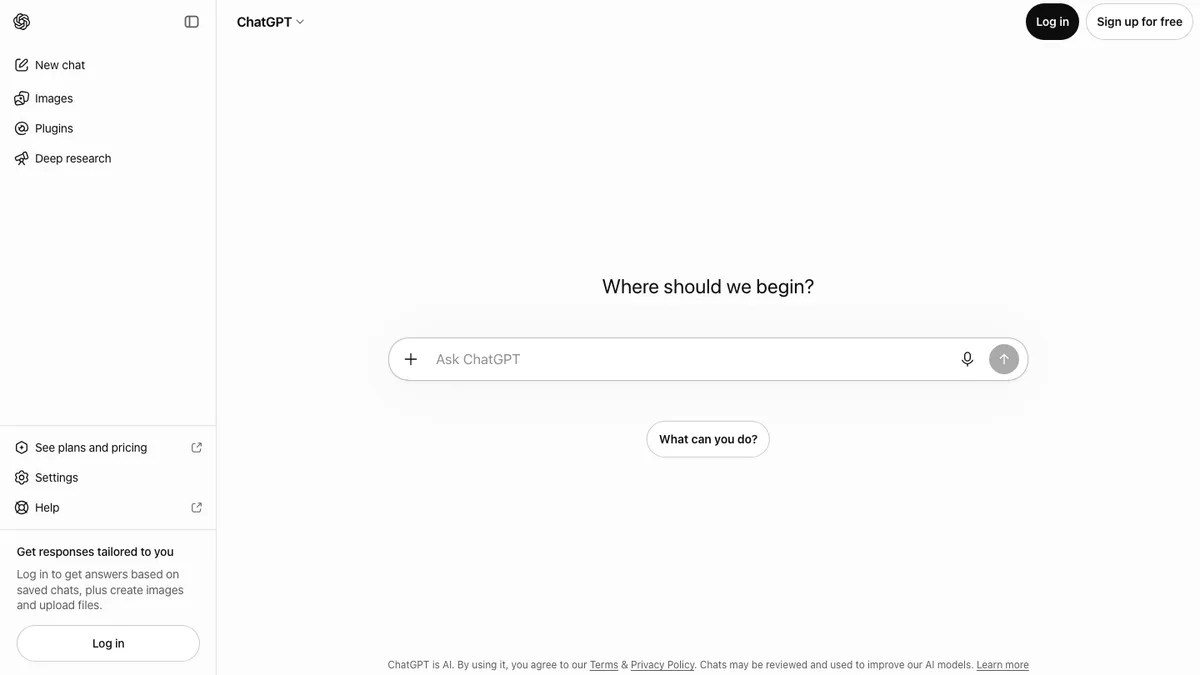
ChatGPT is the tool every option below is measured against. Its Study Mode asks you questions and walks through problems step by step rather than handing over an answer, and it can work with text you paste or files you upload within your plan’s limits. What it cannot do is remember that you sit Edexcel Maths, or keep the questions it wrote last Tuesday somewhere you can retest from.
- Company: OpenAI, San Francisco; ChatGPT released 30 November 2022 (Wikipedia)
- Platforms: Web, iOS, Android and desktop apps
- Price: Go $8 a month in the US and Plus $20 a month, reviewed on 28 September 2026 (OpenAI); no yearly plan was shown
- Free tier: Free chat and Study Mode with message and upload limits (help)
- Own material: Pasted text and file uploads within plan limits
- Exam-board context: Only what you type into the prompt; nothing is saved
- Practice types: Any format on request, but not a structured, saved study pack
If ChatGPT works for you as an explainer, keep it for that; the guide to using ChatGPT for studying covers prompts that get more out of it. The ranked list below is for the jobs where a chat window is the wrong shape. See also Aripsy vs ChatGPT.
The best ChatGPT alternatives for studying in 2026
1. Aripsy: best for exam-board-aware notes and practice from your own files
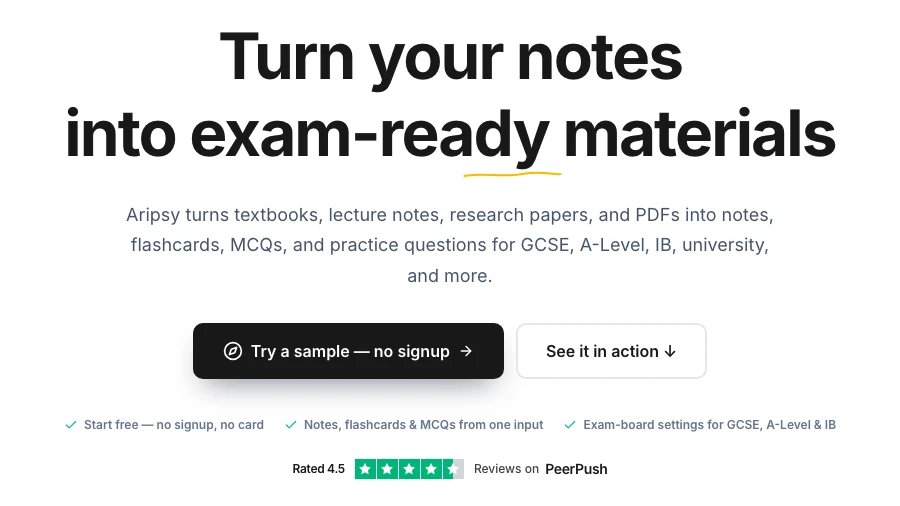
Aripsy replaces the part of ChatGPT that students find most tiring: re-explaining the course every time. You paste a section of notes or upload a file, pick subject, level and exam board once, and generate notes, flashcards, MCQs, fill-in-the-blank practice and short-answer questions that all share those settings. Short answers worth one to four marks are checked against marking points generated from your own source, with an estimated mark and a flag when the checker is unsure. Those marking points are not an official mark scheme.
- Company: Aripsy, founded by Amin Mudassir (LinkedIn)
- Platforms: Web
- Price: Pro $7.99 a month or $49.99 a year (pricing)
- Free tier: 15 AI study packs a month, up to 5 a day, and one successful document upload a month after sign-in; notes can be tried without an account
- Own material: Pasted text, PDF, PowerPoint, Word and audio up to 60 minutes
- Exam-board context: Saved settings for AQA, Edexcel, OCR, IB, AP, SAT and more
- Practice types: Notes, flashcards, MCQs, fill-in-the-blank and marked short answers; MCQs and fill-in-the-blank are Pro features
Where it is weaker: it is not a conversation. If what you want from ChatGPT is a back-and-forth about why your essay argument fails, Aripsy will not give you that. There is no mobile app, no content library for when you have no notes, and AI output needs checking against the specification before it goes on a card.
Best suited for: students with notes, handouts or a PDF who want practice that follows their exam board without retyping the context. Compare the two directly in Aripsy vs ChatGPT.
2. NotebookLM: best for cited answers from a pack of documents
NotebookLM, which Google said in July 2026 it is renaming Gemini Notebook, fixes the ChatGPT problem of not knowing where an answer came from. You add up to 50 sources per notebook, such as the specification, lecture PDFs, a YouTube lecture and your own notes, and every answer cites the passage it used. From the same notebook it generates flashcards and quizzes with easy, medium and hard settings and a prompt box for focus, plus study guides and Audio Overviews (help).
- Company: Google LLC; NotebookLM launched 12 July 2023 (announcement); the rename was announced on 16 July 2026 (Google)
- Platforms: Web, iOS, Android
- Price: Google AI Plus $4.99 a month and Google AI Pro $19.99 a month on Google’s US Gemini subscriptions page on 16 October 2026 (plans); no yearly price shown. Eligible students outside the US can claim a free year of AI Plus, and US college students a free year of AI Pro (Google blog)
- Free tier: Standard, with 100 notebooks and 50 sources per notebook (limits)
- Own material: PDFs, websites, YouTube, audio, Google Docs and Slides
- Exam-board context: None; it knows only what you put in the notebook
- Practice types: Flashcards, quizzes, study guides and Audio Overviews
Where it is weaker: no board setting, no fill-in-the-blank mode in the help page we read, and no marking of written answers. A citation proves where a sentence came from, not that the source was right or complete. Access can depend on account age and school policy.
Best suited for: students with a trusted document pack who want to question it before making revision material. See Aripsy vs NotebookLM.
3. Quizlet: best for shared sets and familiar study modes at the lowest yearly price
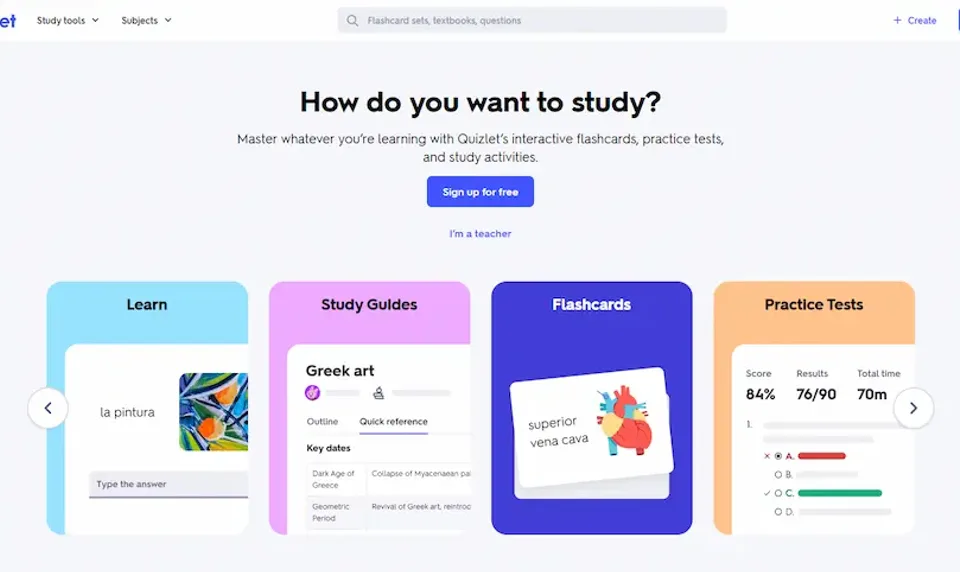
Quizlet is not a chatbot at all, which is the point. If the reason you are leaving ChatGPT is that generated flashcards had nowhere to live, Quizlet gives them a home with Learn, Test, written and fill-in-the-blank modes, and a library of sets your classmates or teacher may already use. AI tools work on your own notes and documents, with access that varies by plan.
- Company: Quizlet Inc, San Francisco, founded 2005 (Wikipedia)
- Platforms: Web, iOS, Android
- Price: Quizlet Plus $7.99 a month or $35.99 a year; Plus Unlimited $9.99 a month or $44.99 a year, US offer reviewed on 28 September 2026 (upgrade). The US App Store showed higher prices on 15 October 2026
- Free tier: Unlimited sets of your own and the core study modes, with ads (help)
- Own material: Your own sets, notes and documents; AI on uploads depends on plan
- Exam-board context: None applied to your material; shared sets are found by topic
- Practice types: Flashcards, Learn, Test, written and fill-in-the-blank questions
Where it is weaker: a public set can follow a different board or textbook edition, so each one is a draft to verify. Q-Chat, the tutor feature, was retired after 30 June 2025 (Quizlet blog), so there is no conversational explainer to replace that side of ChatGPT.
Best suited for: students who want shared sets and the cheapest yearly plan in this list. See Aripsy vs Quizlet.
4. Turbo AI: best when lectures and recordings are the raw material
Turbo AI, launched in early 2024 as Turbolearn, is built for the student whose course happens out loud. It records or takes a lecture upload, produces notes, then flashcards and quizzes from them. ChatGPT can summarise a transcript you paste, but it does not capture the lecture for you.
- Company: Turbolearn LLC, United States; launched early 2024 and later rebranded (TechCrunch, Turbo)
- Platforms: Web, iOS, Android
- Price: $20 a month, or $10 a month billed annually at $120 a year, from Turbo’s own comparison post on 15 October 2026 (Turbo blog); the pricing page returned a 404 that day
- Free tier: Free to start with notes, flashcards and quizzes; caps not published
- Own material: Lecture recordings, uploads and notes
- Exam-board context: None found; pre-made AP study guides only
- Practice types: Notes, flashcards and quizzes; no fill-in-the-blank mode identified
Where it is weaker: a transcription error in an enzyme name or a case name flows into every card and question made from it, so the transcript needs correcting first. Free limits are undocumented, and the yearly price is above Aripsy, Quizlet and StudyFetch.
Best suited for: students whose most important content is spoken in class. See Aripsy vs Turbo AI or the Turbolearn alternatives for GCSE students.
5. StudyFetch: best for one workspace around uploads, slides and videos
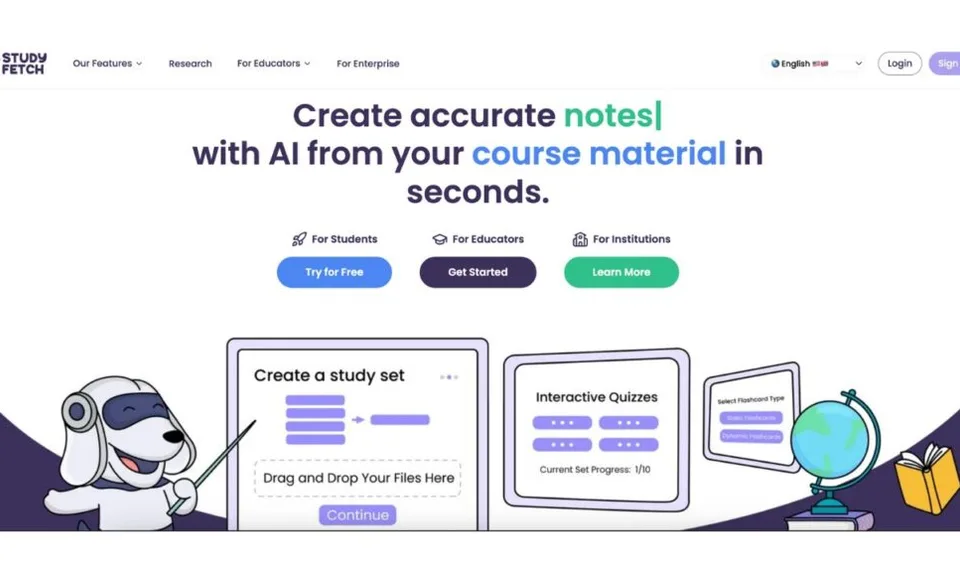
StudyFetch takes documents, slides, recordings and videos and surrounds them with flashcards, practice tests, cloze cards and a tutor chat called Sparky. It is the closest thing here to ChatGPT with a chat built in, while adding the saved study formats ChatGPT lacks.
- Company: StudyFetch, Inc., Beverly Hills, California, founded 2023 (about)
- Platforms: Web, iOS, Android
- Price: Premium $19.99 a month, $29 a quarter or $96 a year as US App Store in-app purchases, reviewed on 28 September 2026 (App Store); the official pricing page was not reachable on 15 October 2026
- Free tier: Free to try; paid plans unlock more generations and longer files; no published quota table
- Own material: Uploaded documents, slides, recordings and videos
- Exam-board context: Exam-specific features name USMLE, NCLEX, AP, LSAT, CFA, MCAT and GMAT (features); no AQA, Edexcel, OCR, IB or GCSE selector found
- Practice types: Flashcards, practice tests, cloze cards and Sparky tutor chat
Where it is weaker: without a published quota table you cannot tell in advance how much the free tier gives you, and the exam presets are US professional exams rather than school boards. Breadth also means more modes than most students will ever open.
Best suited for: university students who want chat, cards and tests around the same multimedia upload. See Aripsy vs StudyFetch or the StudyFetch alternatives for exam revision.
6. Gemini: best general assistant if you want a cheap plan and a large free tier
Gemini is the alternative to choose if you want a ChatGPT-shaped assistant from Google rather than a study tool. The free tier is generous, the AI Plus plan is the cheapest paid tier in this list, and the same subscription covers NotebookLM. Google’s subscriptions page lists document analysis of up to 1,500 pages, though it does not say on which plan.
- Company: Google, Mountain View, California; the Gemini app launched on 8 February 2024 when Bard was renamed (Google)
- Platforms: Web, mobile apps and desktop
- Price: Google AI Plus $4.99 a month and Google AI Pro $19.99 a month on the US subscriptions page on 16 October 2026 (plans); no yearly plan listed
- Free tier: $0 with a Google account: Flash-Lite model, Deep Research, Gemini Live, Canvas, Gems, Gemini Notebook and 15 GB of storage
- Own material: “Up to 1,500 pages of documents for analysis and research”, plan not specified
- Exam-board context: None; general assistant
- Practice types: No dedicated flashcard, quiz or marked-answer feature; anything on request through the prompt
Where it is weaker: for studying it has exactly ChatGPT’s gaps. No exam-board setting, no saved study pack, and no flashcards unless you ask each time. Its strongest study feature, Gemini Notebook, is NotebookLM, which is why that product ranks higher here.
Best suited for: students who want a general assistant plus NotebookLM on one low-cost subscription. There is no Aripsy compare page for Gemini; the closest is Aripsy vs NotebookLM.
7. Claude: best general assistant for working through reasoning, at the highest price
Claude is Anthropic’s assistant, and for a student it behaves most like ChatGPT with a different voice. The feature that sets it apart for studying, Learning mode, guides your reasoning with questions instead of giving the answer, but Anthropic describes it as working within Projects as part of Claude for Education for higher-education institutions (Anthropic, 2 April 2025), so do not assume it is on your personal account.
- Company: Anthropic, PBC, San Francisco; Claude broadly available from 14 March 2023 (Anthropic)
- Platforms: Web, iOS, Android, macOS and Windows (download)
- Price: Pro $20 a month, or $17 a month billed as $200 a year; Max from $100 a month, on 16 October 2026 (pricing)
- Free tier: $0: chat on web, desktop and mobile, web search, file creation and code execution, memory and Artifacts
- Own material: The pricing page lists file creation and code execution but does not spell out document upload types, so we do not claim them here
- Exam-board context: None; general assistant
- Practice types: No dedicated study features; anything on request through the prompt
Where it is weaker: at $200 a year it is the most expensive yearly plan in this list, four times Aripsy Pro, and it buys no study-specific features. Everything it produces lives in chat history unless you move it elsewhere.
Best suited for: students who want a conversational partner for critiquing an argument and are happy to organise the output themselves. There is no Aripsy compare page for Claude; Aripsy vs ChatGPT covers the same general-assistant trade-offs.
Side-by-side comparison
“Yearly” is the lowest paid plan billed for a year where the vendor offers one; otherwise the monthly price is shown.
| Tool | Yearly price | Your own material | Exam-board context | Practice types | Free tier |
|---|---|---|---|---|---|
| ChatGPT (baseline) | Go $8 a month, no yearly plan shown | Pasted text and uploads within plan limits | Prompt only, nothing saved | Any format on request, not saved | Chat and Study Mode with message and upload limits |
| Aripsy | $49.99 | Text, PDF, PowerPoint, Word, audio | Saved board and level settings | Notes, flashcards, MCQs, fill-in-the-blank, marked short answers | 15 packs a month, 1 document upload |
| NotebookLM | AI Plus $4.99 a month, no yearly plan shown | PDFs, web, YouTube, audio, Docs, Slides | None | Flashcards, quizzes, study guides, Audio Overviews | 100 notebooks, 50 sources each |
| Quizlet | $35.99 | Own sets, notes, documents | None | Flashcards, Learn, Test, written, fill-in-the-blank | Unlimited own sets, with ads |
| Turbo AI | $120 | Recordings, uploads, notes | None; AP guides only | Notes, flashcards, quizzes | Free to start, caps unpublished |
| StudyFetch | $96 (App Store) | Documents, slides, recordings, videos | US professional exam presets | Flashcards, practice tests, cloze, tutor chat | Free to try, no quota table |
| Gemini | AI Plus $4.99 a month, no yearly plan shown | Up to 1,500 pages of documents | None | None dedicated | Flash-Lite model, Gemini Notebook, 15 GB |
| Claude | $200 | Not specified on the pricing page | None | None dedicated | Chat, web search, Artifacts |
Which tool fits your situation
| Your situation | Start with | Why |
|---|---|---|
| ChatGPT keeps using the wrong board’s wording | Aripsy | Board and level are saved and applied to every output |
| You cannot tell where a ChatGPT answer came from | NotebookLM | Every answer cites a passage in your own sources |
| Your teacher or classmates share sets | Quizlet | Stay where the sets are and use Learn and Test on them |
| The important content is spoken in lectures | Turbo AI | Captures and converts the lecture before generating cards |
| You want chat, cards and tests around one video or slide deck | StudyFetch | One workspace with a tutor built in |
| You want a cheaper general assistant with NotebookLM included | Gemini | AI Plus is $4.99 a month and covers both |
| You want to argue a point through with an assistant | Claude | Conversation is what it does; saved study features are not |
| Your notes are already checked and you need questions from them | Aripsy’s AI quiz generator from notes | Turns a checked note set into practice you can retest |
When ChatGPT is still the right tool
Switching has a cost: another account, another place your work lives. Keep ChatGPT when the job is explanation. Asking it to explain a proof three ways, to find the gap in a paragraph you wrote, or to play an examiner asking follow-up questions are all tasks a chat does well and a study pack does not. Study Mode is free within limits and makes those sessions less like answer-fetching. If the paragraph is coursework you will hand in, check what your exam board allows before you paste it.
Move to an alternative when you notice one of four things: you are pasting the same course context into every chat; you cannot trace an answer to a page; cards and questions are being copied by hand into another app; or the output ignores your exam board after you told it twice. Each of those maps onto a tool above.
How to test an alternative with one source pack
Marketing pages use clean examples; your course material is not clean. Before paying for anything, run the same small pack through two or three tools. A biology student might use one lecture PDF, its slide deck and a page of class notes on glycolysis, with a single learning objective about pathway order and ATP accounting.
Ask each tool for a short note set, around a dozen flashcards and six mixed questions. Then count: claims you cannot trace to the pack, essential points left out, cards that ask two things at once, questions with two defensible answers, and the minutes spent fixing all of it. Finally, check whether the corrected set can be retested next week without rebuilding it. The tool that wins is the one that gets your real material into a checked, repeatable loop with the least rework, not the one that produced the most text.
FAQ
What is the best ChatGPT alternative for studying?
For most students the answer is a study tool rather than another chatbot. Aripsy generates exam-board-aware notes and practice from your own material; NotebookLM gives cited answers from a document pack; Quizlet keeps shared sets and study modes. Claude and Gemini are the picks only if you specifically want a different general assistant.
What is the best free ChatGPT alternative for students?
NotebookLM’s free tier, 100 notebooks with 50 sources each, is the most generous for working from your own documents. Gemini’s free tier includes Gemini Notebook, Quizlet gives unlimited own sets with ads, and Aripsy Free allows 15 study packs a month plus one document upload. Turbo AI and StudyFetch do not publish free caps.
How much do ChatGPT alternatives cost for a year?
In the offers reviewed: Quizlet Plus $35.99, Aripsy Pro $49.99, StudyFetch Premium $96, Turbo AI $120 and Claude Pro $200. NotebookLM and Gemini sit on Google AI Plus at $4.99 a month with no yearly plan shown, and ChatGPT Go is $8 a month. Prices vary by country, so check each page.
How do I get ChatGPT, Claude or Gemini to follow my exam board?
You cannot set it; you can only state it in each prompt, for example “AQA GCSE Biology, Paper 1, use AQA command words”. The model will usually comply for that chat and forget it in the next. If you want the board applied automatically, use a tool with a saved setting such as Aripsy, or a board-organised revision library.
What can NotebookLM do that ChatGPT cannot?
It answers only from the sources you add to a notebook and cites the passage, so you can open the page and check. It also generates flashcards and quizzes with difficulty settings from those sources. It cannot draw on general knowledge to fill a gap in your pack, which is a feature for revision and a limitation for open questions.
How is Claude different from ChatGPT for students?
Functionally they are close: both are general assistants with free tiers and no study-specific features on a personal plan. Claude’s Learning mode, which guides reasoning with questions, is described by Anthropic as part of Claude for Education for institutions. Claude Pro is $17 a month billed yearly against ChatGPT Plus at $20 a month, and both cost more than Aripsy Pro or Quizlet Plus for a year.
What should I check before trusting AI-generated study material?
Definitions against the specification or textbook, formulae and units, dates and names, and quotation wording. Check that every MCQ has one defensible answer. Delete a wrong card immediately; a repeated wrong card becomes a repeated wrong memory.
Final recommendation
Name the job ChatGPT is failing at, then pick the tool built for it. For practice that follows your exam board from your own notes, try Aripsy with one topic and check the output. For cited answers from a document pack, NotebookLM. For shared sets, Quizlet. For lectures, Turbo AI or StudyFetch. For a different conversation partner, Gemini on price or Claude on reasoning, knowing neither will remember your board. For a broader view of the category, see the best AI-powered study apps for students in 2026.
Sources
- Aripsy pricing
- ChatGPT on Wikipedia, ChatGPT Go announcement and Study Mode help
- NotebookLM launch, Gemini Notebook rename, flashcards and quizzes help, plan limits and student offers
- Google Gemini subscriptions (US) and Gemini app launch
- Quizlet plans, subscription help, Q-Chat retirement and Wikipedia
- Turbo AI vs ChatGPT (pricing), Turbolearn rebrand and TechCrunch
- StudyFetch about, exam-specific features and App Store listing
- Anthropic: introducing Claude, Claude for Education, Claude pricing and downloads
Keep exploring
AI Study Tools
Compare AI study apps by the job they do, the material they accept, and how easily students can check the output.
Explore AI Study Tools guides
Written by
Aripsy Study Team
The Aripsy Study Team creates practical revision guides designed to support learning, source checking, and active practice.