Best Flashcard Apps for Students in 2026
The best flashcard app depends on the workflow: Aripsy for turning trusted course material into exam-focused cards, Anki for deep scheduling control, Quizlet for shared sets and familiar modes, RemNote for connected notes, Knowt for Quizlet imports, Brainscape for confidence-rated review, and StudyFetch for a broader multimedia workspace.
 Aripsy Study Team
In this article14
The best flashcard app is not simply the one that creates the most cards. A useful app helps you turn reliable material into focused prompts, retrieve the answers before seeing them, and return to difficult cards at sensible intervals.
This guide compares seven flashcard apps by the jobs students actually need to complete: creating cards, reviewing on mobile, maintaining a spaced-repetition queue, finding shared sets, connecting cards to notes, and checking generated content against its source.
Disclosure: Aripsy is our product. We include it because it fits this comparison, but we state its limitations and apply the same workflow-based standard to every app. Competitor features were checked against official product or help pages on 24 September 2026. Plans, limits, interfaces, and mobile availability can change.
Quick answer: which flashcard app is best for students?
- Aripsy: best for converting trusted notes, PDFs, PowerPoints, and Word files into an exam-focused study set.
- Anki: best for students who want extensive control over card design, scheduling, add-ons, and a very large long-term collection.
- Quizlet: best for finding shared sets and using familiar card, Learn, and Test workflows.
- RemNote: best for keeping linked notes and scheduled flashcards in the same knowledge base.
- Knowt: best for importing Quizlet sets and using a familiar mix of cards, Learn, and practice tests.
- Brainscape: best for a simpler confidence-rated review flow across web and mobile.
- StudyFetch: best for students who want flashcards inside a wider workspace for notes, tutoring, quizzes, audio, and video.
There is no universal winner. Choose the app whose daily review system you will actually maintain—not the app with the longest feature page.
Flashcard apps compared
| App | Best for | Card creation | Review approach | Main trade-off |
|---|---|---|---|---|
| Aripsy | Exam-focused cards from your own material | AI generation from pasted text and supported documents | Connected flashcards and practice activities | Generated cards require source checks |
| Anki | Detailed control and large collections | Manual, imports, templates, media, and add-ons | Configurable spaced repetition, including FSRS | More setup and a steeper learning curve |
| Quizlet | Shared sets and familiar study modes | Manual, imports, public sets, and AI tools | Flashcards, Learn, Test, and other modes | Public sets may not match your course |
| RemNote | Notes and cards in one system | Cards inside notes, document reading, imports, and AI | Spaced repetition across linked notes | More structure than a simple deck app |
| Knowt | Quizlet imports and accessible study modes | Manual cards, imports, notes, and AI tools | Flashcards, Learn, tests, and spaced review | Generated and public sets need verification |
| Brainscape | Confidence-rated review | Manual, imports, collaborative decks, and AI options | Confidence-Based Repetition | Self-ratings can be overconfident |
| StudyFetch | A broad multimedia study workspace | Course-material uploads and AI generation | Cards alongside quizzes, tutor tools, and media | Breadth may be unnecessary for card-only study |
This is an editorial comparison, not a controlled accuracy benchmark. “Best” means best fit for a stated workflow, not a guarantee of higher grades, perfect cards, or superior retention.
Choose by the part of the workflow that matters
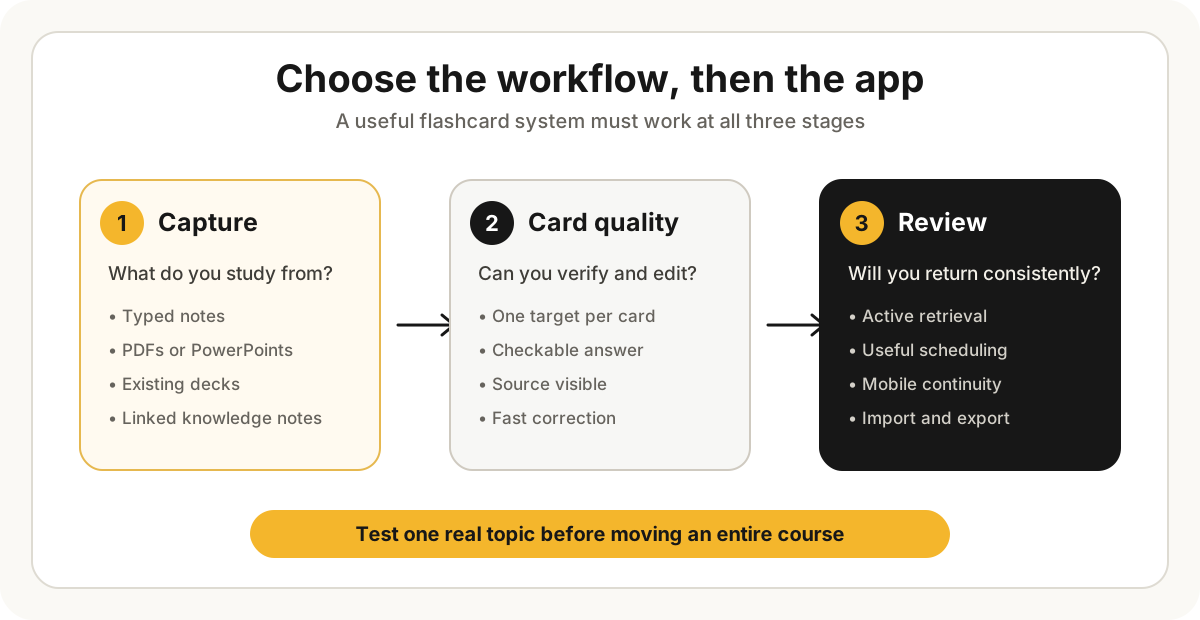
Before comparing brands, decide which layer is causing trouble:
- Capture: how will course material enter the system?
- Card quality: can you edit vague, duplicated, or incorrect prompts?
- Retrieval: does the app make you answer before revealing?
- Scheduling: will it bring weak cards back at useful intervals?
- Continuity: can you maintain the collection through the whole course?
- Portability: can you import, export, or leave without rebuilding everything?
An AI generator can reduce card-building time but still produce a poor review system. A sophisticated scheduler can time reviews well but cannot rescue an overloaded or inaccurate card. Evaluate both halves.
1. Aripsy: best for exam-focused cards from trusted material
Aripsy is designed to move from a focused source into notes, flashcards, and related practice without rebuilding the topic in separate tools. Signed-in Free users can work from pasted text and try one successful document upload. Ongoing PDF, PowerPoint, and Word uploads require Pro and are subject to current limits.
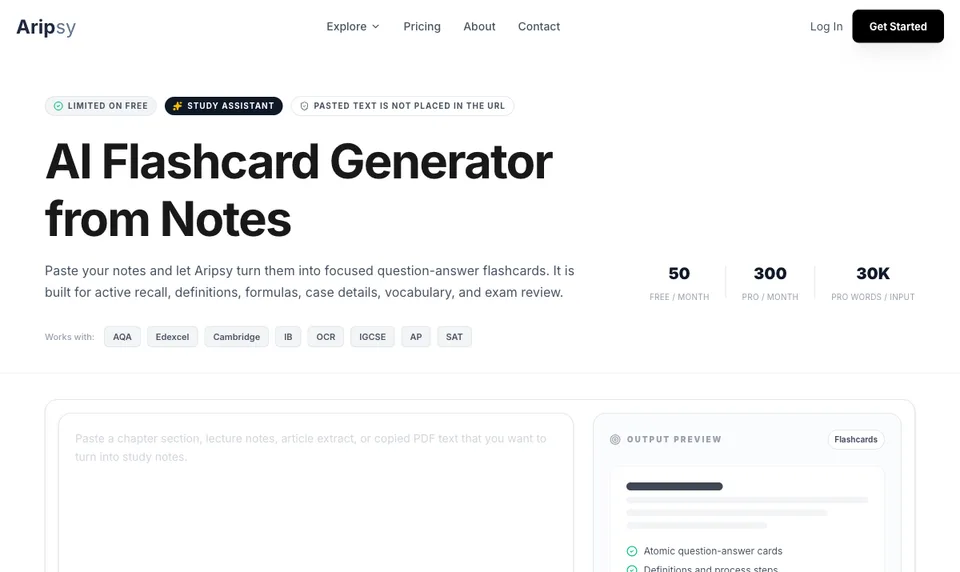
The main advantage is workflow continuity. A student can start with material they already trust, create a compact deck, and continue into connected practice. That makes Aripsy useful for GCSE, A-Level, IB, AP, university, and professional-course revision when course context matters.
The limitation is important: Aripsy extracts document text, so complex diagrams, scans, equations, and slide layouts need extra checking. AI-generated cards can also omit exceptions or invent plausible wording. Compare the deck with the original before repeating it.
Choose Aripsy if: the slow part is converting your own course material into a manageable exam-revision set.
2. Anki: best for scheduling control and large collections
Anki is a mature flashcard program built around adaptive review. Its official site highlights cross-device synchronisation through AnkiWeb, media and scientific-markup support, custom card layouts, review controls, and add-ons. Its current manual documents FSRS as an available scheduling option.
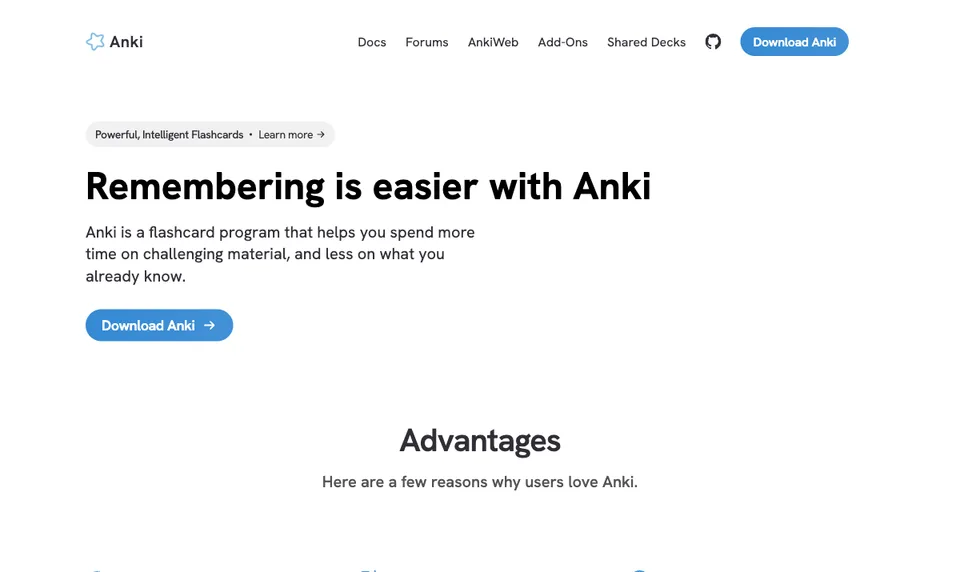
Anki is especially strong for medicine, languages, law, and other subjects where a collection may grow into thousands of cards over several years. Templates and add-ons allow unusual workflows that simpler apps do not support.
That flexibility creates setup cost. Students must decide how to structure decks, write or import cards, manage settings, and keep the review queue sustainable. The desktop software and AnkiWeb are free; the official iOS app is a separate paid app, while AnkiDroid is the Android client listed by Anki.
Choose Anki if: you want detailed control and are willing to learn the system for long-term use.
3. Quizlet: best for shared sets and familiar modes
Quizlet combines manual card creation, a large public-set ecosystem, imports, and AI-assisted study tools. Once a set exists, students can use flashcards and plan-dependent modes such as Learn and Test.
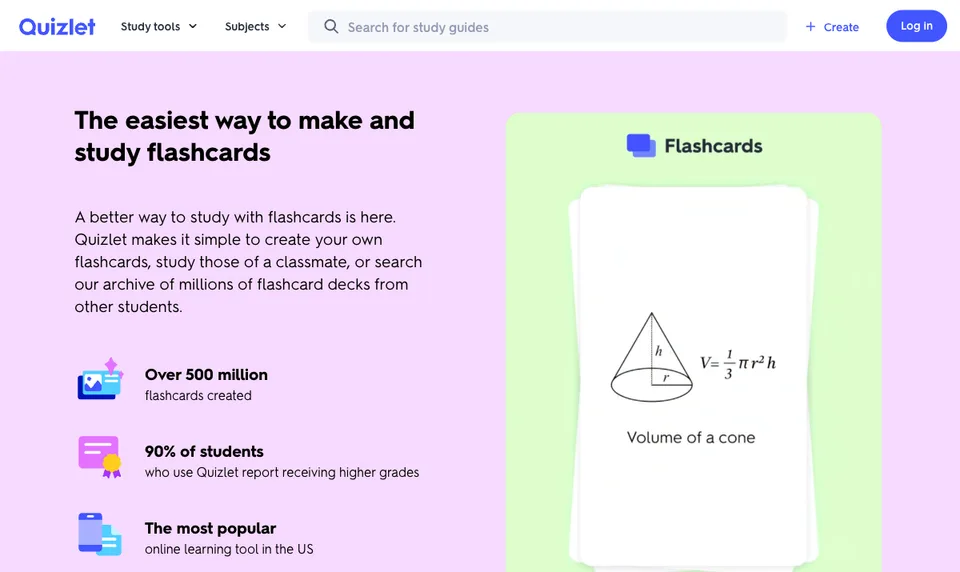
Quizlet is a practical choice when teachers or classmates already share sets there. It is also easy to test because you can search before creating a new deck.
The risk is source mismatch. A popular set may use a different syllabus, jurisdiction, textbook edition, or level of detail. Quizlet currently documents limited free access for some advanced modes, so check the live help and pricing pages before basing a course workflow on them.
Choose Quizlet if: shared sets and familiar review modes matter more than deep scheduler control.
4. RemNote: best for connected notes and cards
RemNote lets students create flashcards directly inside linked notes, from documents, through imports, or with AI. Its help centre documents several card types and spaced-repetition scheduling, including Anki SM-2 and FSRS options.
The connection between note context and recall is useful when facts depend on a larger argument, mechanism, or hierarchy. It also reduces the separation between “taking notes” and “building cards.”
The trade-off is complexity. Someone who needs 20 simple cards for tomorrow may not benefit from a full knowledge base. RemNote itself advises new users to start with basic cards before exploring advanced formats and scheduler settings.
Choose RemNote if: you want notes, sources, and long-term scheduled recall to remain connected.
5. Knowt: best for Quizlet imports and familiar practice
Knowt supports manual and AI-generated flashcards, Quizlet imports, notes, Learn-style review, practice tests, and spaced repetition.
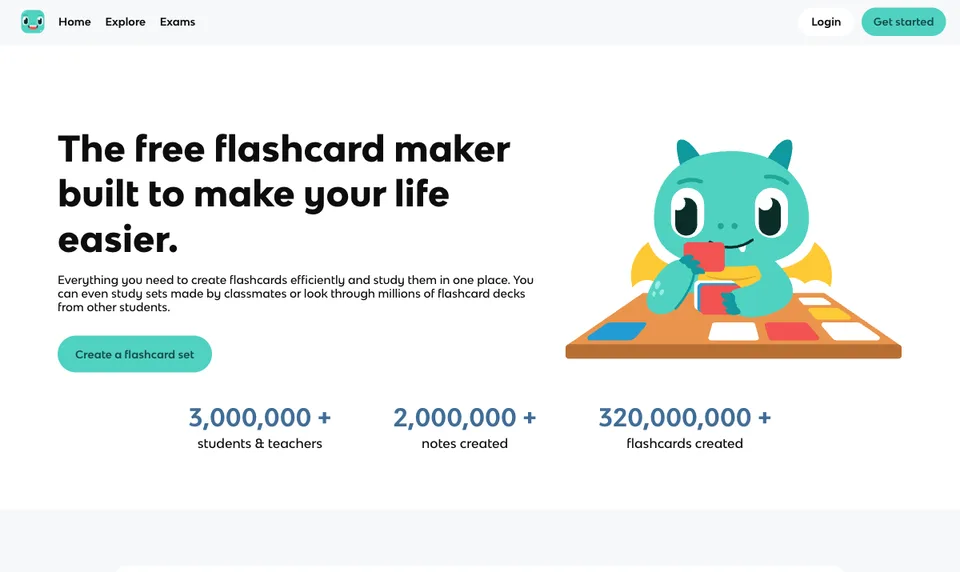
The most useful differentiator is migration. A student with an existing Quizlet library can test one representative deck in Knowt without manually recreating every card. Its wider set of study modes also makes it approachable for learners who do not want to configure a technical scheduler.
Inspect imported formatting, images, symbols, and answer direction before moving a full library. Public and AI-generated material still needs comparison with your own course source.
Choose Knowt if: moving existing Quizlet material or using a familiar all-in-one review flow is the priority.
6. Brainscape: best for confidence-rated review
Brainscape asks learners to reveal an answer and rate their confidence from 1 to 5. Its Confidence-Based Repetition system uses that rating to prioritise weaker material and space stronger material further apart.
This creates a straightforward loop: retrieve, reveal, judge, repeat. Students who find detailed interval settings distracting may prefer that simplicity. Brainscape also supports web and mobile study, shared material, and authoring workflows.
Confidence is not the same as correctness. If you recognise an answer but could not have produced it, a generous self-rating can delay the card too far. Say the complete answer before revealing it and downgrade cards with missing reasoning, units, or key terms.
Choose Brainscape if: you want a guided review queue with minimal scheduling configuration.
7. StudyFetch: best broader multimedia workspace
StudyFetch places flashcards alongside notes, quizzes, tutor interactions, lecture tools, audio, video, and study planning. It is intended for students who want several outputs around the same uploaded course material.
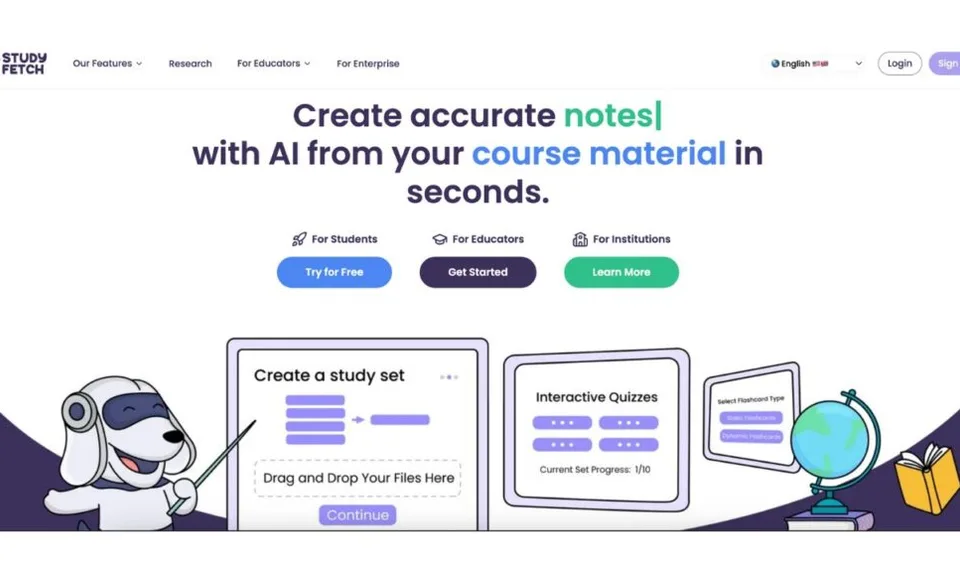
That breadth can reduce switching between tools. It can also create unnecessary surface area if flashcards are your only need. Test whether its card editing, source checking, and daily review experience are strong enough before choosing it for an entire course.
Choose StudyFetch if: flashcards are one part of a larger multimedia study workflow.
How to test a flashcard app fairly
Use the same representative topic in each shortlisted app:
- Add 10–15 concepts from material you trust.
- Include one definition, one process, one comparison, one calculation, and one diagram-dependent point.
- Count inaccurate, duplicated, vague, or overloaded cards.
- Rewrite five cards and note how easy editing feels.
- Complete a review session without looking at the source.
- Return after three days and inspect what the app schedules.
- Check mobile use, import/export, deletion, privacy, and live plan limits.
Do not test only with clean typed notes. Use the kind of source you actually study from, such as a dense slide deck, a scanned handout, or a document containing equations.
What makes a high-quality flashcard?
A strong card tests one meaningful target and has a checkable answer. Prefer:
- “Which factor increases the equilibrium yield, and why?” over “Explain equilibrium.”
- A labelled image-occlusion card over a list of every structure in a diagram.
- A short calculation with units over a memorised formula alone.
- Separate cards for a definition, mechanism, exception, and application.
Delete cards that merely copy a paragraph. Retrieval should be effortful enough to reveal a gap but focused enough that you know what was missing.
For card-generation tools specifically, see the AI flashcard maker comparison. If you are choosing a replacement for an existing Quizlet workflow, use the Quizlet alternatives guide. For scheduling principles, read the spaced repetition guide.
FAQ
What is the best free flashcard app for students?
It depends on the required workflow. Anki’s desktop app and AnkiWeb are free, while several browser-based products offer free access with changing limits. Test the exact features you need—generation, review, mobile sync, images, imports, or exports—against the current plan pages before committing.
Is Anki better than Quizlet?
Anki is usually the stronger fit for detailed scheduling, customisation, and very large long-term collections. Quizlet is often easier for shared sets and familiar study modes. The better choice depends on whether control or convenience is the main requirement.
Can AI make good flashcards from a PDF or PowerPoint?
AI can produce a useful first draft, but diagrams, equations, tables, scans, and context-dependent wording can be misread. Check each card against the source and rewrite overloaded prompts before studying them.
Which flashcard app is best for GCSE, A-Level, IB, or AP revision?
Choose an app that lets you use your current specification and trusted course material. Aripsy is designed around exam-focused generation from your own content; other apps may be preferable for large shared libraries or long-term scheduling. No app replaces the official specification, guidance from your teacher, or mark schemes.
Do flashcard apps work without spaced repetition?
Flashcards can still support retrieval practice without an adaptive scheduler, but spaced review helps distribute that practice over time. The card must still make you retrieve an answer before revealing it; simply rereading both sides is much weaker practice.
Sources and further reading
Continue studying

Written by
Aripsy Study Team
The Aripsy Study Team creates practical revision guides designed to support learning, source checking, and active practice.