Best AI Study Notes Generator: 6 Tools Compared (2026)
Choose by workflow: Aripsy turns your own material into exam-focused notes and recall practice; Quizlet and Knowt centre familiar card and test modes; StudyFetch builds broader study sets; TheResearcher.ai focuses on research sources; and Anki provides detailed spaced-repetition control.
 Aripsy Study Team
In this article13
A polished summary can still leave you with weak exam prep. The best AI study notes generator keeps your source material clear, then turns it into notes and practice you can test yourself with.
This comparison covers six named tools: Aripsy, Quizlet, Knowt, StudyFetch, TheResearcher.ai, and Anki. The right choice depends on your first problem: syllabus fit, fast flashcards, PDF handling, research checks, or long-term spaced repetition.
Before uploading or pasting study material into any AI tool, remove personal data, confidential files, assessment-protected material, and anything your school, university, employer, or copyright rules do not allow you to process in a third-party service. Use AI tools for revision, checking, and practice, not for dishonestly completing assessed work.
Quick answer: which AI study notes generator should you choose?
Choose Aripsy when you want a student-first workflow from your own study material into structured notes, flashcards, questions, and Pro practice formats such as MCQs and fill-in-the-blanks. Choose Quizlet when you already like flashcards and study guides. Choose Knowt when fast AI flashcard creation is the priority. Choose StudyFetch when you want a broader study set around uploaded course material. Choose TheResearcher.ai when citations and research summaries matter. Choose Anki when you want deep control over spaced repetition.
Before paying for any study tool, test one complete topic. Check the generated notes against your source, then answer a few questions without looking back.
How this comparison was checked
Aripsy publishes this comparison and is one of the products listed. We reviewed each tool’s official product, help, or pricing pages on 7 September 2026. We compared accepted source material, study outputs, course context, review workflow, and plan restrictions. We did not run a controlled output-quality benchmark, so this guide does not rank factual accuracy or guarantee that one tool produces better notes. Features, limits, and pricing can differ by country, account, or plan.
Best AI study notes generators compared
| Tool | Best fit | Main study output | Curriculum or source signal | What to verify |
|---|---|---|---|---|
| Aripsy | Exam-focused revision from your own material | Notes, flashcards, questions, Pro MCQs, Pro fill-in-the-blanks | Subject, level, focus, and exam-board settings | Signed-in Free includes one successful document-upload trial; ongoing uploads and some practice formats require Pro |
| Quizlet | Familiar flashcards, study guides, and practice tests | Flashcards, study guides, quizzes, practice tests | Study-set workflow | Current access to AI and study modes for your account and region |
| Knowt | Fast AI flashcards and quizzes | Flashcards, practice questions, notes | Flexible AI study workflows | Plan terms and AI limits should be checked before heavy use |
| StudyFetch | Course-material study sets | Notes, flashcards, quizzes, tutor support, study plans | Works around uploaded course materials | Supported inputs, output limits, and access for the plan you intend to use |
| TheResearcher.ai | Research-heavy study | Summaries, flashcards, quizzes, citations | Research-source workflow | Current source, citation, and export limits for your plan |
| Anki | Custom long-term recall | Flashcards with spaced repetition | Configurable decks and review timing | Device-app cost, setup time, and the quality of cards you add |
Free access is useful for testing, but it is not proof of fit. A free plan only helps if the limits match your revision load and the output is accurate enough to study after checking.
Want to compare the result rather than the feature list? Paste one focused topic into Aripsy, generate structured notes, and check every definition, formula, and date against your source. Try one topic in Aripsy.
1. Aripsy
Aripsy is an AI study assistant for turning pasted study text and supported documents into revision material. Signed-in Free users can try one successful PDF, PowerPoint, or Word upload. Ongoing document uploads within the current file limit are available on Pro. Aripsy extracts document text, so complex visuals and formatting should be checked.
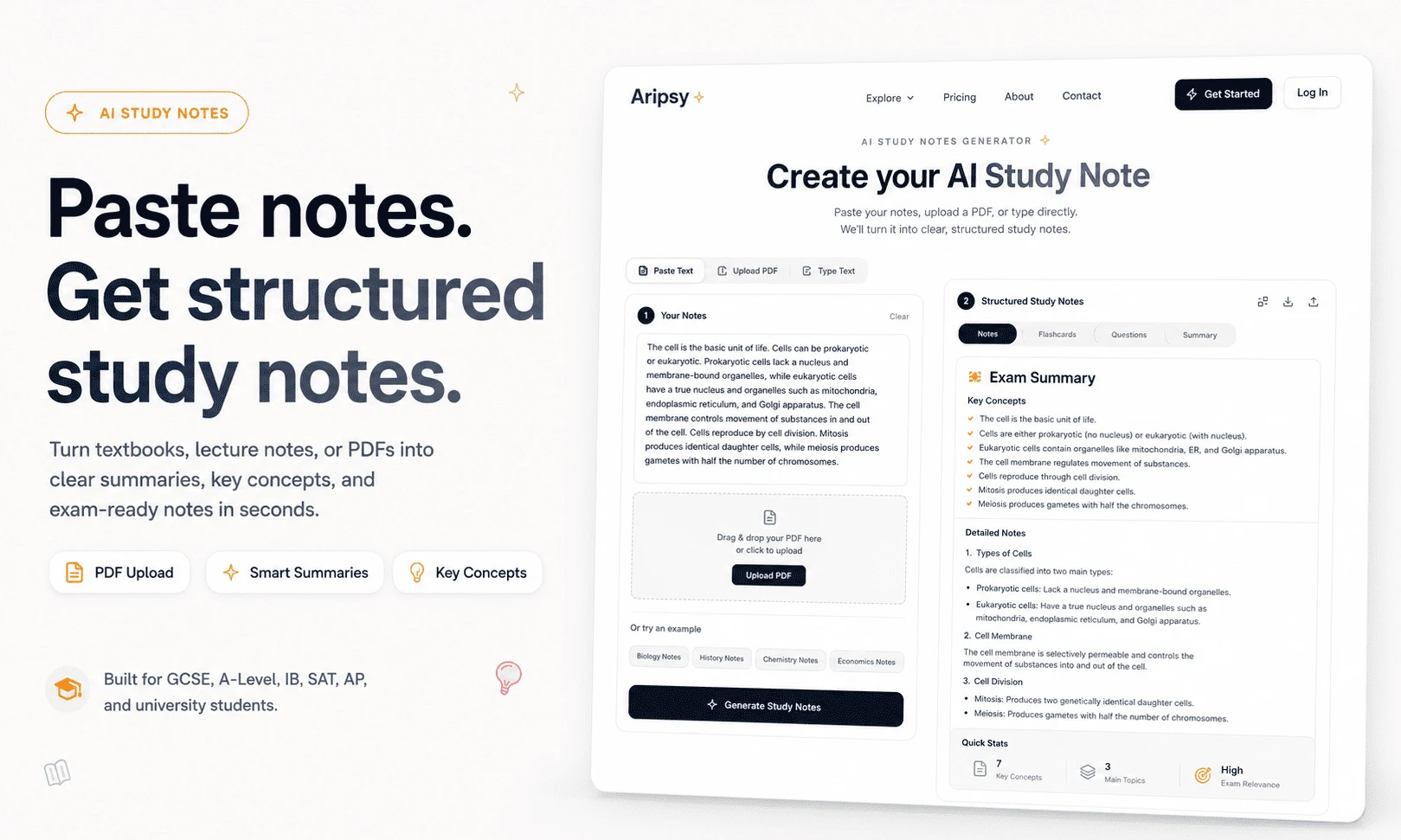
Aripsy is built around shaping source material into a study set. You can generate structured notes first, then create flashcards and questions from the same topic. Pro provides ongoing PDF, PowerPoint, and Word uploads plus MCQs, fill-in-the-blank practice, and additional export options within current plan limits.
The exam context is the main advantage. Aripsy supports subject, level, focus, and exam-board selection where available. That matters when a course expects specific vocabulary, depth, or question style. A general summary may explain the topic correctly but still miss what your mark scheme or syllabus asks you to practise.
Use Aripsy like this:
- Paste one focused section of notes, textbook text, or copied PDF text.
- Choose the subject, level, and exam context.
- Generate notes.
- Compare the output with the original source.
- Turn checked details into flashcards, questions, or Pro MCQs.
Aripsy is not a replacement for studying or academic guidance. Treat generated material as a study draft, then review important formulas, definitions, dates, quotations, and technical details against trusted course sources.
Key takeaway: choose Aripsy when exam-focused notes should lead straight into recall practice from your own material.
2. Quizlet
Quizlet is a familiar flashcard and study-guide platform. Its AI flashcard generator can turn lecture slides, typed documents, copied notes, PDFs, Google Drive documents, and mobile photos of handwritten notes into first-draft study sets.
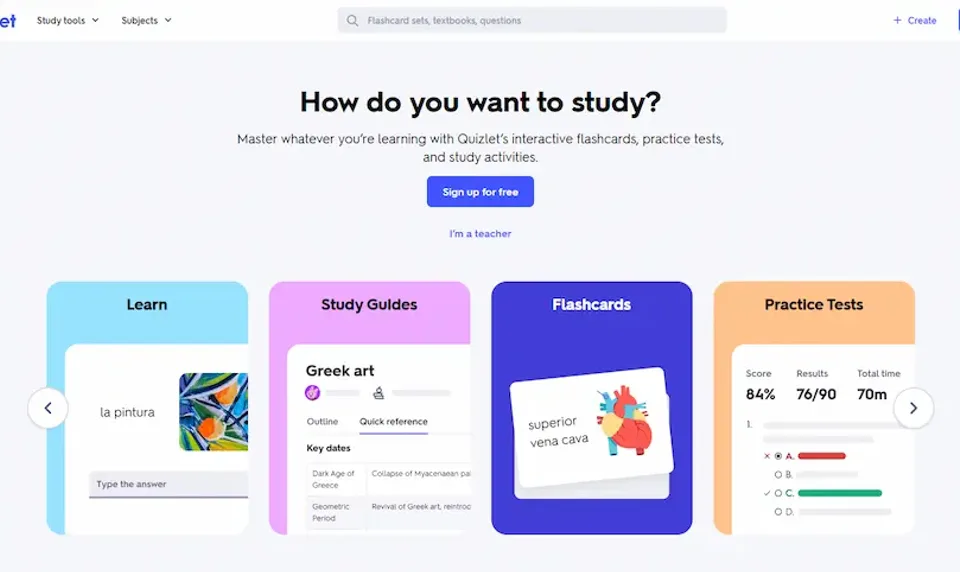
The main strength is the move from source material into practice. Quizlet can create flashcards, study guides, quizzes, and practice tests, then let students edit the set before studying. That is useful when you already revise well with cards and want a faster starting point.
Quizlet is less clearly focused on exam-board-aware note shaping than Aripsy. If your subject has a named specification, check that the generated set includes the exact terms, methods, formulas, or examples your course expects.
For a history unit, a weak card might ask you to explain an entire war in one answer. A useful card isolates one cause, one date, one consequence, or one historian’s view. Edit broad cards before you study them.
Key takeaway: choose Quizlet when you want a familiar flashcard and study-guide habit more than a curriculum-led note workflow.
3. Knowt
Knowt is an AI flashcards and notes app with free accounts and paid plans for premium AI features. It suits students who want to move quickly from notes into flashcards and practice questions.
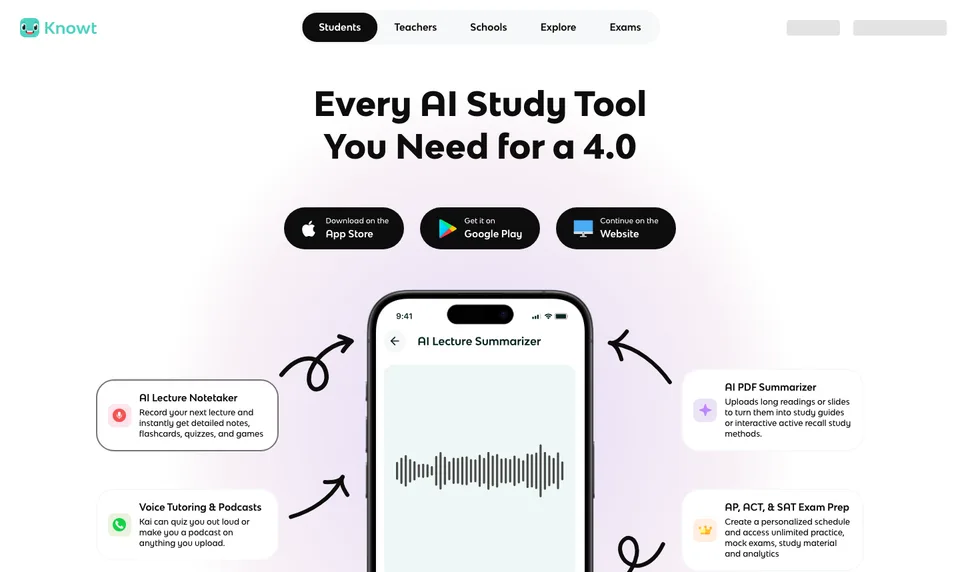
The useful benefit is speed. Add material, generate a set, then start testing yourself. A flashcard can handle a definition, while a quiz question can test a process or misconception.
Knowt’s own help material points students to Plus or Ultra plans for more premium AI features, and app-store pricing can vary by plan, region, and billing period. Check the current plan page before relying on it for a full exam season.
The caveat is source control. A fast practice workflow is useful, but you still need to know where uncertain details came from. If a generated answer looks too neat, compare it with the original source before memorising it.
Key takeaway: choose Knowt when fast flashcard and quiz generation matters more than detailed syllabus control.
4. StudyFetch
StudyFetch turns uploaded course materials into study sets with notes, flashcards, quizzes, practice tests, tutor support, and study plans. It is designed for students who want a broader learning platform around their materials.
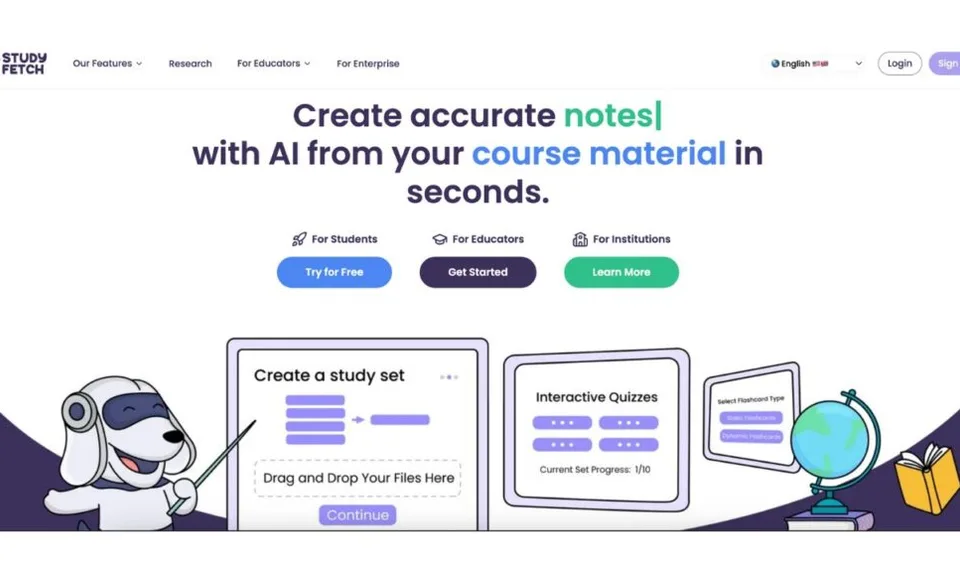
StudyFetch supports many input types across its public material, including documents, slides, images, audio, video, YouTube links, pasted notes, and Google Docs. Its Notes feature can generate organized notes from uploaded material, and those notes can be used to create flashcards, quizzes, and other study materials.
That makes StudyFetch useful when your study problem is bigger than one summary. If your revision includes lectures, slides, tests, progress tracking, and tutor-style explanations, a wider platform can help keep the workflow together.
The trade-off is focus. A broad platform can be more than you need when the immediate task is one clean, exam-focused note set from a textbook chapter. Test one chapter first and check whether the depth stays consistent.
Key takeaway: choose StudyFetch when you want a broader course-material study system, not only a notes generator.
5. TheResearcher.ai
TheResearcher.ai is built for summarizing research papers, PDFs, YouTube videos, audio files, and text. It also lists flashcards, quizzes, research chat, export formats, and citation-related tools across its pricing page.
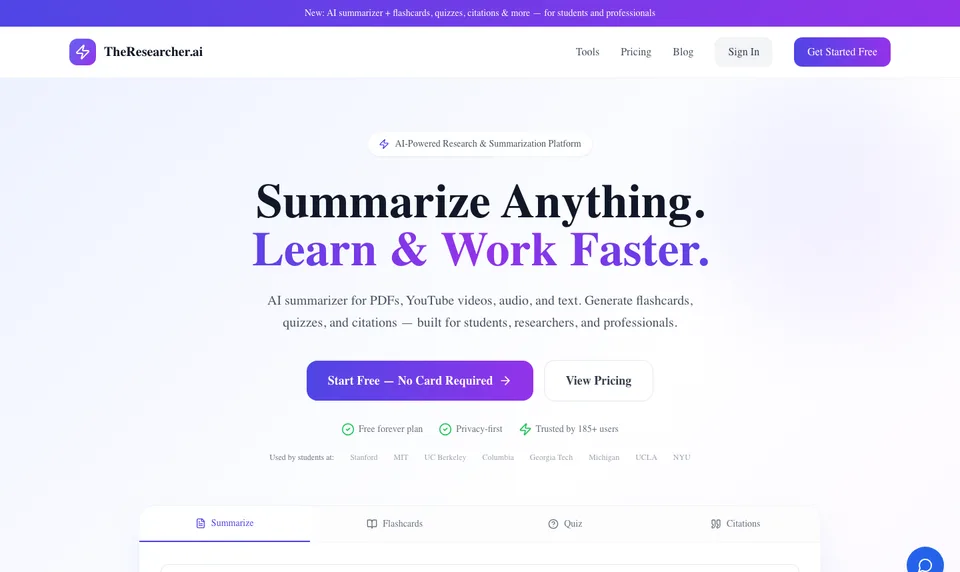
This makes it a strong fit for research-heavy study. A university student reading several papers may need to keep claims, methods, citations, and limitations separate. A source-aware summarizer can help with that first pass.
For school exam revision, the research focus may be more than you need. If your main task is GCSE, A-Level, IB, AP, or SAT practice from course notes, you may get more value from a workflow that starts with exam context and ends in recall practice.
Plan limits vary by tier, including monthly summaries, word count, flashcards, quizzes, research chat, batch upload, and export access. Check the current pricing page before planning a large research workflow.
Key takeaway: choose TheResearcher.ai when source handling, research summaries, and citations matter more than exam-board note shaping.
6. Anki
Anki is a powerful flashcard system for students who want control over decks, card templates, media, add-ons, and review timing. The official desktop app is free, AnkiWeb sync is free, AnkiDroid is free, and the official iOS app is a paid one-time purchase.
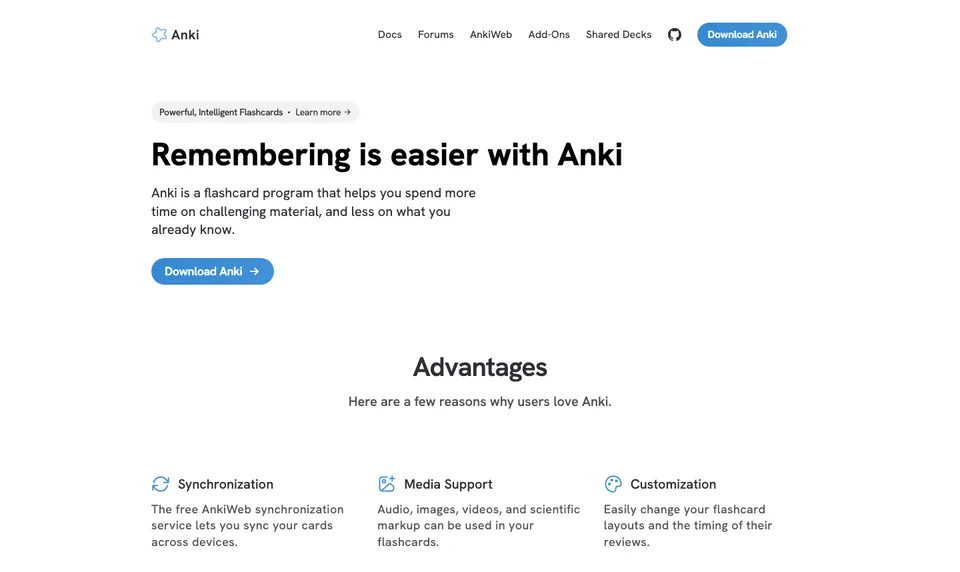
Anki is not mainly an AI notes generator. It is better understood as a long-term spaced-repetition system. You can add AI-generated cards through plugins or external workflows, but the value still depends on whether the cards are accurate and well designed.
The control is useful for advanced learners. A medical student might split a mechanism into several cards. A language learner might create prompts that test meaning in context. A law student might separate rule, facts, issue, and application.
The downside is setup. Anki rewards students who are willing to manage decks and edit cards carefully. Scheduling cannot fix a vague prompt or a wrong answer.
Key takeaway: choose Anki when long-term custom spaced repetition matters more than automatic note generation.
Best AI study notes generator for US college, AP, and SAT students
For US courses, start with the source that defines the class: your syllabus, instructor materials, assigned textbook, or official framework. AP students should check topic scope and science-practice wording against the current College Board course framework. SAT students should use official test specifications and Bluebook practice for test format and scoring, then use an AI tool to organise their own mistake notes or create extra recall prompts.
Aripsy can preserve AP or SAT context when you create notes from a focused source, but it is an independent study tool. Try one unit or missed-skill explanation, check the result against the official source, and only then turn it into flashcards or questions. For broader decision guides, compare the best AI study tools for AP exam prep or the best AI study apps for SAT prep. For a concrete subject starting point, review the AP Biology Chemistry of Life study guide.
Best AI study notes generator for UK GCSE and A-Level students
For UK exams, the exam-board specification, past papers, and mark schemes should control what you learn. A useful AI workflow keeps the board, qualification, subject, paper, required practical, command word, equation, and unit visible rather than producing a generic subject summary.
Use one specification topic at a time, verify generated wording, then practise retrieval and official questions. Aripsy includes AQA and other course-context settings where available. The AQA GCSE Biology revision notes workflow and AQA GCSE Physics revision notes workflow show how to keep Paper 1, Paper 2, practical, equation, and source checks attached to the task.
How to choose the right tool
Start with your study task, not the longest feature list.
- Need syllabus fit? Choose a tool with subject, level, and exam-board settings.
- Need fast recall? Look for flashcards, quizzes, and a smooth review loop.
- Need research checks? Prioritize source handling, citations, and export options.
- Need a low-risk trial? Read the free-plan limits before uploading a large file.
- Need tutor or study-group use? Check sharing, reporting, privacy, and export controls.
The safest workflow for most students is source first, notes second, recall third. That order keeps AI in a support role. You still decide what is accurate, what needs editing, and what deserves more practice.
FAQ
What is the best AI study notes generator?
Aripsy is a strong fit when you want structured notes, flashcards, questions, and Pro practice formats from your own study material with subject and exam context. A different tool may fit better if your main need is custom Anki scheduling, research citations, or a classroom quiz platform.
Can AI turn a PDF into study notes?
Yes, several tools can work from documents or copied text. In Aripsy, signed-in Free users can try one successful PDF, PowerPoint, or Word upload. Ongoing document uploads within the current file limit are available on Pro. Always check generated notes against the original document, especially for formulas, diagrams, labels, quotations, dates, and definitions.
Are AI-generated flashcards good for active recall?
They can be useful when each card tests one clear idea. Edit cards that contain several facts, vague wording, or answers that are too long. Mix flashcards with MCQs, short-answer questions, and past-paper practice where relevant.
Which AI study tool is best for GCSE and A-Level?
For GCSE and A-Level students, Aripsy is a strong match because it focuses on exam-ready study materials and supports exam-board context where available. You should still compare generated notes with your specification, textbook, class material, or mark scheme.
Is there a free AI study notes generator?
Yes. Aripsy has a Free plan for pasted-text notes and limited flashcards within current plan limits. Signed-in Free users can also try one successful document upload. Ongoing uploads, MCQs, fill-in-the-blanks, and higher limits are available on Pro.
Start with one topic in Aripsy’s study tool. Generate notes, check them against your source, then turn the strongest points into recall practice.
If you are deciding between the two products, use the direct Aripsy vs Quizlet comparison. If your comparison starts with replacing Quizlet rather than choosing a general notes generator, use the broader guide to Quizlet alternatives for AI flashcards and active recall.
Sources and further reading
- Aripsy FAQ
- Aripsy study tool
- Aripsy AI study notes generator guide
- Quizlet AI flashcard generator
- Quizlet AI study guide maker
- Knowt student plans
- Knowt Free and paid account differences
- StudyFetch documentation
- StudyFetch platform overview
- TheResearcher.ai pricing
- Anki official apps page
- Anki spaced repetition algorithm FAQ
- College Board AP course index
- College Board SAT test content
- AQA past papers and mark schemes
Keep exploring
AI Study Tools
Compare AI study apps by the job they do, the material they accept, and how easily students can check the output.
Explore AI Study Tools guides
Written by
Aripsy Study Team
The Aripsy Study Team creates practical revision guides designed to support learning, source checking, and active practice.


