Best AI Flashcard Maker: 6 Tools Compared
Choose Aripsy for exam-focused flashcards from your own material, Quizlet for public sets and flexible uploads, Knowt for lecture-led study, QuickCards for mixed-media inputs, StudyFetch for broader course-material workflows, and Revisely for handwritten notes and exports.
 Aripsy Study Team
In this article14
The best AI flashcard maker should do more than turn a PDF into a pile of random questions. It should help you create clear cards from the material you actually need to learn, then make it easy to check and practise them.
This guide compares six options for students: Aripsy, Quizlet, Knowt, QuickCards, StudyFetch, and Revisely. We looked at supported inputs, control over generated cards, exam context, review workflows, plan access, and the main limitation of each tool.
Aripsy is our product, so we have made that relationship clear rather than presenting this as an independent ranking. Competitor features were checked against the public product, help, or pricing pages listed in the sources on 22 August 2026. Features and plan limits can change.
Before uploading study material to any service, remove personal or confidential information and anything you are not permitted to process. Aripsy users retain ownership of submitted content; Aripsy says it does not train AI models on users’ personal content, although submitted material may be processed by third-party AI providers to provide the service. Read the Aripsy privacy policy for current details.
Quick answer: which AI flashcard maker should you choose?
Choose Aripsy when you want to generate flashcards from your own study material with subject, level, focus, and exam-board context where available. Choose Quizlet when you value a large public-set library and flexible note uploads. Choose Knowt when lectures and several study modes drive your workflow. Choose QuickCards for mixed inputs such as PDFs, slides, images, and YouTube links. Choose StudyFetch when you want a broader workspace around uploaded course material. Choose Revisely when handwritten notes and export options matter.
Every AI-generated deck needs checking. Compare important definitions, formulas, dates, quotations, and technical details with your original material before you revise from them.
If you already use Quizlet and want to compare migration, AI generation, and long-term review options, see the international guide to the best Quizlet alternatives.
Best AI flashcard makers compared
| Tool | Best for | Main inputs | Study workflow | Main limitation |
|---|---|---|---|---|
| Aripsy | Exam-focused revision from your own material | Pasted text on Free; PDF, PowerPoint (.pptx), and Word (.docx) uploads on Pro | Notes, flashcards, questions, and Pro practice formats | Generated cards still need source checks |
| Quizlet | Public sets and flexible AI creation | Notes, slides, PDFs, documents, and mobile photos | Generate or find a set, edit it, then study | Public sets may not match your course |
| Knowt | Lecture-led study in one workspace | Notes, PDFs, slides, videos, and recorded lectures | Flashcards plus several review and test modes | Plan access and AI limits can change |
| QuickCards | Mixed-media flashcard generation | PDFs, images, notes, slides, and YouTube links | Generate a deck, then use review modes | Free generation is limited |
| StudyFetch | Broader course-material study sets | PDFs and other uploaded course materials | Flashcards, quizzes, notes, and tutor-style support | A broad workspace may be more than you need |
| Revisely | Handwritten notes and export flexibility | Images, handwriting, PDFs, Word files, and slides | Generate, edit, print, or export cards | Output quality depends on source clarity |
Use this table as a shortlist, not a scorecard. The right choice depends on where your material starts and how you want to review it.
How we compared the tools
We used five practical questions:
- What material can a student provide: pasted notes, PDFs, slides, images, video, or recorded lectures?
- Can the student review and edit the generated cards before memorising them?
- Does the workflow support exam context, source checking, or both?
- What can the student do after generation: flashcard review, quizzes, spaced repetition, print, or export?
- Are important plan limits and feature restrictions clear enough to test the tool safely?
We did not assign numerical scores because we did not run a controlled accuracy test with the same source across every product. Claims such as “best” therefore refer to fit for a particular workflow, not guaranteed output quality.
1. Aripsy
Aripsy is an AI study assistant that turns students’ own material into exam-ready notes, flashcards, questions, and other revision formats. It is a strong fit when you want generation to start with a subject, level, focus, and exam-board setting rather than a generic prompt.
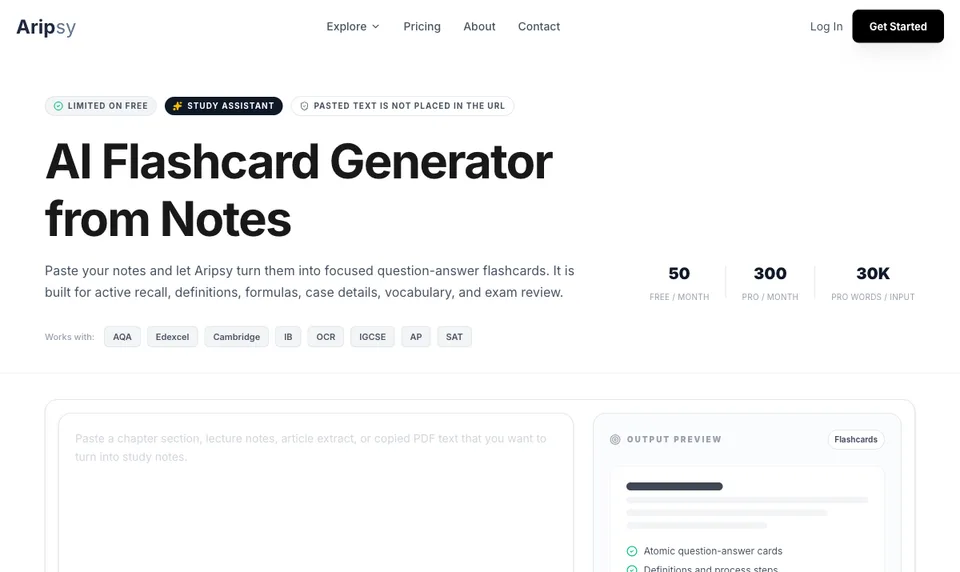
Signed-in Free users can paste study text and create limited flashcards within plan limits. Aripsy Pro adds PDF, PowerPoint (.pptx), and Word (.docx) uploads up to 15MB, MCQs, fill-in-the-blank practice, larger inputs, output controls, and additional export options. Guests can generate notes from pasted text but must sign in to create flashcards.
A useful workflow is small and deliberate:
- Paste one focused section of notes, or upload a PDF, PowerPoint (.pptx), or Word (.docx) file on Pro.
- Select the subject, level, and exam-board context where available.
- Generate a short deck.
- Check at least five cards against the original source.
- Rewrite broad prompts so each card tests one idea.
Exam-board selection guides the generation context; it does not make Aripsy an official exam-board resource or guarantee alignment with a current specification. Check important cards against your course specification, textbook, class notes, or mark scheme.
Best fit: students who want an exam-focused path from their own material into active recall and follow-up practice.
2. Quizlet
Quizlet combines AI-assisted card creation with a large library of public flashcard sets. Its official AI generator supports lecture slides, handwritten notes captured in the mobile app, typed notes, PDFs, and connected documents.
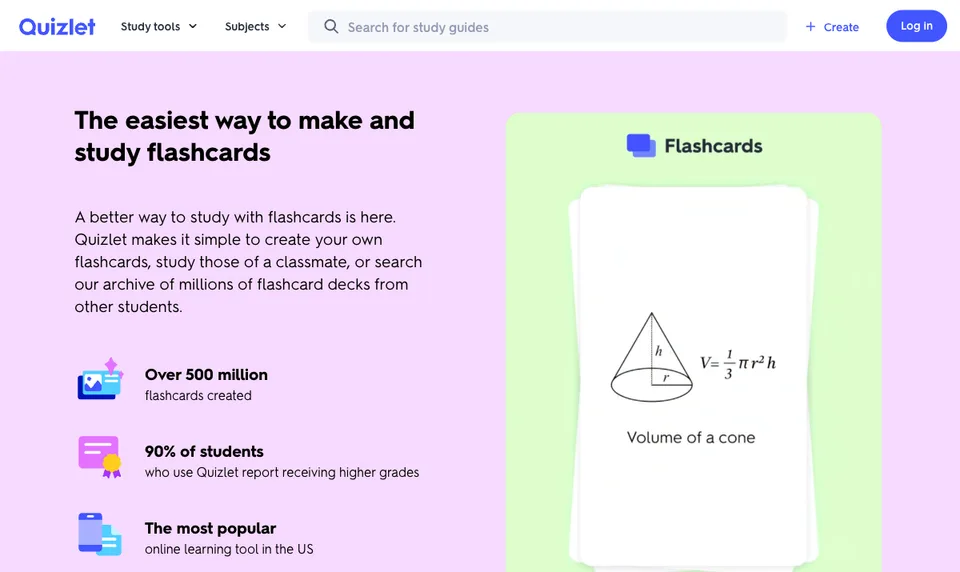
Quizlet is useful when your first question is, “Has someone already made a deck for this topic?” You can search existing sets, copy or adapt a useful one, or generate a first draft from your own material.
The library is also the main caveat. A public set may use a different definition, course order, or level of detail from your teacher or exam board. Compare the cards with your own material before relying on them. Quizlet offers free access alongside plan-dependent AI and advanced study features, so check the current product and pricing pages for the mode you intend to use.
Best fit: students who want ready-made sets and AI generation inside a familiar flashcard platform.
3. Knowt
Knowt offers manual and AI flashcard creation alongside notes, study guides, practice tests, and other study modes. Its public product pages also describe tools for PDFs, presentations, images, videos, and recorded lectures.
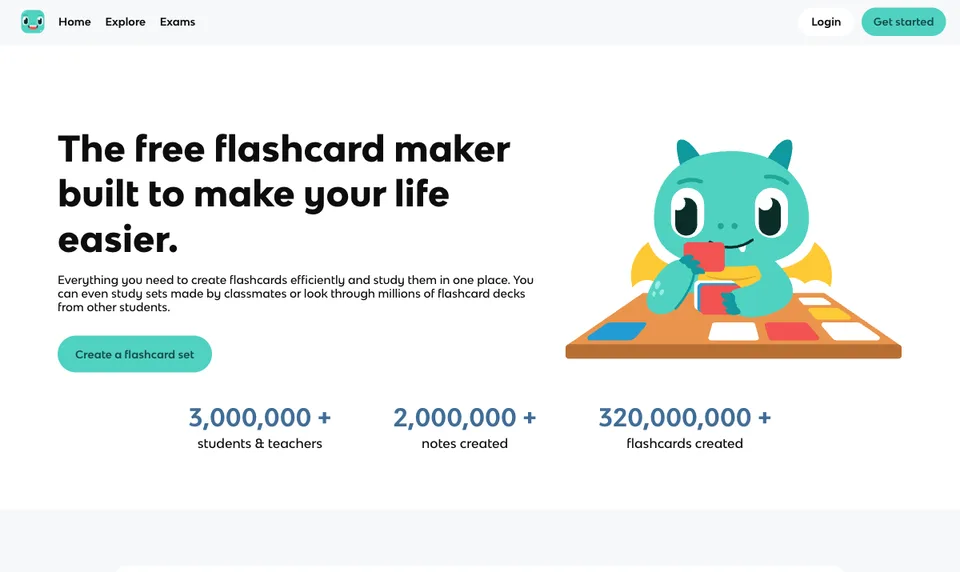
That makes Knowt useful for lecture-heavy courses. You can begin with class material, generate a deck, and move into different review formats without building every activity separately.
Recorded or transcribed material needs careful review. A transcript can miss a technical term, flatten a diagram, or treat a lecturer’s aside as a core fact. Keep the original lecture notes or slides open while checking the first deck. Free and paid access can change, so confirm current AI allowances before processing a full term of material.
Best fit: students who want lecture-led generation and several study modes in one browser-based workspace.
4. QuickCards
QuickCards is an AI flashcard platform for mixed study inputs. Its current public pages list lecture notes, PDFs, slides, images, topics, URLs, and YouTube links as ways to create cards.
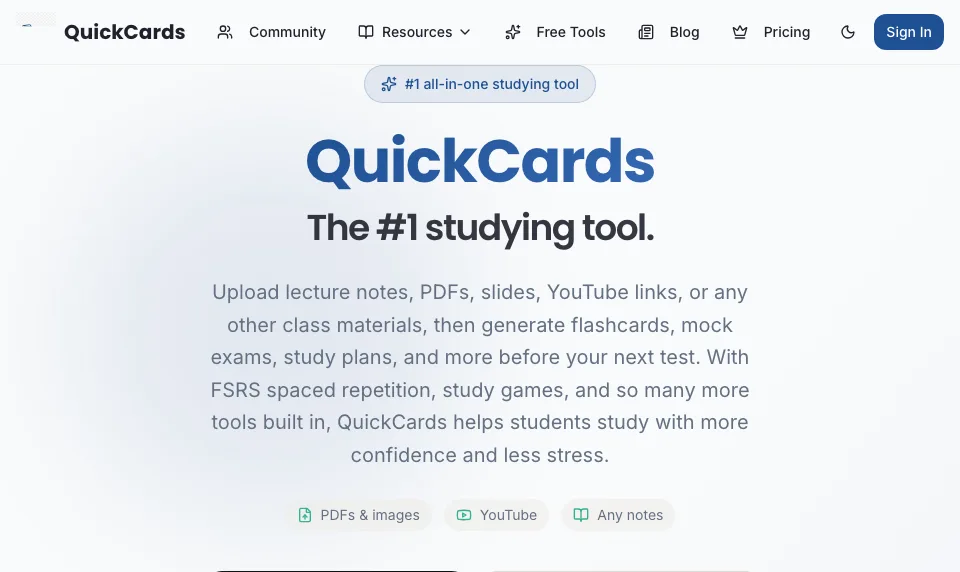
This range is helpful when one class uses PDFs while another relies on recorded or video lessons. QuickCards also describes spaced-repetition and study modes around the generated decks.
The Free plan currently limits AI-generated sets, so check the live pricing page before planning a full-course workflow. Video-based generation needs an extra source check: captions can omit diagrams, mishear specialist vocabulary, or include repeated points that become duplicate cards.
Best fit: students who want one generator for several source formats and are comfortable checking transcript-based cards.
5. StudyFetch
StudyFetch turns uploaded course material into flashcards and connects the same material with notes, quizzes, practice, and its tutor-style Sparky workflow.
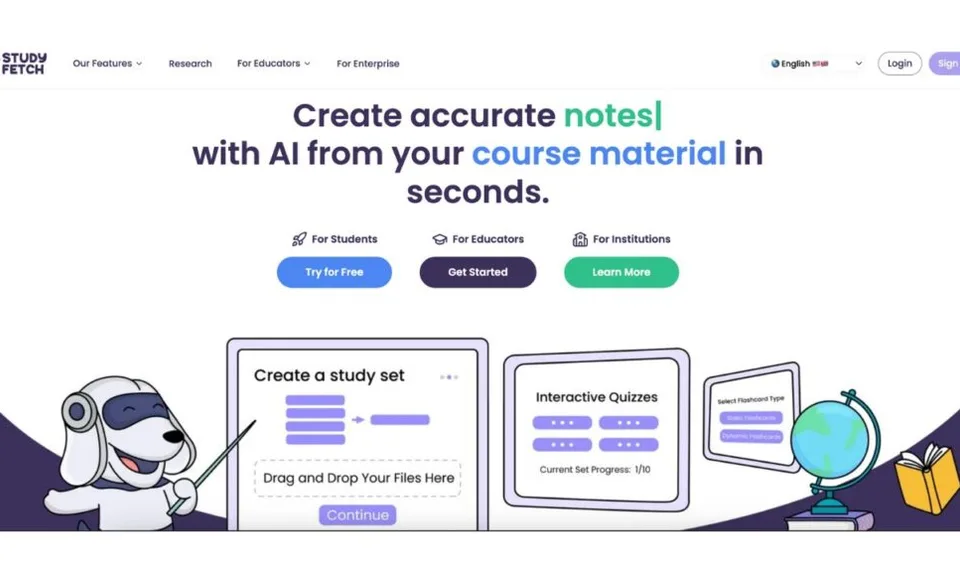
It can suit a reading-heavy course where the goal is not only to draft cards but to keep several study activities around the same source. Its PDF-to-flashcards page also describes spaced-repetition review and quiz creation from the uploaded file.
Generation speed alone does not show that cards are accurate or worth studying. For a dense paper, separate definitions, arguments, evidence, and limitations instead of keeping any card that asks for a whole paragraph.
Best fit: students who want a broader course-material workspace rather than a flashcard generator alone.
6. Revisely
Revisely creates AI flashcards from images, handwritten notes, PDFs, Word documents, and PowerPoint files. Its official product and help pages also describe printing and export options, including Anki export.
Handwriting support is useful when your source is a photo of class notes rather than a clean document. It also adds a checking step. Blurred images, cramped writing, formulas, arrows, and labels can be read incorrectly, so compare generated cards with the original page before studying.
Export flexibility matters when you already use another review system. You can generate and edit a first draft in Revisely, then move selected cards into the system you use for longer-term review. Check current plan access and export availability before preparing a large deck.
Best fit: students who start with handwritten or image-based material and want print or export options.
Match the tool to your study bottleneck
Start with the slowest or least reliable part of your current process:
- You have notes but no recall questions: try Aripsy and generate a small, exam-focused deck from your own material.
- You need a starting deck on a common topic: search Quizlet, then verify the set against your course.
- You have several lectures to process: consider Knowt, especially if lecture capture matters.
- Your sources mix PDFs, images, and videos: QuickCards is designed around mixed inputs.
- You want a wider workspace around uploaded course material: StudyFetch connects cards with other study activities.
- Your source is handwritten or you need exports: Revisely supports image input and several output options.
If you want a focused notes-to-cards workflow, try the Aripsy AI flashcard generator from notes. If long-term scheduling is the main goal, compare Anki with AI-generated flashcards.
How to improve an AI-generated flashcard deck
Whichever tool you choose, the editing step matters more than the card count:
- Keep one testable idea per card.
- Replace vague prompts such as “Explain photosynthesis” with focused questions.
- Remove duplicates and low-value facts.
- Add application cards when the exam tests reasoning, not only definitions.
- Retrieve the answer before revealing it.
- Revisit difficult cards over increasing intervals.
Active recall happens when you try to retrieve an answer from memory. Spaced repetition determines when you return to it. AI can reduce drafting time, but it cannot decide whether every card is accurate, relevant, or at the right depth for your course.
FAQ
What is the best AI flashcard maker for GCSE and A-Level?
Aripsy is a useful option when you want to generate flashcards from your own GCSE or A-Level material and select an exam-board context where available. It is not an official exam-board resource, so verify cards against the current specification, textbook, class material, or mark scheme.
Can AI make flashcards from a PDF?
Yes. Several tools in this comparison accept PDFs. Aripsy Pro supports direct PDF, PowerPoint (.pptx), and Word (.docx) uploads up to 15MB, while signed-in Free users can paste copied PDF text within input limits. QuickCards, StudyFetch, Revisely, Quizlet, and Knowt also publicly describe PDF-based workflows. Scans, formulas, tables, and diagrams may need extra checking.
What is the best free online flashcard maker?
The best free online flashcard maker depends on what you need. Signed-in Aripsy Free users can create limited flashcards from pasted study material. Quizlet supports free card creation and public-set search, while Knowt, QuickCards, StudyFetch, and Revisely offer free access with product-specific limits. Check each live plan page because AI allowances change frequently.
Are AI-generated flashcards accurate?
AI-generated flashcards are useful drafts, not guaranteed answers. Check technical terms, formulas, dates, quotations, exceptions, and course-specific wording against the source before memorising them.
Should I use an AI flashcard maker or Anki?
Use an AI flashcard maker when creating cards from notes or PDFs is the bottleneck. Use Anki when you want detailed control over long-term spaced repetition and are willing to build, import, or edit the deck. Some students generate a checked draft with an AI tool and then move selected cards into Anki.
Are flashcards enough for exam revision?
No. Flashcards are useful for retrieval practice, but many exams also require explanation, calculation, source analysis, essay planning, or unfamiliar applications. Combine cards with practice questions, past papers, feedback, and review of your original material.
Sources
- Aripsy study tool
- Aripsy pricing
- Aripsy privacy policy
- Quizlet AI flashcard generator
- Quizlet flashcards
- Knowt flashcard maker
- Knowt product overview
- QuickCards product overview
- QuickCards pricing
- StudyFetch PDF to flashcards
- StudyFetch AI study buddy
- Revisely AI flashcard generator
- Revisely help centre
Conclusion
Choose the AI flashcard maker that fixes your largest study bottleneck, then test it with one focused topic before processing a full course. Generate a small deck, check at least five cards against the source, and keep only the prompts that help you retrieve useful knowledge.
If generation is not your main concern, compare the best flashcard apps for students in 2026 by scheduling, mobile review, shared sets, note connections, and long-term workflow.
Start with Aripsy when you want exam-focused flashcards from your own material. Signed-in Free users can paste text and create limited flashcards; Pro adds PDF, PowerPoint (.pptx), and Word (.docx) uploads, larger inputs, MCQs, fill-in-the-blank practice, and additional exports within plan limits.
Continue studying

Written by
Aripsy Study Team
The Aripsy Study Team creates practical revision guides designed to support learning, source checking, and active practice.