Best Study Apps for Students in 2026
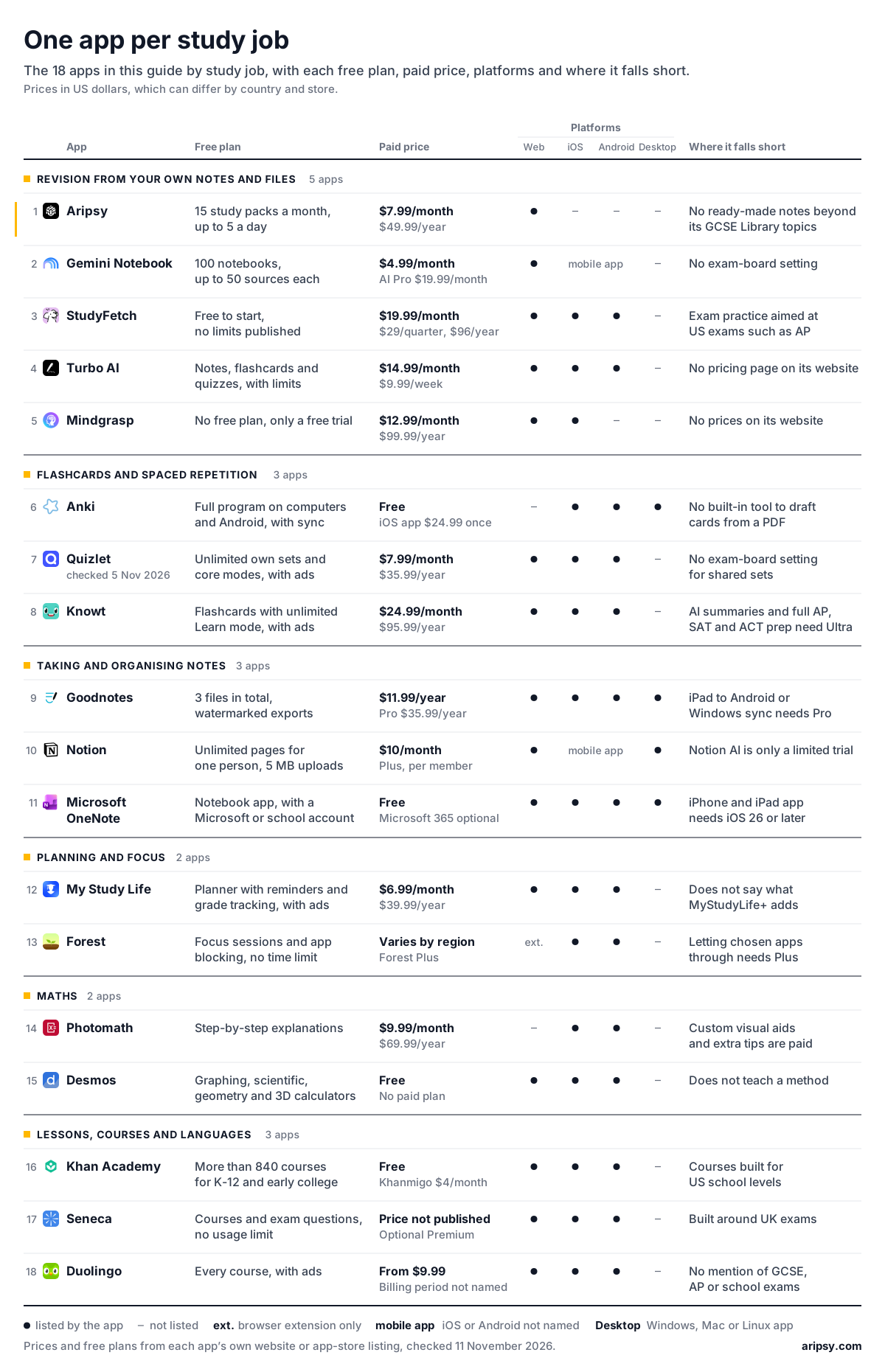
The best study apps for students in 2026 are Aripsy for turning your own notes and files into revision, Anki or Quizlet for flashcards, Goodnotes for handwritten notes, Notion for organising, My Study Life for planning, Forest for focus, Desmos and Photomath for maths, Khan Academy and Seneca for lessons and Duolingo for languages. Every app here has a free way in, and each plan was checked on the app's own pages on 11 November 2026 (Quizlet on 5 November).
Published 24 min read

In this article10
The best study apps for students in 2026 each do one study job well, so pick one app per study job instead of one winner. If your job tonight is turning class notes, slides or a PDF into revision, make practice questions from one topic in Aripsy and check them against your notes. For handwriting, planning, focus, maths, languages and lessons, another app below does the job better.
We make Aripsy, one of the apps in this list. Every other app’s free plan, price and platforms come from its own website or app-store listing, read on 11 November 2026 unless another date is shown. We did not test these apps side by side, so the picks rest on what each app documents.
Key takeaways
- Aripsy is best for turning your own notes, slides, PDFs or recordings into notes, flashcards and practice questions set to your exam board.
- Gemini Notebook (formerly NotebookLM) is best for asking questions across a pack of documents you trust.
- StudyFetch is best for keeping slides, course videos and recorded lectures in one AI workspace.
- Turbo AI (formerly TurboLearn) is best for notes from lectures you record in its app.
- Mindgrasp is best for notes and quizzes from video and web links.
- Anki is best for free long-term flashcard review on a schedule it sets from your answers.
- Quizlet is best for flashcard sets your class already shares.
- Knowt is best for free flashcards with unlimited Learn mode.
- Goodnotes is best for handwritten notes and for writing on slides and PDFs with a stylus.
- Notion is best for building your own system of pages, lists and trackers.
- Microsoft OneNote is best for a free typed and handwritten notebook, especially if your school gives you a Microsoft account.
- My Study Life is best for keeping your timetable, homework and exam dates in one planner.
- Forest is best for staying off your phone while you study.
- Photomath is best for checking the steps of a maths problem you are stuck on.
- Desmos is best for free graphing and seeing what an equation does.
- Khan Academy is best for free lessons on a topic you have no notes for.
- Seneca is best for free GCSE and A-level courses picked by exam board.
- Duolingo is best for a daily language habit.
For a ready-made set of apps for GCSE and A-level, AP and SAT or college students, jump to the study stack.
Revision from your own notes and files
1. Aripsy: best for turning your own notes into revision
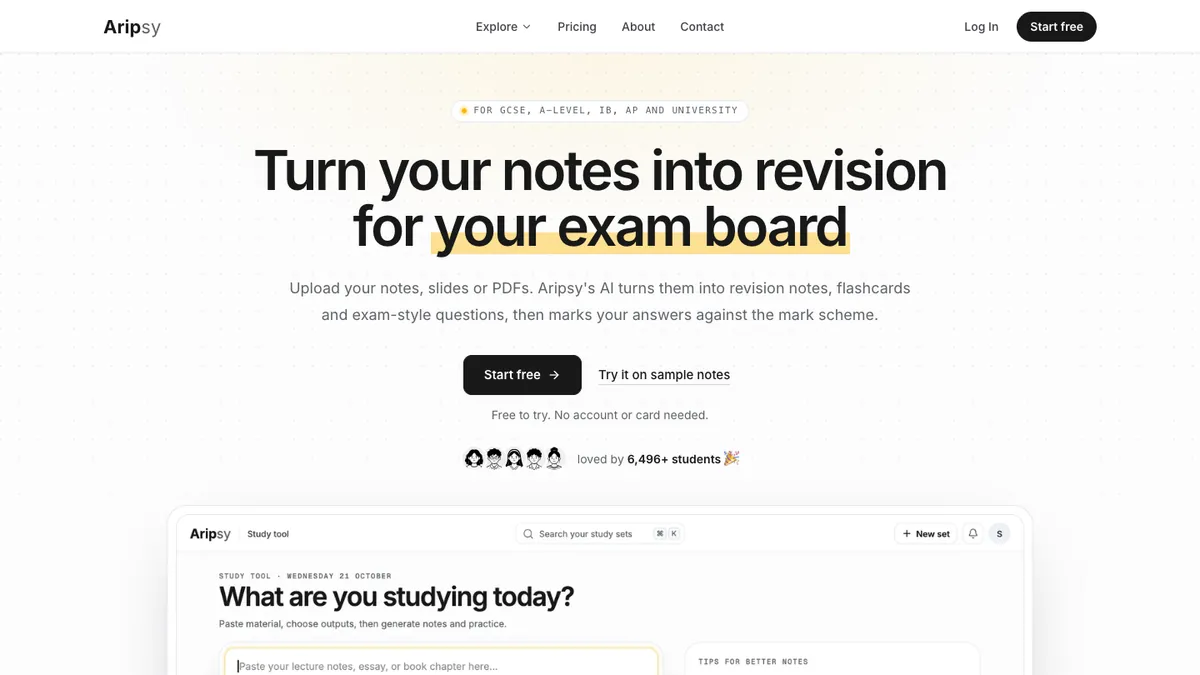
Screenshot of Aripsy’s homepage, taken 13 November 2026.
Aripsy works from the material you already have. Paste notes or upload a PDF, PowerPoint or Word file or a lecture recording. Choose your subject, level and exam board, and Aripsy writes notes, flashcards, multiple-choice and fill-in-the-blank questions and short-answer practice from that source. It marks your written answers against marking points drawn from your own material, with an estimated mark, and Aripsy Tutor answers questions about your own notes. The marking points are not an official mark scheme, and uncertain results are flagged.
It suits students whose revision starts from class notes or lecture slides and who want practice that follows their board, from AQA, Edexcel and OCR to IB, AP, SAT, HSC and VCE.
Where Aripsy falls short. It runs in the browser with no app-store app. Beyond the GCSE topics in the free Aripsy Library, it has no ready-made notes for each specification, so a topic you have no notes for needs another source first. Start that topic in Khan Academy or Seneca, then bring your notes back to Aripsy.
2. Gemini Notebook: best for questioning a pack of trusted documents
Screenshot of Gemini Notebook’s homepage, taken 13 November 2026.
Gemini Notebook, formerly NotebookLM, is Google’s notebook for your own sources. You ask questions about the documents you add, and it can turn them into a report, flashcards, a slide deck or an Audio Overview (plans and limits).
It suits college students and older school students with a set of readings, handouts or a specification they want to question before writing revision material.
It has no exam-board setting, so match what it makes to your specification yourself.
3. StudyFetch: best for slides, videos and lectures in one AI workspace
Screenshot of StudyFetch’s homepage, taken 13 November 2026.
StudyFetch turns uploaded PDFs, PowerPoints, videos and slides into notes, and it can record a lecture and write notes as you listen. Its AI tutor, Sparky, answers questions about your material, and it makes flashcards, quizzes, practice tests and exam-specific questions. It runs on the web, iOS and Android.
It suits college students whose course arrives as slides, readings and recorded lectures.
Its exam-specific practice is aimed at US exams such as AP, so GCSE and A-level students get less from that part.
4. Turbo AI: best for notes from lectures you record in the app
Screenshot of Turbo AI’s homepage, taken 13 November 2026.
Turbo AI, formerly TurboLearn, records your lectures and writes notes from them. It also reads PDFs, YouTube videos and your own notes, makes flashcards, quizzes and podcasts, and runs on the web, iOS and Android.
It suits university students who want notes from long lectures.
Its website has no pricing page, and its App Store listing shows several prices for the same Unlimited plan.
5. Mindgrasp: best for notes and quizzes from video and web links
Screenshot of Mindgrasp’s homepage, taken 13 November 2026.
Mindgrasp reads PDFs, Word files, PowerPoints, audio and video files, article links and YouTube or Vimeo links, and turns them into notes, summaries, flashcards and quizzes, with an AI tutor for questions. You can record lectures on your phone, and a Chrome extension pulls content from Canvas, Blackboard or any website. Mindgrasp says every plan has unlimited uploads with no daily limits.
It suits college students whose reading list mixes files, articles and videos.
Mindgrasp has no free plan. Its App Store listing says you need a subscription after a free trial, and its website publishes no prices.
The best AI study tools guide compares more apps that work from your own material.
Flashcards and spaced repetition
6. Anki: best for free long-term flashcard review
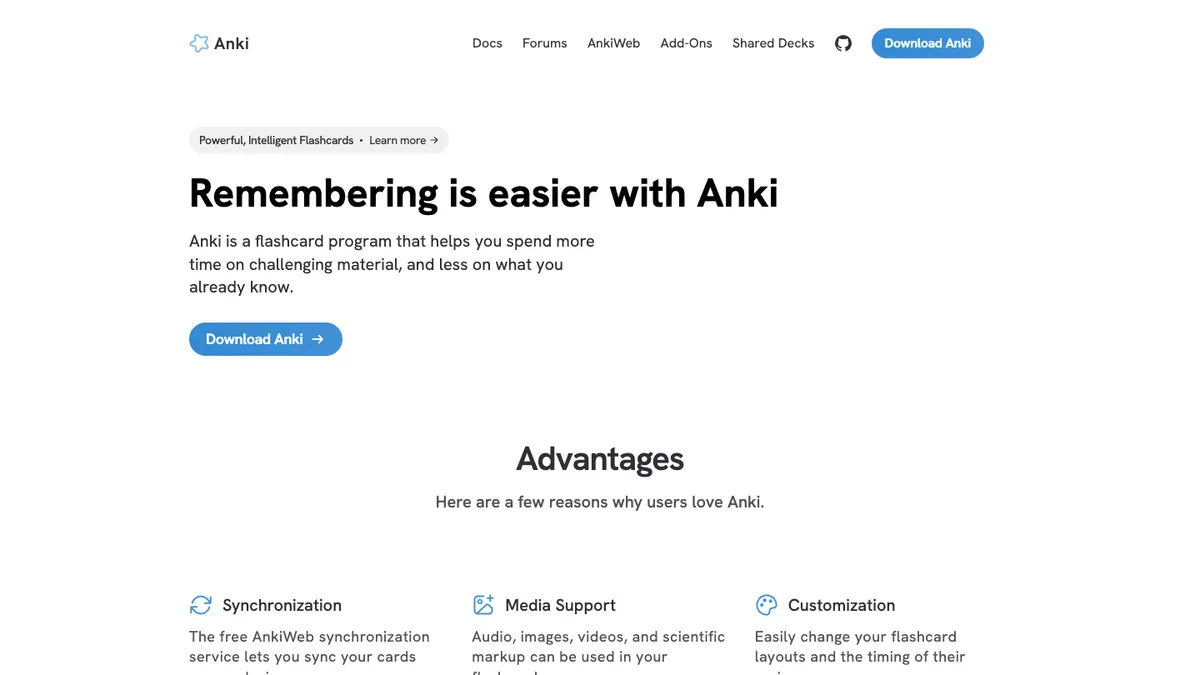
Screenshot of Anki’s homepage, taken 13 November 2026.
Anki is a flashcard program for remembering things over months or years. You rate how well you recalled each card, and Anki schedules the next review for when you are most likely to forget it. Cards can hold audio, images and scientific markup, and the free AnkiWeb service syncs your decks between devices.
It suits students keeping one deck for a long time, such as vocabulary, formulae, dates or quotations.
Anki has no built-in tool that drafts cards from a PDF, so you write or import every card yourself. If writing cards is the slow part, Aripsy drafts them from your notes and exports an Anki-ready file.
7. Quizlet: best for sets your class already shares
Quizlet turns a list of terms into flashcards with Learn and Test modes, and its library holds sets that other students and teachers have shared, so a set for your topic may already exist.
It suits students whose teacher or class shares Quizlet sets, and anyone learning definitions and vocabulary.
There is no exam-board setting, so a shared set written for another specification looks the same as one written for yours. Check a set against your own course before you learn it.
8. Knowt: best for free flashcards with unlimited Learn mode
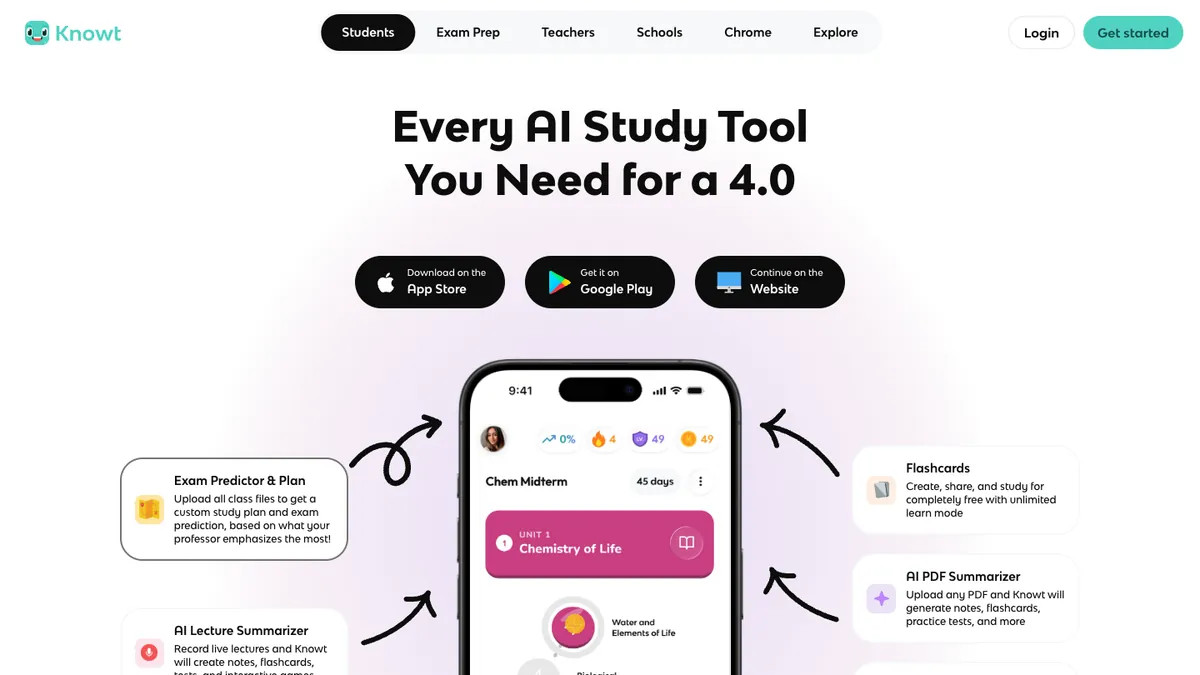
Screenshot of Knowt’s homepage, taken 13 November 2026.
Knowt lets you make and share flashcards for free with unlimited Learn mode, and its AI can turn PDFs and lecture recordings into notes, flashcards and practice tests. It also has AP, SAT and ACT prep with practice questions and mock exams, and it runs on the web, iOS and Android.
It suits students who want a free flashcard app with a Learn mode, and AP, SAT or ACT students who want exam practice in the same place.
Its AI summaries and full AP, SAT and ACT prep are on the paid Ultra plan.
Taking and organising notes
9. Goodnotes: best for handwritten notes on a tablet
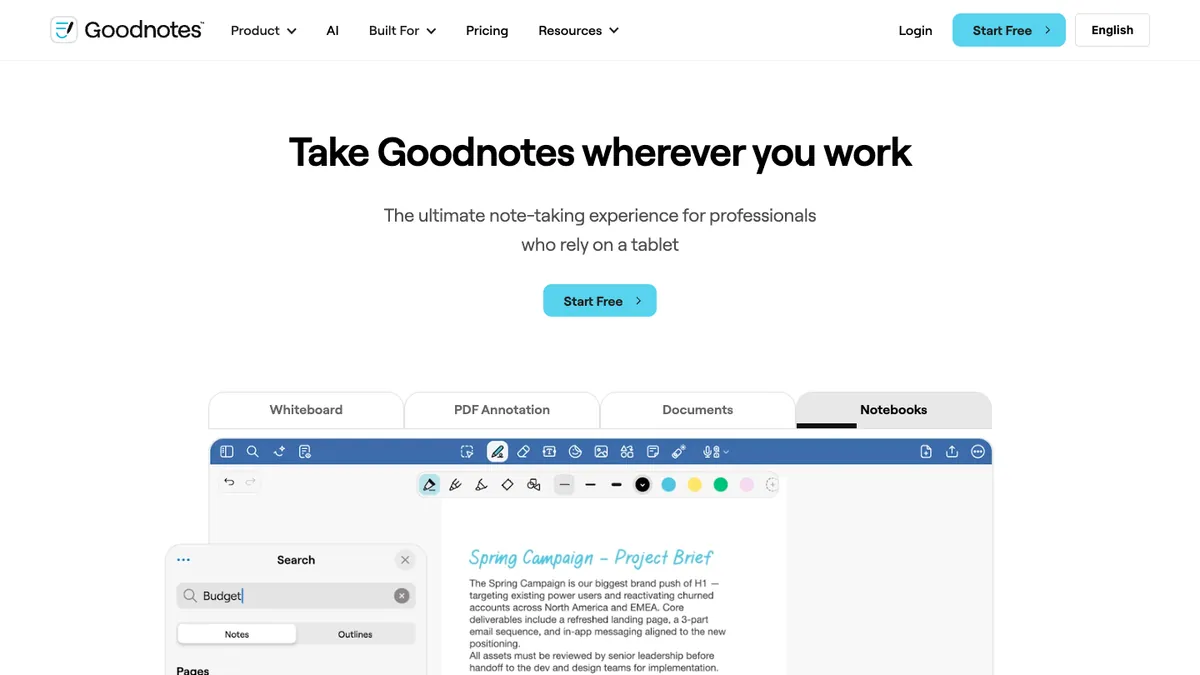
Screenshot of Goodnotes’s homepage, taken 13 November 2026.
Goodnotes is a note-taking app built around handwriting, so you can write lecture notes with a stylus and mark up slides, worksheets and PDFs on the same page. The free plan includes the core note-taking and PDF markup tools and Math Assist, an on-device helper for handwritten maths. Goodnotes AI can also turn your notes into a quiz. Paid plans add more Goodnotes AI, including Teach Me and Solve for maths and audio transcription with a summary, and Goodnotes runs on Apple devices, Android, Windows and the web.
It suits students who think best with a pen, especially on an iPad with an Apple Pencil.
The free plan holds 3 files in total, and keeping one library in sync between an iPad and an Android or Windows device needs the Pro plan.
10. Notion: best for building your own study system
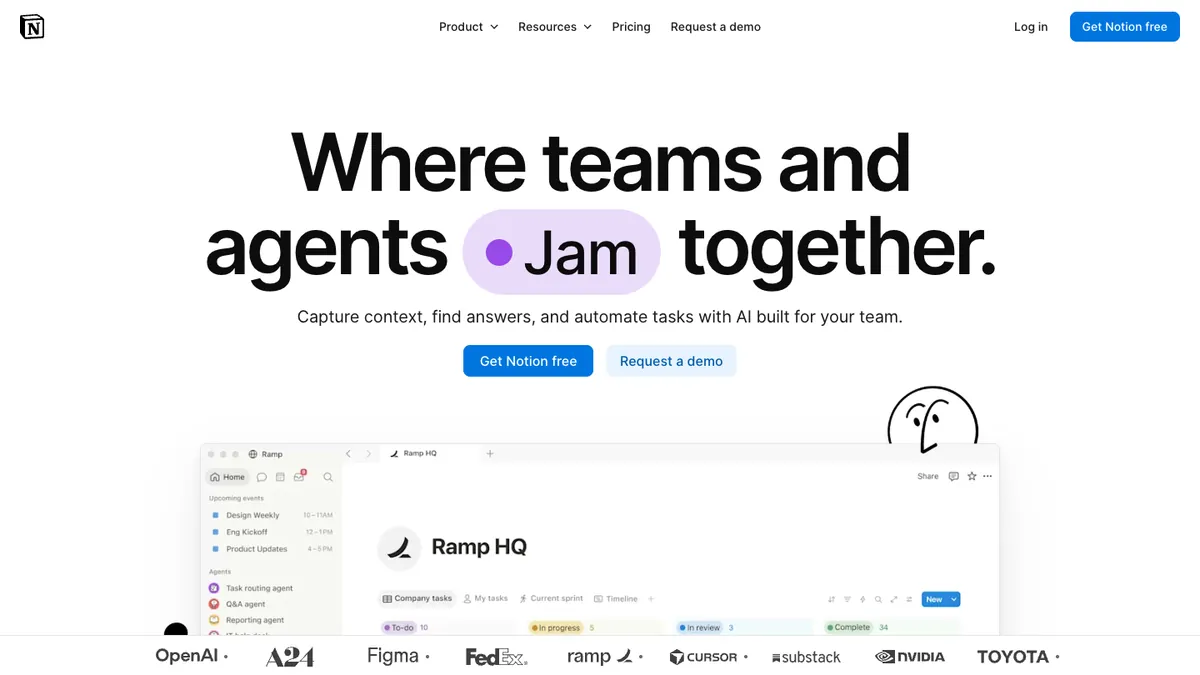
Screenshot of Notion’s homepage, taken 13 November 2026.
Notion gives you pages and databases, so one workspace can hold class notes, a homework list, a reading tracker and a revision plan that you design yourself. The Free Plan has unlimited pages and blocks for one person. College and university students who sign up with their school email get the Education Plan free, which adds larger file uploads and 30-day page history. Notion says K-12 students, the US school years before college, are not eligible.
It suits students who like organising everything in one place and enjoy setting up their own system.
On the Free and Education plans Notion AI is only a limited trial, so expect to build and fill each page yourself.
11. Microsoft OneNote: best for a free digital notebook
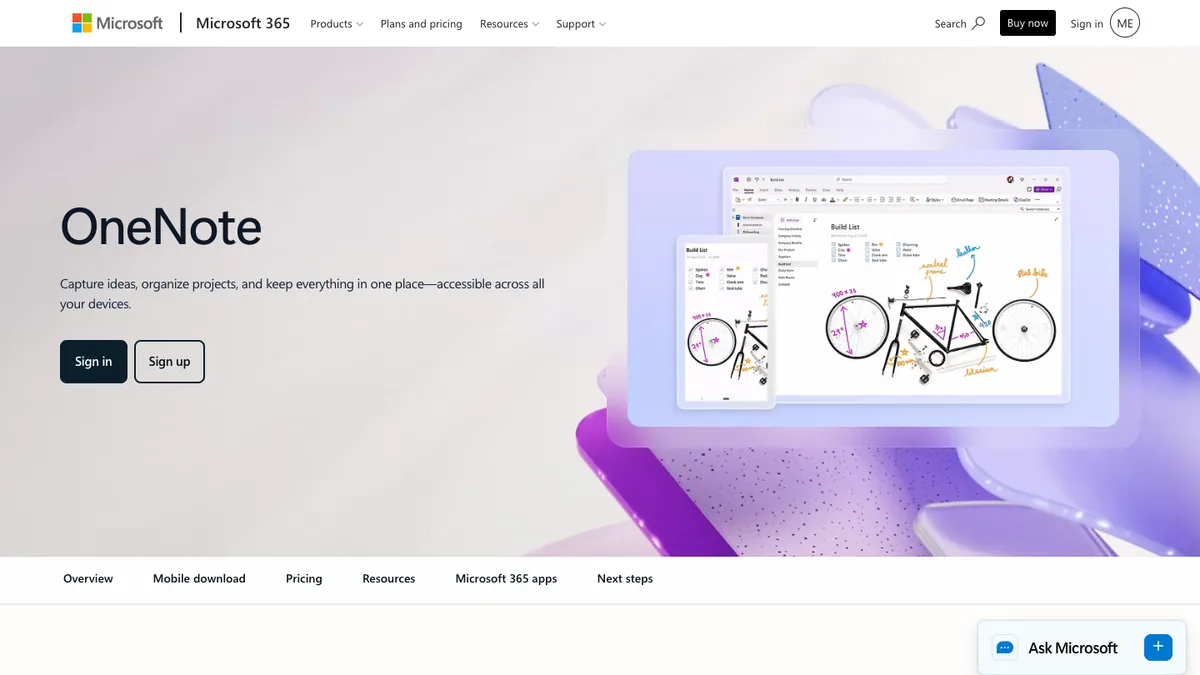
Screenshot of Microsoft OneNote’s homepage, taken 13 November 2026.
OneNote is Microsoft’s free notebook app. You can type, write and sketch with digital ink, capture notes by voice and clip things from the web, and your notebooks sync across your devices. You sign in with a Microsoft account or the account your school gives you.
It suits students whose school already uses Microsoft accounts, and anyone who wants typed and handwritten notes in one free notebook.
The current iPhone and iPad app needs iOS or iPadOS 26 or later, so an older iPhone or iPad may not run it.
Planning and focus
12. My Study Life: best for timetable, homework and exams in one planner
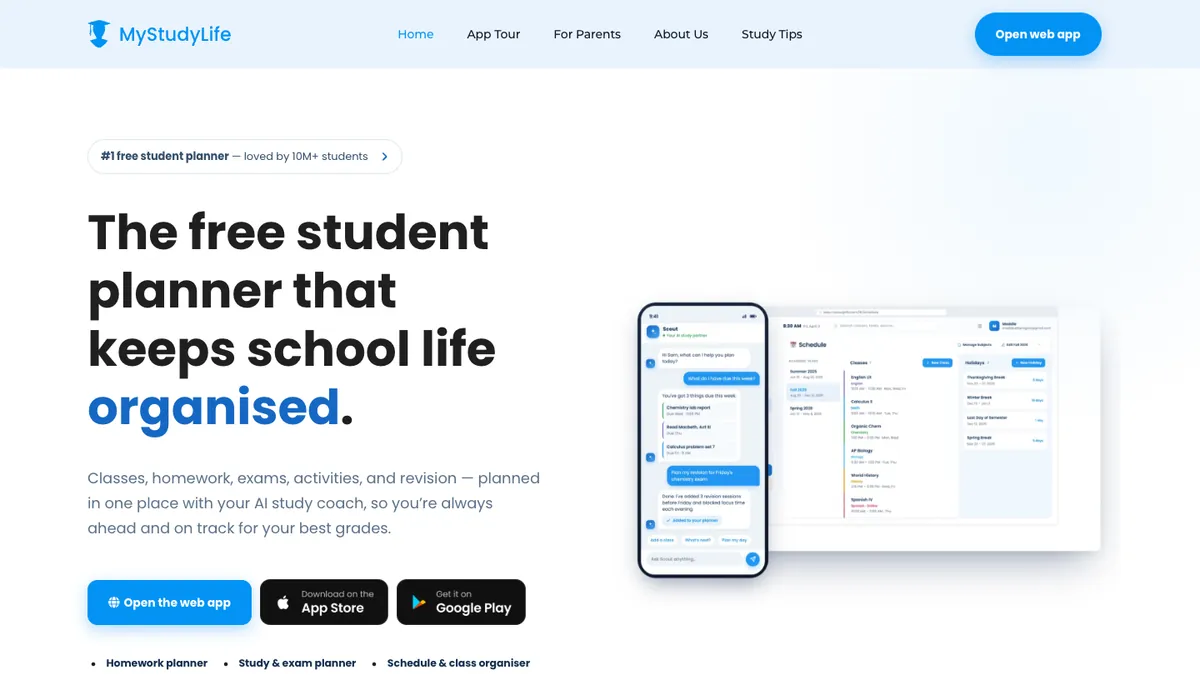
Screenshot of My Study Life’s homepage, taken 13 November 2026.
My Study Life is a student planner for classes, homework and exams, and it handles rotating and week A/B timetables. You can add your timetable from a photo, get reminders before classes, deadlines and exams, track your grades and run a focus timer. Its AI coach, Scout, can turn an exam into a revision plan. It syncs between the web, iPhone and Android.
It suits students with a timetable that changes from week to week and deadlines in several subjects.
The free app shows ads, and neither its website nor its App Store listing says what the paid MyStudyLife+ plan adds.
13. Forest: best for staying off your phone
Screenshot of Forest’s homepage, taken 13 November 2026.
Forest grows a virtual tree while you focus, and the tree dies if you open another app during the session. Deep Focus blocks the apps you choose during a session, and you can focus in a group with friends. Forest runs on iOS and Android, and a Chrome or Firefox extension brings Deep Focus to your browser.
It suits students who pick up their phone when they mean to revise.
Letting chosen apps through during a session, such as a dictionary or your revision app, needs Forest Plus, whose price varies by region and platform.
Maths
14. Photomath: best for checking the steps of a maths problem
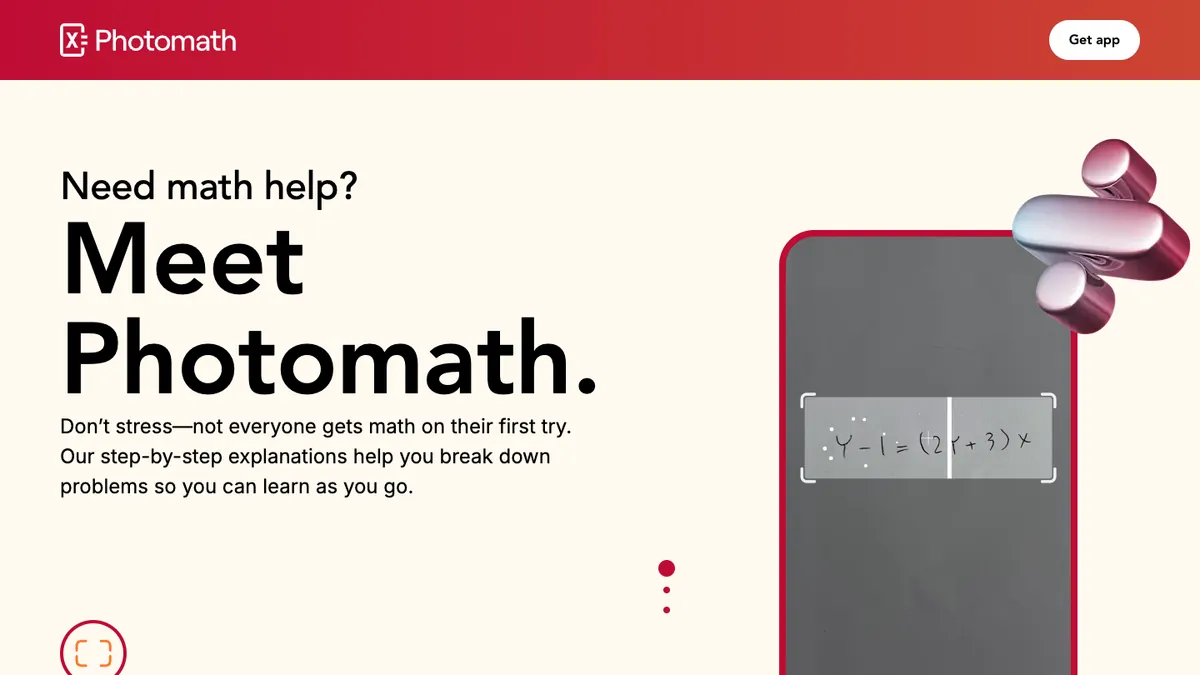
Screenshot of Photomath’s homepage, taken 13 November 2026.
Scan a problem with your phone camera, including word problems, or type it into the smart calculator, and Photomath shows a step-by-step solution, sometimes with more than one method. Its topics run from elementary maths and algebra to trigonometry, statistics and calculus.
It suits students stuck on a homework question who want to see where their method went wrong. Try the problem first, then compare your working with each step.
It is a phone app for iOS and Android, and the custom visual aids and extra “how” and “why” tips are in the paid plan.
15. Desmos: best for free graphing
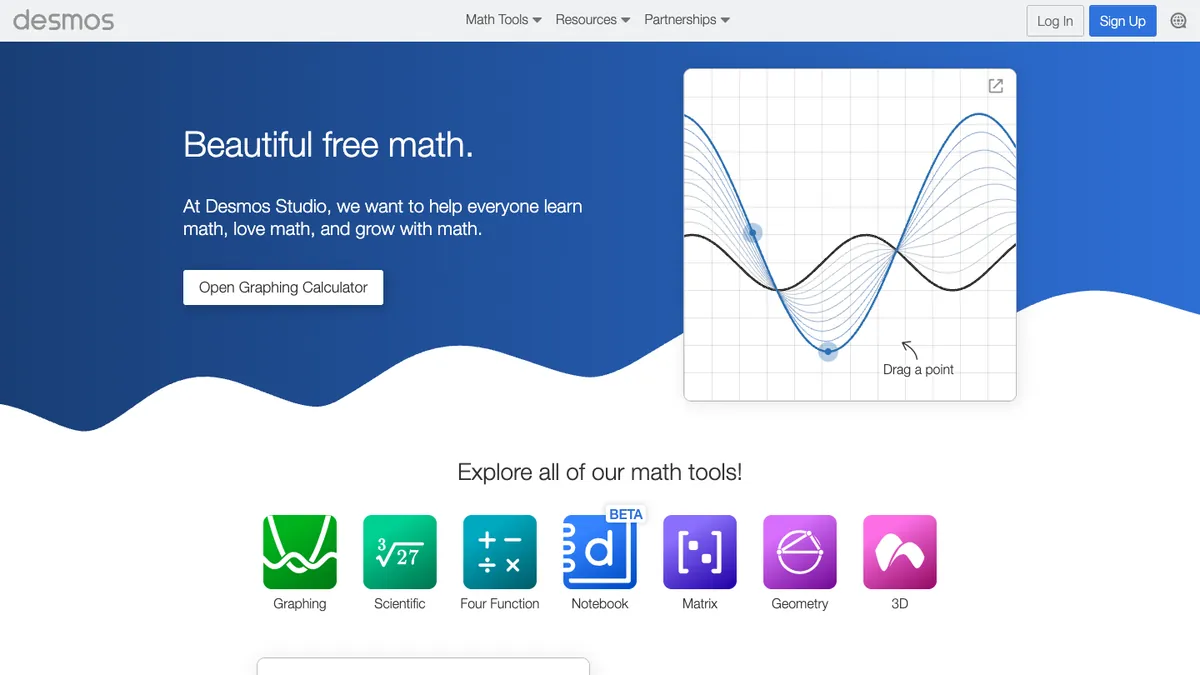
Screenshot of Desmos’s homepage, taken 13 November 2026.
Desmos Studio, a public benefit corporation, makes free graphing, scientific, geometry and 3D calculators. You can plot as many expressions as you like, add sliders to watch a graph move as a value changes, and use the phone apps offline. The apps also support screen readers, refreshable Braille displays and audio trace.
It suits anyone learning functions, graphs or transformations, from GCSE to calculus.
It draws the graph and gives the answer, but it does not teach a method, so pair it with a lesson when a topic is new.
Lessons, courses and languages
16. Khan Academy: best for free lessons on a new topic
Screenshot of Khan Academy’s homepage, taken 13 November 2026.
Khan Academy is a nonprofit whose stated mission is “to provide a free, world-class education to anyone, anywhere”, with more than 840 free courses for K-12 and early college, available in more than 190 countries and 55 languages (about Khan Academy). Khanmigo, its AI tutor, is a paid add-on for learners and free for teachers.
It suits students who need to learn a topic from the start, with lessons and practice questions in the same place.
Its courses are built for K-12 and early college, the US school levels, so UK and Australian students should match each topic to their own specification.
17. Seneca: best for free GCSE and A-level courses by exam board
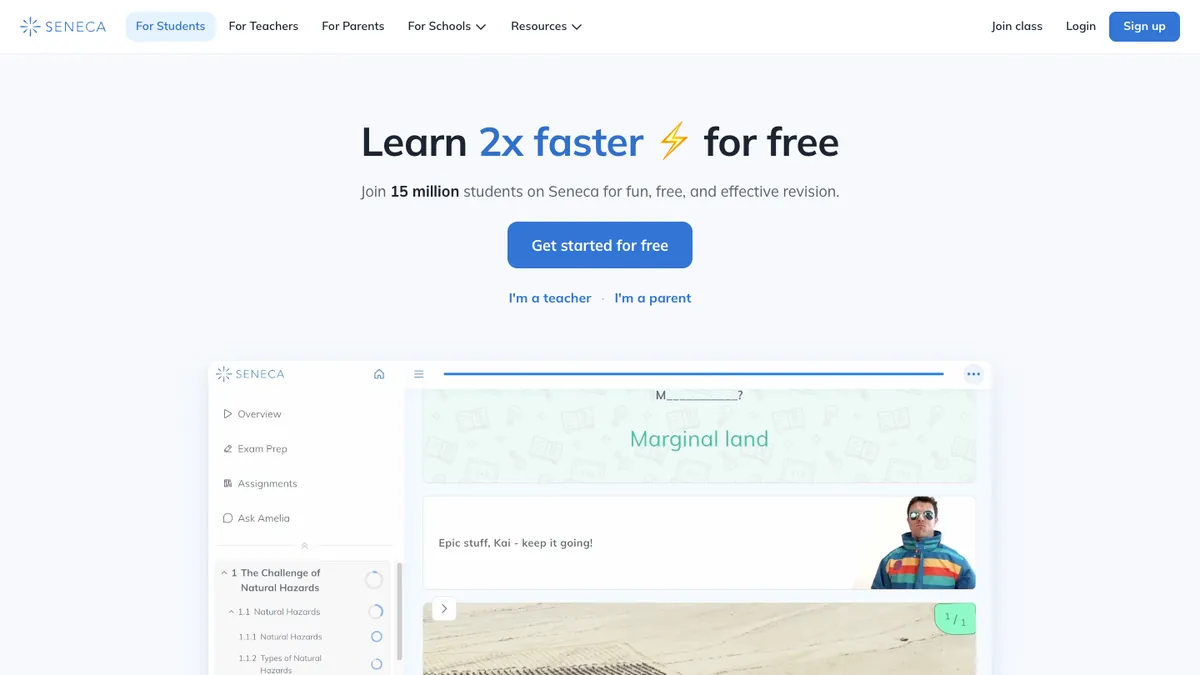
Screenshot of Seneca’s homepage, taken 13 November 2026.
Seneca offers free interactive courses that it says are “matched to your curriculum”. You pick your subjects and exam boards, and Seneca says its courses cover 95% of the exams taken in the UK, from primary to A Level. It has more than 8,000 exam questions with AI marking and an AI tutor called Amelia.
It suits GCSE and A-level students who have no notes for a topic and want a free course for their board.
It is built around UK exams, so AP and SAT students get less from it, and it teaches from its own courses rather than from your class notes.
18. Duolingo: best for a daily language habit
Screenshot of Duolingo’s homepage, taken 13 November 2026.
Duolingo teaches more than 40 languages in short, game-like lessons that practise speaking, reading, listening and writing, and every course is free. It also has maths, music and chess courses. Super Duolingo removes ads and adds unlimited energy, with a 14-day free trial.
It suits students who want a few minutes of language practice every day between lessons.
Its App Store listing describes general language courses and does not mention GCSE, AP or other school exams, so learn your exam’s vocabulary list alongside it.
Side-by-side comparison of the free plans
Each row comes from the app’s own website or app-store listing, read on 11 November 2026 unless another date is shown. Prices are in US dollars and can differ by country and store.
| App | Free plan includes | Paid option and price | Platforms |
|---|---|---|---|
| Aripsy | 15 AI study packs a month (up to 5 a day), notes, up to 10 flashcards a set, practice questions, 3 answer checks and 5 tutor questions a day, 1 document upload a month. Without an account, 1 pack a day from up to 1,500 words. | Pro $7.99 a month or $49.99 a year, or a one-off $29.99 Exam Pass for 6 months (Aripsy pricing) | Web |
| Gemini Notebook | 100 notebooks with up to 50 sources each | Google AI Plus $4.99 a month (100 sources) or Google AI Pro $19.99 a month (300 sources). Google says AI Pro is for users over 18. | Web and mobile app |
| StudyFetch | Free to start, with no limits published | Premium $19.99 a month, $29 a quarter or $96 a year (US App Store) | Web, iOS, Android |
| Turbo AI | Note generation, flashcards and quizzes, with limits | Unlimited, at $9.99 a week, $14.99 or $19.99 a month, or $19.99 to $119.99 a year across several offers (US App Store) | Web, iOS, Android |
| Mindgrasp | No free plan. A free trial, which its website calls a free study session | Scholar $12.99 a month or $99.99 a year. Premium $14.99 a month or $131.99 a year (US App Store) | Web, iOS, Chrome extension |
| Anki | The full program on Windows, Mac and Linux, AnkiWeb sync and AnkiDroid on Android | AnkiMobile for iPhone and iPad, $24.99 once (US App Store) | Windows, Mac, Linux, Android, iPhone, iPad |
| Quizlet (checked 5 Nov 2026) | Unlimited sets of your own and the core study modes, with ads | Plus $7.99 a month or $35.99 a year. Plus Unlimited $9.99 a month or $44.99 a year (Quizlet upgrade page, US offer) | Web, iOS, Android |
| Knowt | Unlimited file creation, live collaboration and storage, flashcards with unlimited Learn mode, with ads | Ultra $95.99 a year, shown as $7.99 a month, or $24.99 month to month (Knowt plans page) | Web, iOS, Android |
| Goodnotes | 3 files in total, core note-taking and PDF markup, limited audio recording and AI, Math Assist, up to 5 quizzes from your notes a month, watermarked exports | Essential $11.99 a year, Pro $35.99 a year, or a one-off purchase on Apple devices where available | Apple devices, Android, Windows, web |
| Notion | Unlimited pages and blocks for one person, uploads up to 5 MB each, 7-day page history, a trial of Notion AI. College and university students with a school email get the Education Plan free. K-12 students are not eligible. | Plus, listed at $10 per member a month | Web, Mac, Windows, mobile |
| Microsoft OneNote | The notebook app, free with a Microsoft or school account | Microsoft 365 subscriptions are optional in-app purchases | Windows, Mac, iPhone, iPad, Android, web |
| My Study Life | The planner, with classes, homework, exams, reminders and grade tracking, with ads | MyStudyLife+ $6.99 a month or $39.99 a year (US App Store) | Web, iPhone, Android |
| Forest | Focus sessions, app blocking and group focus with friends, with no time limit | Forest Plus, priced by region in the App Store and Google Play | iOS, Android, Chrome and Firefox extension |
| Photomath | Step-by-step explanations | $9.99 a month or $69.99 a year, adding custom visual aids and extra tips | iOS, Android |
| Desmos | Graphing, scientific, geometry and 3D calculators | No paid plan | Web, iOS, Android |
| Khan Academy | More than 840 courses for K-12 and early college | Khanmigo AI tutor $4 a month or $44 a year for learners | Web, iOS, Android |
| Seneca | Courses and exam questions with no usage limit | Optional Premium, paid monthly, every 4 months or yearly. Seneca shows the prices only when you choose a package (Seneca help centre, checked 11 Nov 2026). | Web, iOS, Android |
| Duolingo | Every course, with ads | Super Duolingo, with no ads and unlimited energy, from $9.99 on the US App Store, which does not name the billing period | Web, iOS, Android |
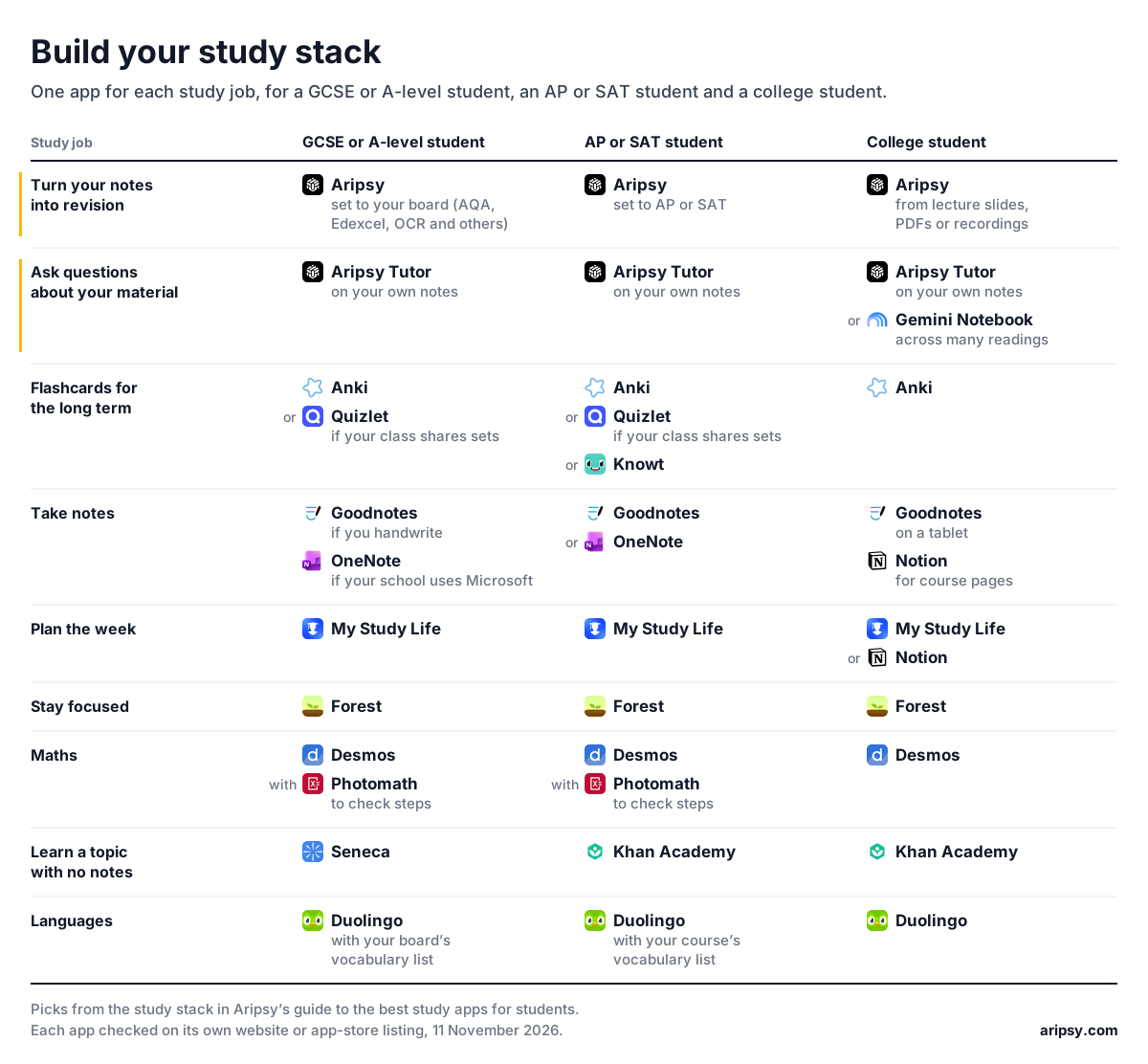
Build your study stack
A study stack is the small set of apps you open every week, one per job. Start with the job that costs you the most time, then add the next app once the first one is a habit. Before GCSE or A-level exams, the free revision timetable generator turns your subjects and exam dates into a day-by-day plan.
| Study job | GCSE or A-level student | AP or SAT student | College student |
|---|---|---|---|
| Turn your notes into revision | Aripsy, set to your board (AQA, Edexcel, OCR and others) | Aripsy, set to AP or SAT | Aripsy, from lecture slides, PDFs or recordings |
| Ask questions about your material | Aripsy Tutor, on your own notes | Aripsy Tutor, on your own notes | Aripsy Tutor on your own notes, or Gemini Notebook across many readings |
| Flashcards for the long term | Anki, or Quizlet if your class shares sets | Anki, Quizlet if your class shares sets, or Knowt | Anki |
| Take notes | Goodnotes if you handwrite, OneNote if your school uses Microsoft | Goodnotes or OneNote | Goodnotes on a tablet, Notion for course pages |
| Plan the week | My Study Life | My Study Life | My Study Life or Notion |
| Stay focused | Forest | Forest | Forest |
| Maths | Desmos, with Photomath to check steps | Desmos, with Photomath to check steps | Desmos |
| Learn a topic with no notes | Seneca | Khan Academy | Khan Academy |
| Languages | Duolingo, with your board’s vocabulary list | Duolingo, with your course’s vocabulary list | Duolingo |
For how to use these apps across a week of revision, see the study techniques guide.
FAQ
What is the best app for studying?
For revision from your own notes and files, Aripsy, because it writes notes, flashcards and practice questions set to your exam board and marks your written answers. For other jobs, Anki suits long-term flashcards, Goodnotes handwriting, My Study Life planning, Forest focus, and Khan Academy or Seneca lessons on a new topic.
What are the best apps for students to have on their phone?
For studying, the best apps for students to keep on a phone are Forest for focus, My Study Life for your timetable, Anki or Quizlet for flashcards, Photomath for checking maths steps and Duolingo for languages. Aripsy runs in the browser, so turning your notes into revision needs nothing installed.
Are there free study apps?
Yes. Desmos is free, Khan Academy’s and Seneca’s courses are free, Duolingo’s courses are free with ads, Forest’s focus timer is free, and Anki is free on computers and Android. Aripsy’s free plan gives 15 study packs a month (up to 5 a day) and 1 document upload a month, and Notion’s Education Plan is free for college and university students who sign up with their school email.
Which app is best for flashcards?
Aripsy if you want cards written from your own notes for your exam board, Anki for free long-term review on a schedule it sets from your answers, Quizlet if your class already shares sets, and Knowt for free sets with unlimited Learn mode. Check any card you did not write against your notes before you review it. The best flashcard apps for students guide compares more flashcard apps side by side.
Is Notion good for students?
Yes, if you like building your own system. The Free Plan holds notes, homework lists and revision plans in one workspace, and college and university students who sign up with their school email get the Education Plan free. Notion AI is only a limited trial on both, so pair Notion with a flashcard or practice-question app for the revision itself.
Can AI apps make revision notes?
Yes. Aripsy writes notes, flashcards and practice questions from your notes, slides, PDFs or recordings, set to your exam board, and Gemini Notebook makes reports and flashcards from documents you add. StudyFetch, Turbo AI and Mindgrasp also turn uploads into notes, flashcards and quizzes. AI output can contain mistakes, so compare names, dates and formulae with your source before you learn them.
Sources
- Aripsy pricing and Aripsy’s published plan limits
- Gemini Notebook plans and limits and Google’s US Gemini subscriptions page, checked 11 November 2026
- Anki’s website and the AnkiMobile listing on the US App Store, checked 11 November 2026
- StudyFetch’s website and its US App Store listing, checked 11 November 2026
- Turbo AI’s website and its US App Store listing, checked 11 November 2026
- Mindgrasp’s website and its US App Store listing, checked 11 November 2026
- Quizlet upgrade page (US offer), checked 5 November 2026, and the Quizlet help centre
- Knowt’s plans page and website, checked 11 November 2026
- Goodnotes and the Goodnotes pricing page, checked 11 November 2026
- Notion’s pricing, Notion for Education and download pages, checked 11 November 2026
- Microsoft Support’s page on the OneNote versions and the Microsoft OneNote listings on the US App Store and Google Play, checked 11 November 2026
- My Study Life’s website and its US App Store listing, checked 11 November 2026
- Forest’s website and its questions and answers, checked 11 November 2026
- Photomath’s website, checked 11 November 2026
- Desmos’s website and the Desmos Graphing Calculator listings on the US App Store and Google Play, checked 11 November 2026
- About Khan Academy and the Khanmigo pricing page, checked 11 November 2026
- Seneca’s website, its help centre pages on Premium and its UK App Store listing, checked 11 November 2026
- The Duolingo listings on the US App Store and Google Play, checked 11 November 2026
Keep exploring
AI Study Tools
Compare AI study apps by the job they do, the material they accept, and how easily students can check the output.
Explore AI Study Tools guidesWritten by
Amin Mudassir
Amin Mudassir is the founder of Aripsy. Amin started Aripsy after seeing students spend hours turning PDFs, articles, and lecture material into notes before they could study.