Best Multiple Choice Quiz Maker Tools for Students and Teachers
The best multiple choice quiz maker depends on your starting point: use Aripsy when you want MCQs from your own study notes or supported Pro document uploads, Formester for publishable AI-generated quizzes, Quizizz or Kahoot! for class participation, and Google Forms or Microsoft Forms for simple self-marking tests.
 Aripsy Study Team
In this article13
Picking a multiple choice quiz maker is harder than it looks. Some tools help you build every question by hand. Others use AI to draft a scored quiz from a prompt, text, or PDF. The right choice depends on where your questions come from and what you need after someone submits the quiz.
This guide compares six practical options for students, teachers, tutors, and training teams.
Quick answer: which multiple choice quiz maker should you choose?
Choose Aripsy when your main goal is turning your own study material into exam-ready MCQ practice on a supported plan. Choose Formester when you need an AI-assisted quiz that can be published, embedded, scored, and tracked. Choose Quizizz for interactive classroom practice with question-level reports. Choose Kahoot! for timed live participation. Choose Google Forms or Microsoft Forms when you need a simple self-marking quiz inside an existing school or work account.
How we compared the six quiz makers
We compared each multiple choice quiz maker using four practical criteria: what material you can start with, how much control you have over questions and answers, what scoring or reporting is available, and what happens after the quiz. The comparison separates personal revision tools from classroom and publishing platforms because they solve different jobs.
Features and plan access can change. Check each provider’s current documentation before choosing a tool, especially if PDF input, AI generation, exports, or reporting is essential to your workflow.
Multiple choice quiz maker comparison table
| Tool | Best fit | Question source | Scoring or reporting focus | Main limitation |
|---|---|---|---|---|
| Aripsy | Students turning notes and PDFs into revision | Pasted study text and Pro PDF, PowerPoint (.pptx), and Word (.docx) files | Notes-to-MCQs active recall workflow | MCQs and document uploads depend on plan; AI output needs checking |
| Formester | Teachers and training teams | Topic prompts, text, and PDFs | Auto-grading and quiz analytics | Broader setup than a study-only tool |
| Quizizz | Interactive class practice | Author-created quizzes and activities | Question-level accuracy and completion reports | Source-based study generation is not the main fit |
| Kahoot! | Live group review | Timed participant prompts | Response accuracy and answer choice spread | Timed play may not suit quiet revision |
| Google Forms | Simple self-marking tests | Manual form authoring | Forms summaries and Sheets-friendly results | Limited built-in analytics compared with quiz platforms |
| Microsoft Forms | Point-based assessments | Manual quiz authoring or Copilot drafts for eligible users | Automatic score totals and answer feedback | PDF-to-MCQ generation is not established as the standard Forms workflow |
Market research for this topic points to a wider pattern: AI-generated MCQs are still not universal across quiz platforms, and free access often comes with limits. Before you build a full revision workflow around any tool, check the current plan page and export limits.
Before uploading PDFs or training documents to any quiz maker, remove student personal data, confidential records, and material you are not allowed to process in third-party tools. Schools and teams should check their data protection rules before using AI generation.
1. Aripsy
Aripsy is an AI study assistant that turns textbooks, lecture notes, research papers, pasted study material, and Pro uploads for PDF, PowerPoint (.pptx), and Word (.docx) files into revision outputs. It fits students who want to move from source material to active recall without writing every question from scratch.
Aripsy is built for exam study. You can work with a focused passage, a lecture section, or a chapter from your notes. The study workflow can turn that material into notes, flashcards, MCQs, fill-in-the-blank practice, and practice questions depending on your plan.
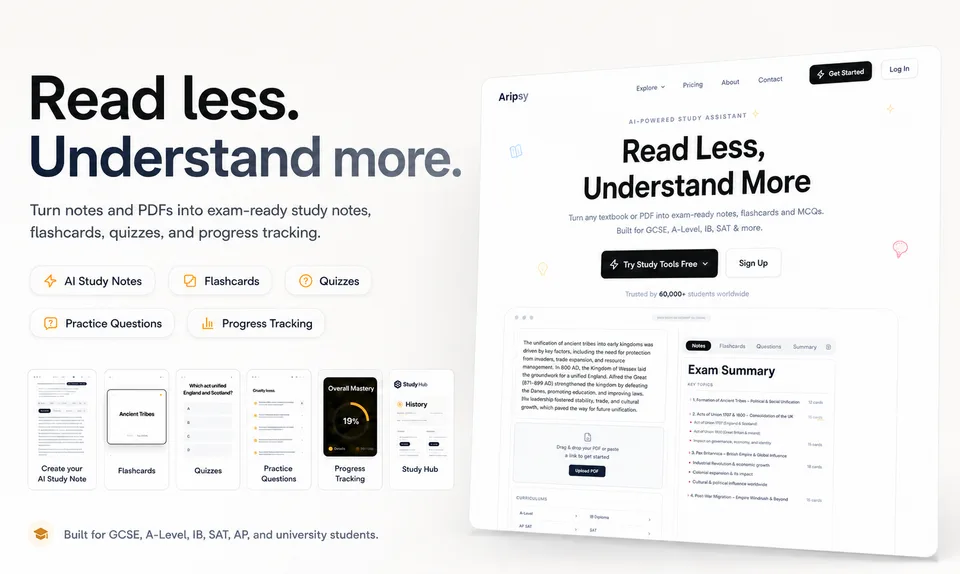
The useful part for quiz practice is the workflow: start from checked source material, generate notes first, then use supported practice modes to test recall.
The source-based workflow is the main point. A topic prompt can produce a broad quiz, but a quiz based on your own material can stay closer to the terms, examples, formulas, and methods your course expects. For GCSE, A-Level, IB, AP, SAT, university, medicine, law, and professional study, that difference can matter.
Use Aripsy like this:
- Paste a focused topic or upload a supported PDF, PowerPoint (.pptx), or Word (.docx) file on Pro.
- Generate notes first so the ideas are clear.
- Create MCQs without looking back at the source.
- Check each answer against the original material.
- Turn wrong answers into flashcards or follow-up questions.
Generated questions can still be unclear or may test a minor detail instead of the main idea. Check formulas, dates, definitions, and any question where two answer choices feel close.
Related Aripsy paths: try the AI MCQ generator from text, use the AI quiz generator from notes, or read the quiz and MCQ quality guide.
If your source is ready, open the Aripsy study tool and start with one checked topic. Pro users can then generate MCQs from the same material.
Key takeaway: choose Aripsy when your priority is turning your own study material into focused exam practice.
2. Formester
Formester is a form and quiz builder with AI quiz generation from a topic prompt, text, or PDF. It suits teachers, trainers, recruiters, and small teams that need a quiz they can publish and score.
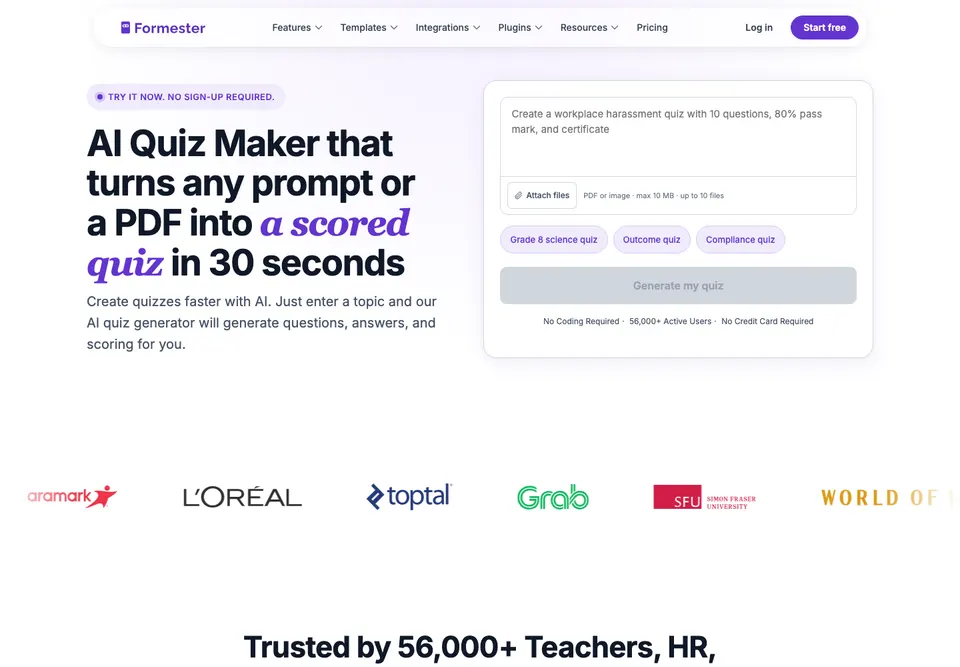
The useful part for quiz makers is the publish-and-score workflow, not just the form-builder homepage.
Formester’s AI quiz maker documentation says it can generate questions, answers, and scoring from prompts or PDFs, then let you review and edit the draft before publishing. It also supports share links, QR codes, embeds, timers, answer validation, result tracking, and integrations.
That makes Formester useful when the quiz is not just personal revision. A trainer could use a pass mark for an onboarding check. A teacher could use answer validation to give instant feedback. A small team could send quiz results into another system.
The caveat is focus. Formester is built for publishing and managing quizzes, so it may feel broader than a student-only study tool. If you only want to turn a chapter into practice questions for yourself, the extra form controls may be more setup than you need.
Pro tip: give the AI one chapter, policy, or lesson section at a time. Smaller source chunks are easier to verify.
3. Quizizz
Quizizz is a multiple choice quiz maker for interactive practice and class activities. It fits teachers who want students to answer questions while the teacher reviews performance at the question level.
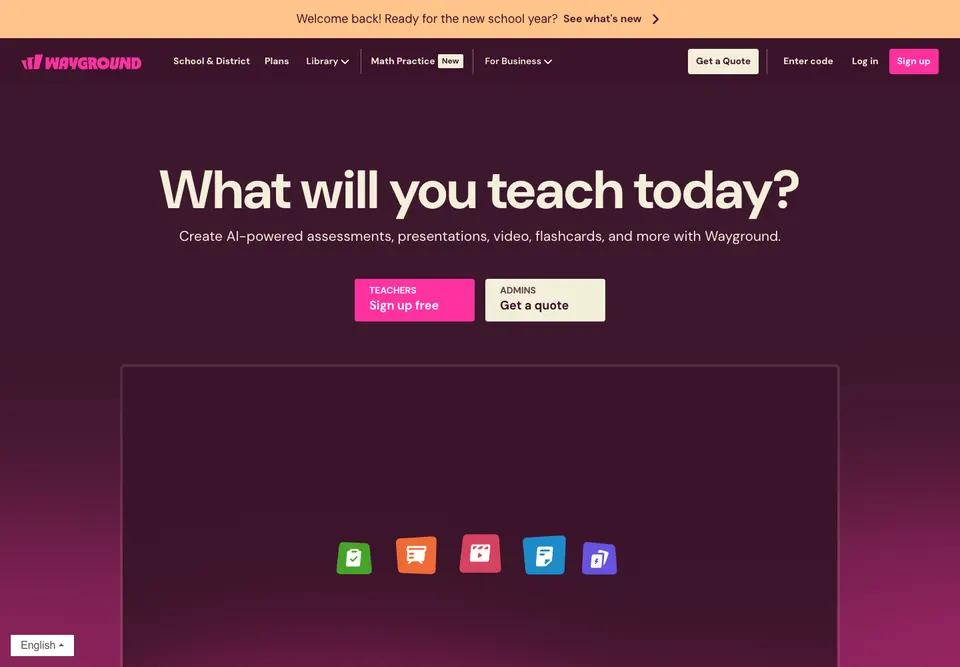
The useful part for teachers is the interactive assessment and reporting workflow after students answer.
Quizizz help documentation says reports are generated for live activities and homework, with details such as participant accuracy, completion rate, points, scores, and question-level performance. That view helps a teacher see which item caused trouble instead of relying only on the class average.
Quizizz is useful for a quick knowledge check after a lesson. Ask about one concept, let students respond, then review the response pattern. If many students miss the same item, the issue may be the lesson, the wording, or a common misconception.
It can also support repeated practice. A student may take a quiz alone and use missed items as a revision list. That works better when the learner explains why the right choice is correct instead of tapping through until the score rises.
The limitation is that interactive delivery and reporting are different from source-based study. Quizizz can help run and review quizzes, but students may still need to write or import the right questions before practice begins.
4. Kahoot!
Kahoot! is a live quiz format built around timed prompts and participant responses. It fits classrooms, workshops, and review sessions where the group should answer together.
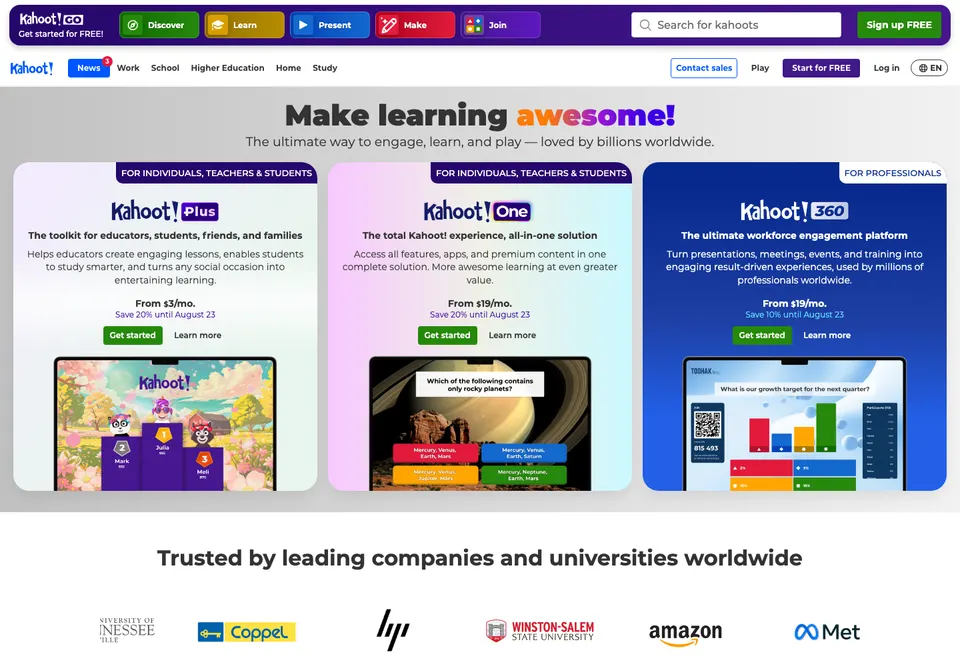
The useful part for review sessions is live participation: students answer together and the teacher can use the response pattern for discussion.
Kahoot! support documentation describes reports that show performance after a live kahoot or assignment, including question analysis and how many participants chose each answer. That lets a teacher or presenter see whether the group understood an item or split across distractors.
Timing changes the feel of the quiz. Students must make a decision while the question is on screen, which can bring energy to a revision session. It can also expose a speed problem: a learner may know the idea but need more time to read a long question or work through a calculation.
That makes question design especially important. Keep each prompt clear. Avoid packing several facts into one item. If a calculation needs working, give enough time or use the live quiz as a discussion prompt rather than a final assessment.
The trade-off is that timed play is not the same as quiet exam practice. A student revising alone may want control over pace, detailed explanations, and a link between each question and the original notes. Kahoot! is a better fit when group participation is central.
5. Google Forms
Google Forms is a simple multiple choice quiz maker that works well when you already use Google Workspace.
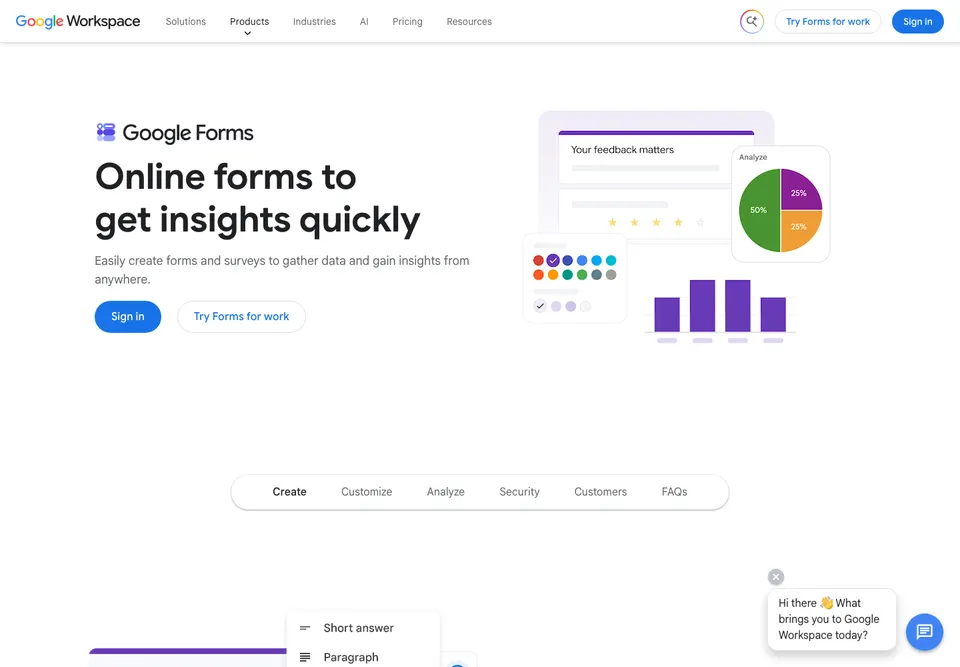
The useful part for simple quizzes is the familiar form workflow with answer keys, points, and response summaries.
In quiz mode, the author can set an answer key, choose correct answers, assign points, and add answer feedback. Google’s help documentation also describes response summaries, frequently missed questions, score ranges, and question-by-question marking.
The main strength is low setup friction. A teacher can create a ten-question exit ticket quickly. A tutor can share a self-marking check after a lesson. A study group can collect responses without paying for a specialist quiz platform.
The main limitation is depth. Google Forms is not primarily a source-based AI study workflow, and its built-in summaries are more basic than dedicated quiz-reporting platforms. It works best when you already have the questions and want a reliable place to collect answers.
6. Microsoft Forms
Microsoft Forms supports multiple choice tests with correct-answer settings, points per question, and automatic result display. It fits schools, tutors, and teams already working inside Microsoft 365.
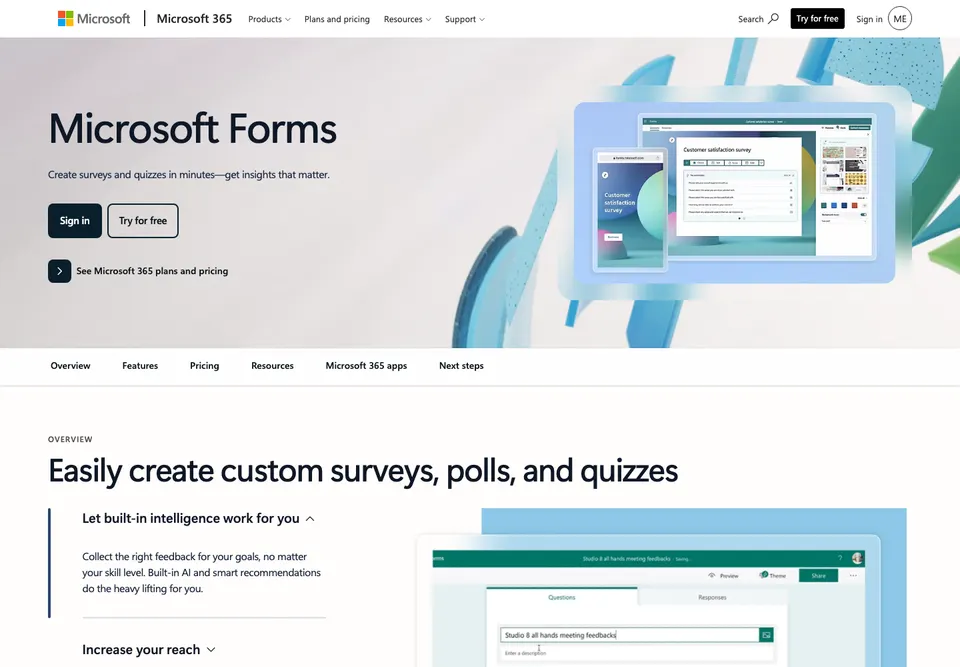
The useful part for Microsoft 365 users is quiz creation inside an account environment that already handles sharing and results.
Microsoft’s quiz documentation explains how to add choice questions, designate correct answers, assign point values, and show results automatically. It also says Copilot can create draft quizzes with a title, questions, and answers for eligible Microsoft 365 users with a Copilot license. That makes Microsoft Forms useful for a short assessment where the author wants the system to help draft or calculate marks instead of checking every response by hand.
A teacher can assign different point values when some items test recall and others test application. A training team can use the same setup to see who completed a knowledge check and who needs another review.
Point-based grading is only as good as the answer key. Check every correct option before publishing. Watch for questions where a learner could reasonably choose two answers, especially when wording includes words such as “usually,” “always,” or “best.”
The main caveat is source-based generation. Microsoft Forms can draft quizzes with Copilot for eligible users, and it supports manual choice questions, correct answers, points, and feedback. The official quiz docs still do not position PDF-to-MCQ generation as the standard Forms workflow. If your starting point is a textbook chapter or lecture file, check whether your Microsoft account and Copilot setup support the input workflow you need.
How to choose the right tool
Start with the input you already have.
| If you have… | Best starting point |
|---|---|
| A textbook section, lecture note, pasted study text, or supported Pro document upload | Aripsy |
| A training document that needs a published scored quiz | Formester |
| A class that needs live or assigned interactive practice | Quizizz |
| A group review session where energy and participation matter | Kahoot! |
| A simple answer key and a Google Workspace routine | Google Forms |
| A simple answer key and a Microsoft 365 routine | Microsoft Forms |
Then ask what should happen after the score. If the result should become a revision plan, choose a study-focused workflow. If the result should become a class report, choose a classroom quiz platform. If the result only needs to record marks, a form tool may be enough.
FAQ
What is the best multiple choice quiz maker for students?
Aripsy is a strong fit for students who want to turn their own study material into MCQ practice on a supported plan. It works with textbooks, notes, research papers, pasted text, and Pro uploads for PDF, PowerPoint (.pptx), and Word (.docx) files. You should still check generated questions against the source, then review missed answers as part of active recall.
What is the best multiple choice quiz maker for teachers?
For teachers, the best tool depends on delivery. Quizizz is strong for interactive class practice with reports, Kahoot! is strong for live timed review, Google Forms and Microsoft Forms are good for simple self-marking checks, and Formester is useful when you need a published scored quiz with broader sharing and tracking.
Which tool is best for PDF-to-MCQ practice?
For student revision, Aripsy is the better fit when you want supported Pro document uploads to connect with notes, flashcards, MCQs, and practice questions in one study workflow. For publishable quizzes, Formester documents PDF-based AI quiz generation. Review every generated question before treating it as reliable revision content.
What is a free multiple choice quiz maker?
A free multiple choice quiz maker lets you build or take quizzes without paying at the start. Free plans may limit quiz volume, responses, exports, branding, or AI use. For students, the useful test is whether the free access supports your actual revision routine, not whether a free button exists.
Which quiz maker is best for live classroom review?
Kahoot! is a strong fit when live participation and timed prompts matter. Quizizz is a strong fit when you want interactive practice plus question-level reporting after the activity. Use quieter study tools when students need self-paced exam practice from their own notes.
Which quiz maker gives automatic grading?
Google Forms and Microsoft Forms both support automatic grading for configured quiz questions. Formester also supports scored quizzes and result tracking. Automatic marks save time, but they cannot fix an unclear question or an incorrect answer key.
How should I use a quiz maker for exam revision?
Use a quiz maker after you have checked the study material. Generate or write a focused set of questions, answer without notes, and record why each missed answer happened. Then revise that weak point and test it again later. This turns a score into a study plan instead of a one-time result.
Conclusion
Choose Aripsy if your main task is turning notes, textbooks, pasted study text, or supported Pro document uploads into exam-ready MCQ practice on a supported plan. Start with one focused topic, review every generated answer, and use your mistakes to guide the next revision session.
For a worked subject-specific example, use the AP Chemistry multiple-choice practice set, which includes 20 original questions, answer explanations, and an error-diagnosis workflow.
Start in the Aripsy study tool by turning one study section into notes. Pro users can then generate MCQs from the same material.
Sources and further reading
Continue studying

Written by
Aripsy Study Team
The Aripsy Study Team creates practical revision guides designed to support learning, source checking, and active practice.